Every pen, every spec, read in order.
Scroll like the pen scans — line by line. Pin the models you're deciding between, filter by what matters, or answer three questions and let us point at one.
What Is a Pen Scanner?
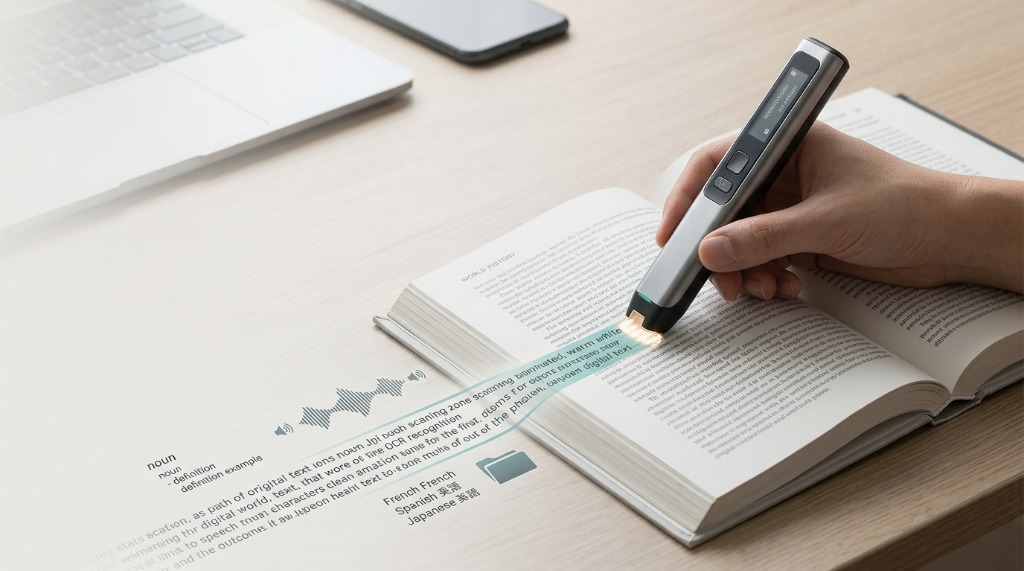
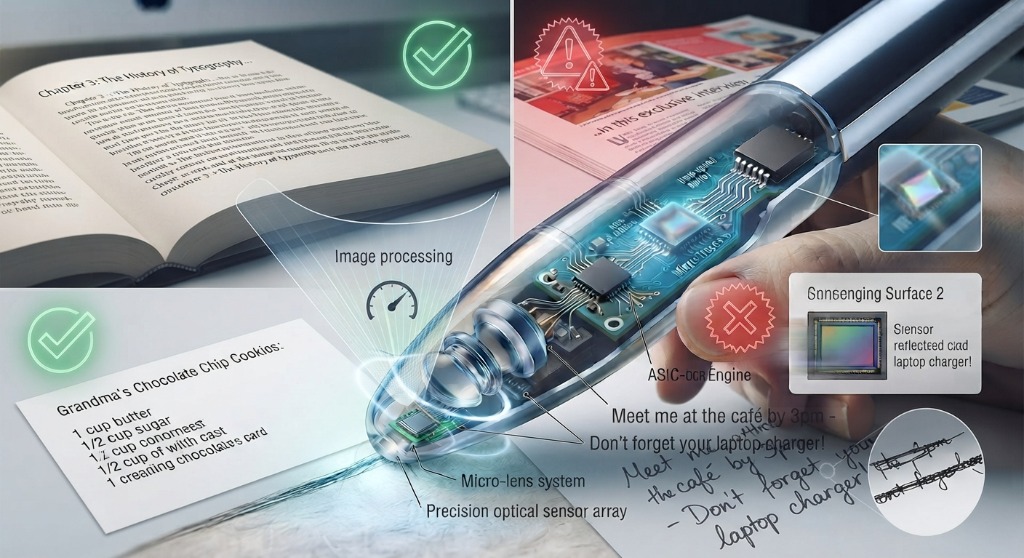
A pen scanner is a handheld assistive device that uses optical character recognition (OCR) to scan printed text line-by-line. It instantly converts physical words into natural spoken audio (text-to-speech), on-screen text, or digital notes transferred directly to computers, tablets, and smartphones.
What you're seeing
- The pen's tip glides under one printed line at a time.
- OCR recognizes the characters as the line passes.
- Recognized text is spoken aloud, typed into an app, or translated — depending on the model.
10 models, side by side
Standalone pens read aloud on their own. Connected pens pair to a phone or computer. Every price and spec below is drawn from the network's single product source of truth.
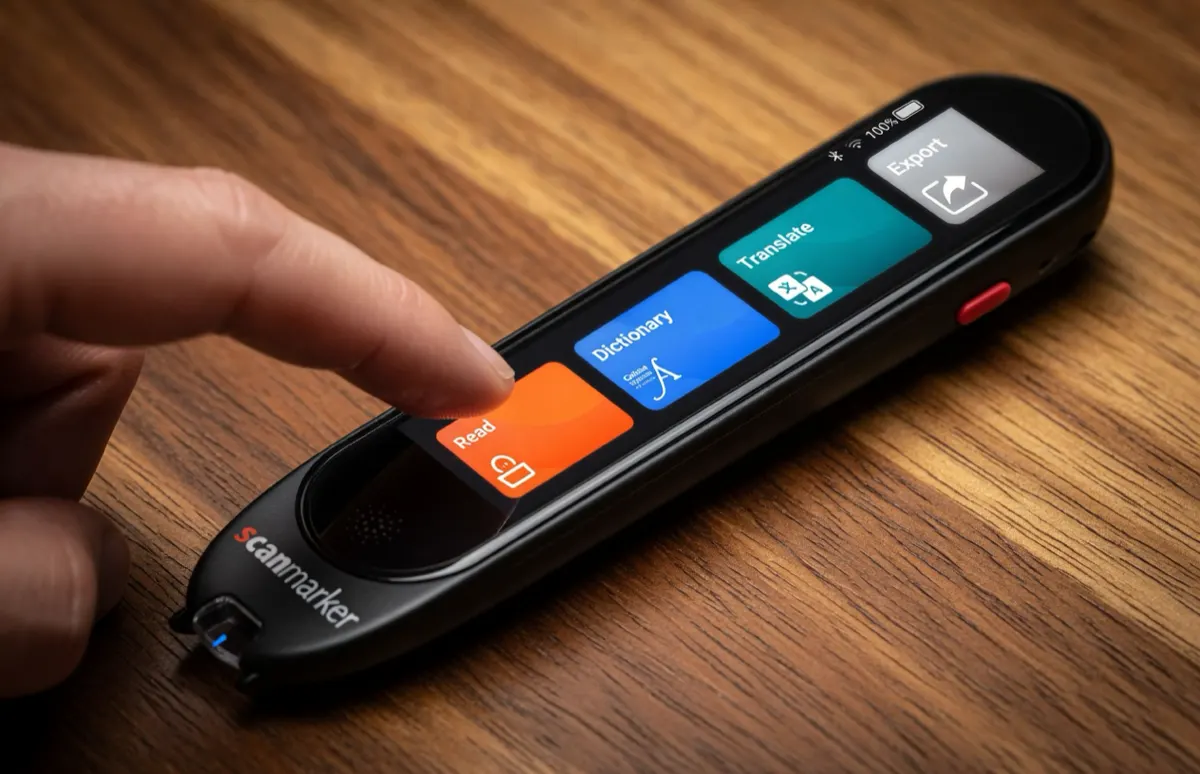
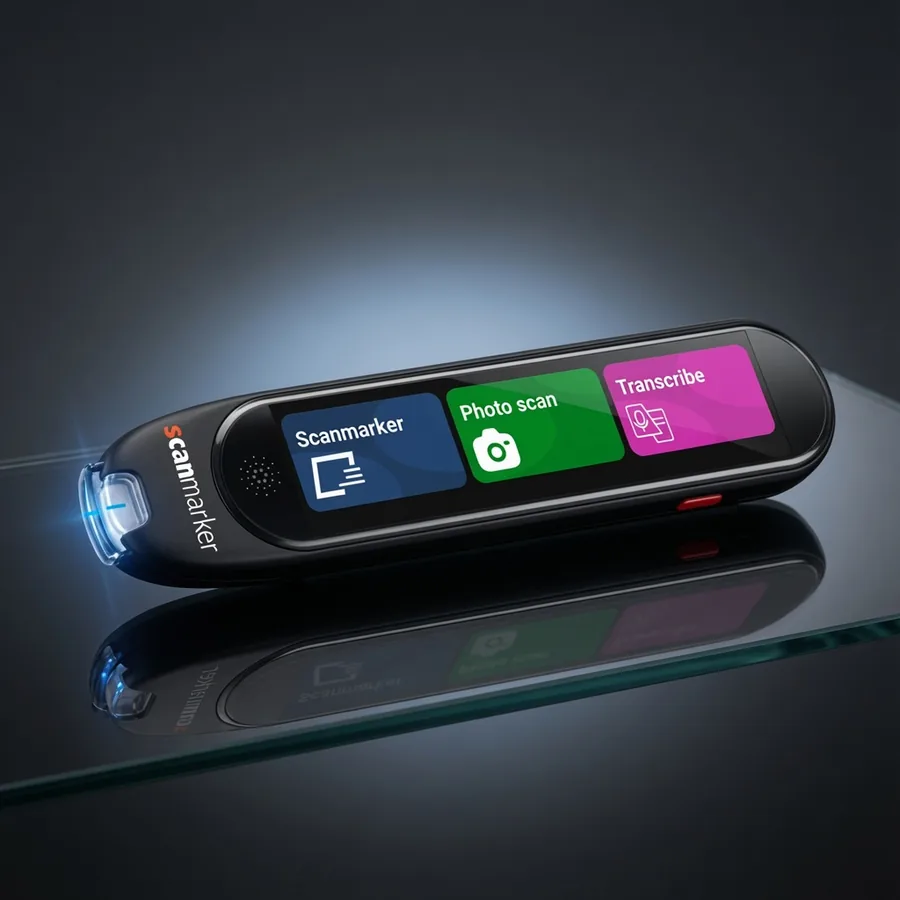
The standalone powerhouse
$299USD
Full independence — exam-approved, phonics-ready
Shop Max →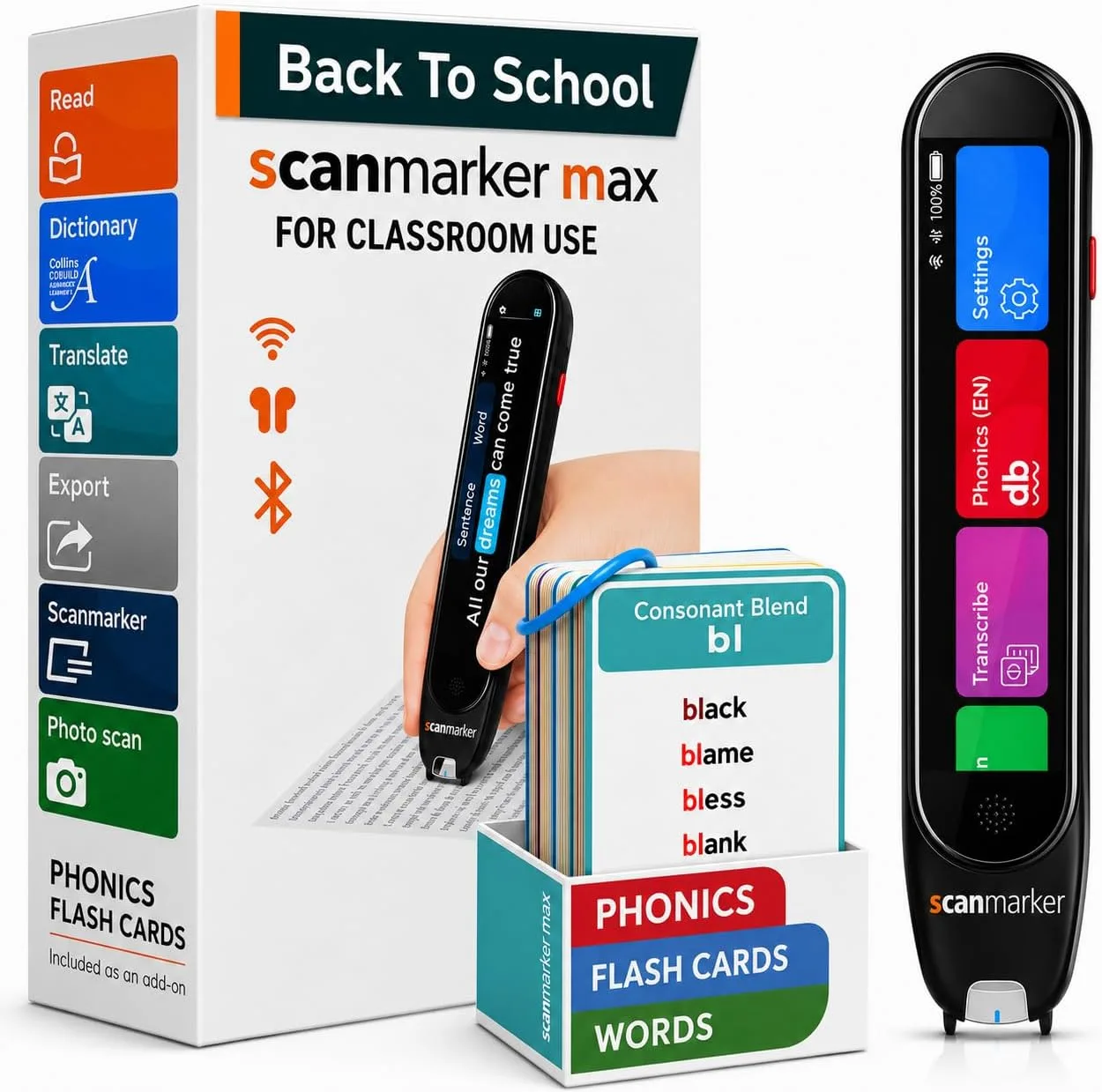
Max + 200 phonics cards
$319USD
A complete, ready-to-use reading kit
Shop Max Bundle →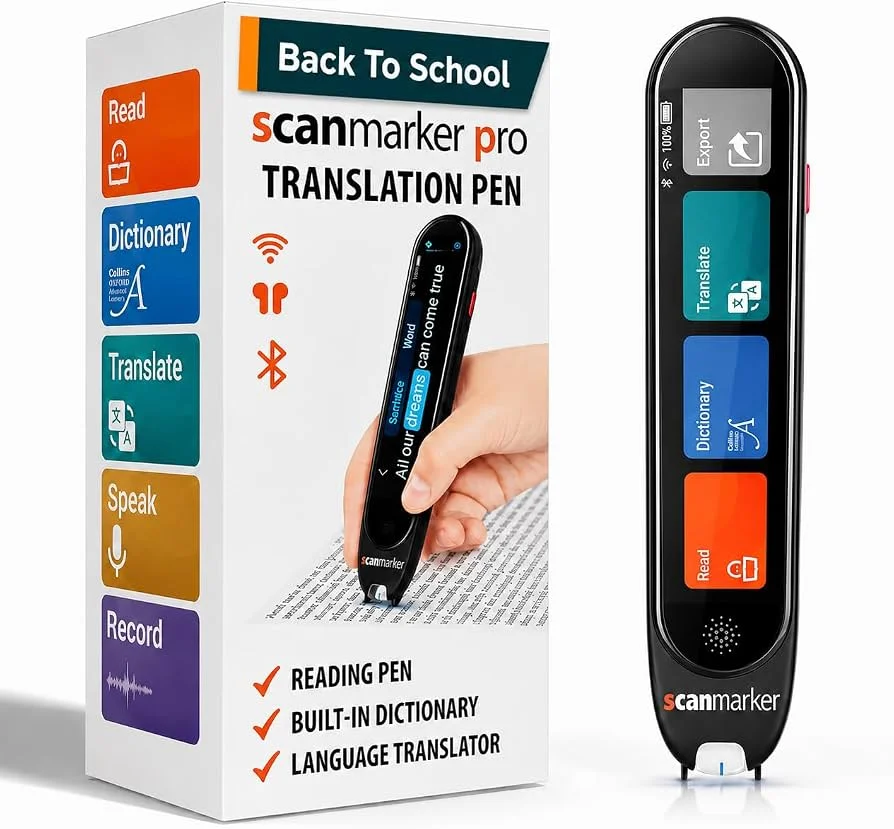
The connected reader
$249USD
Read-aloud and translation on a device you already carry
Shop Pro →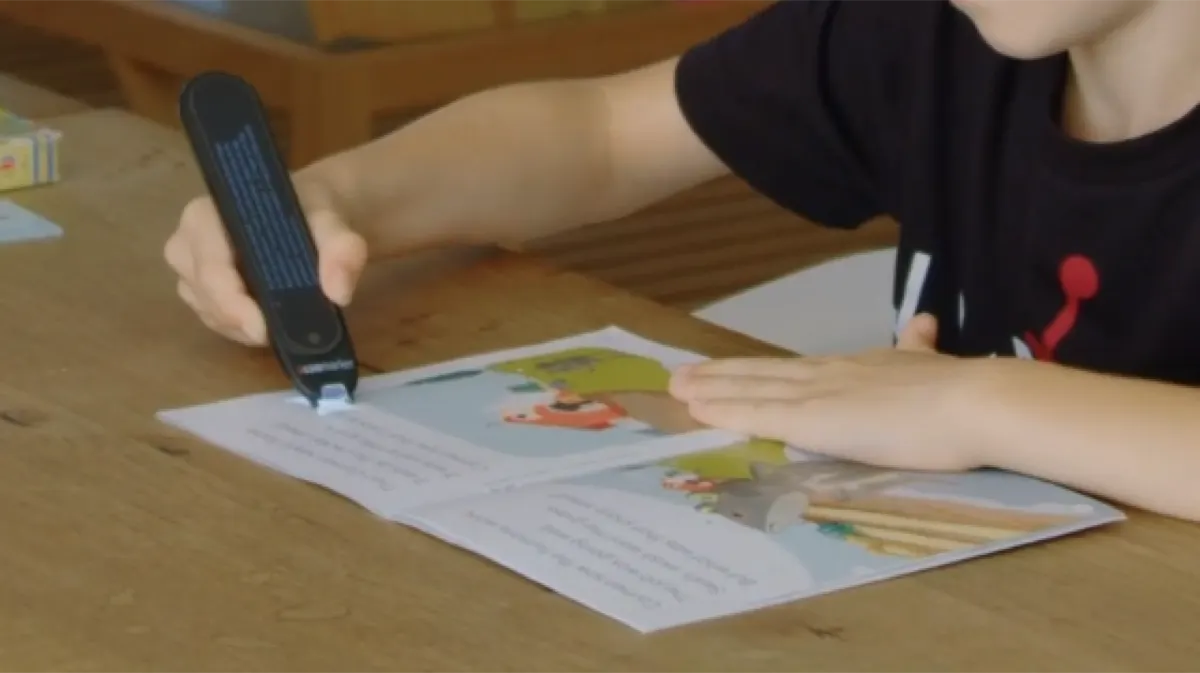
Simple, immediate read-aloud
$179USD
Simple, immediate read-aloud with nothing to configure
Shop PAL →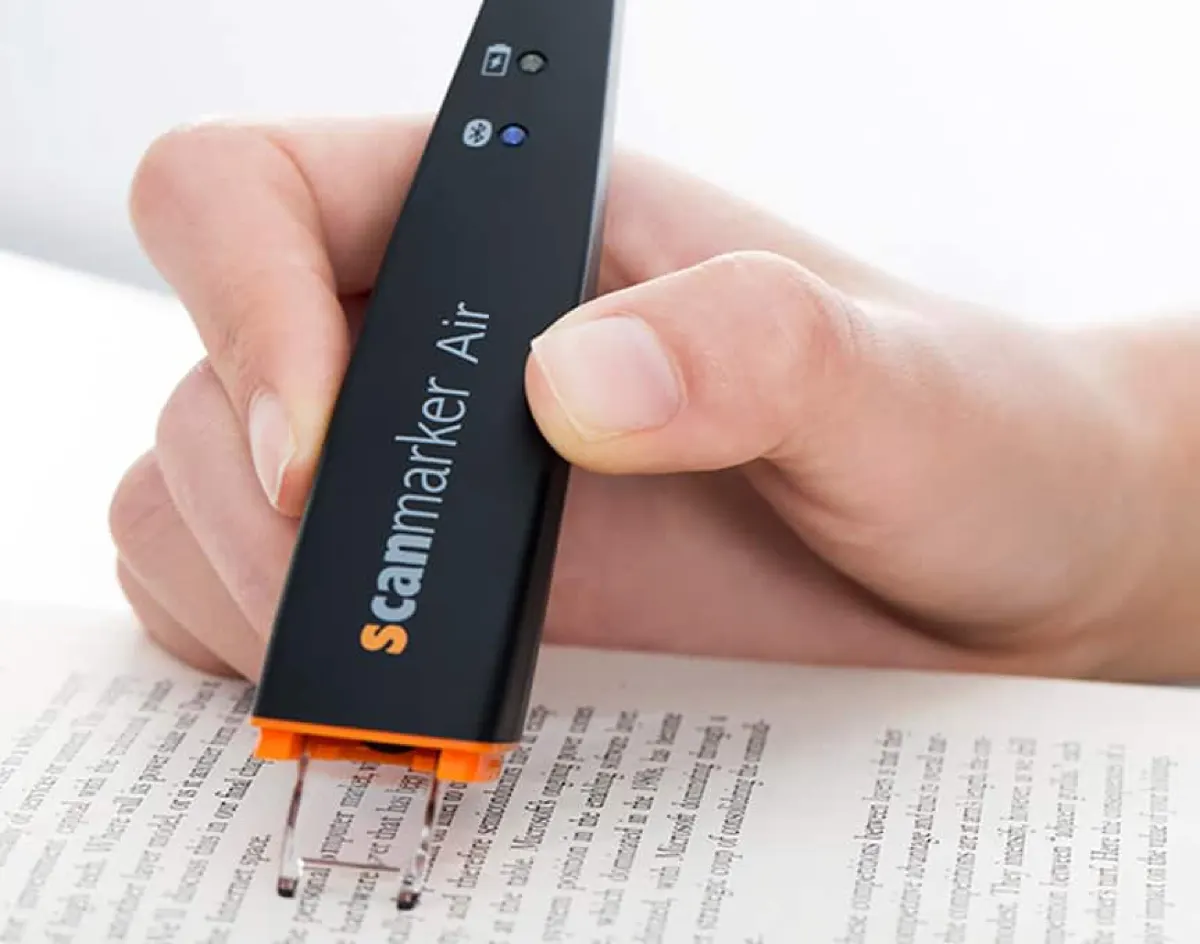
Wireless, scans into any app
$169USD
Wireless scanning straight into the app you write in
Shop Air →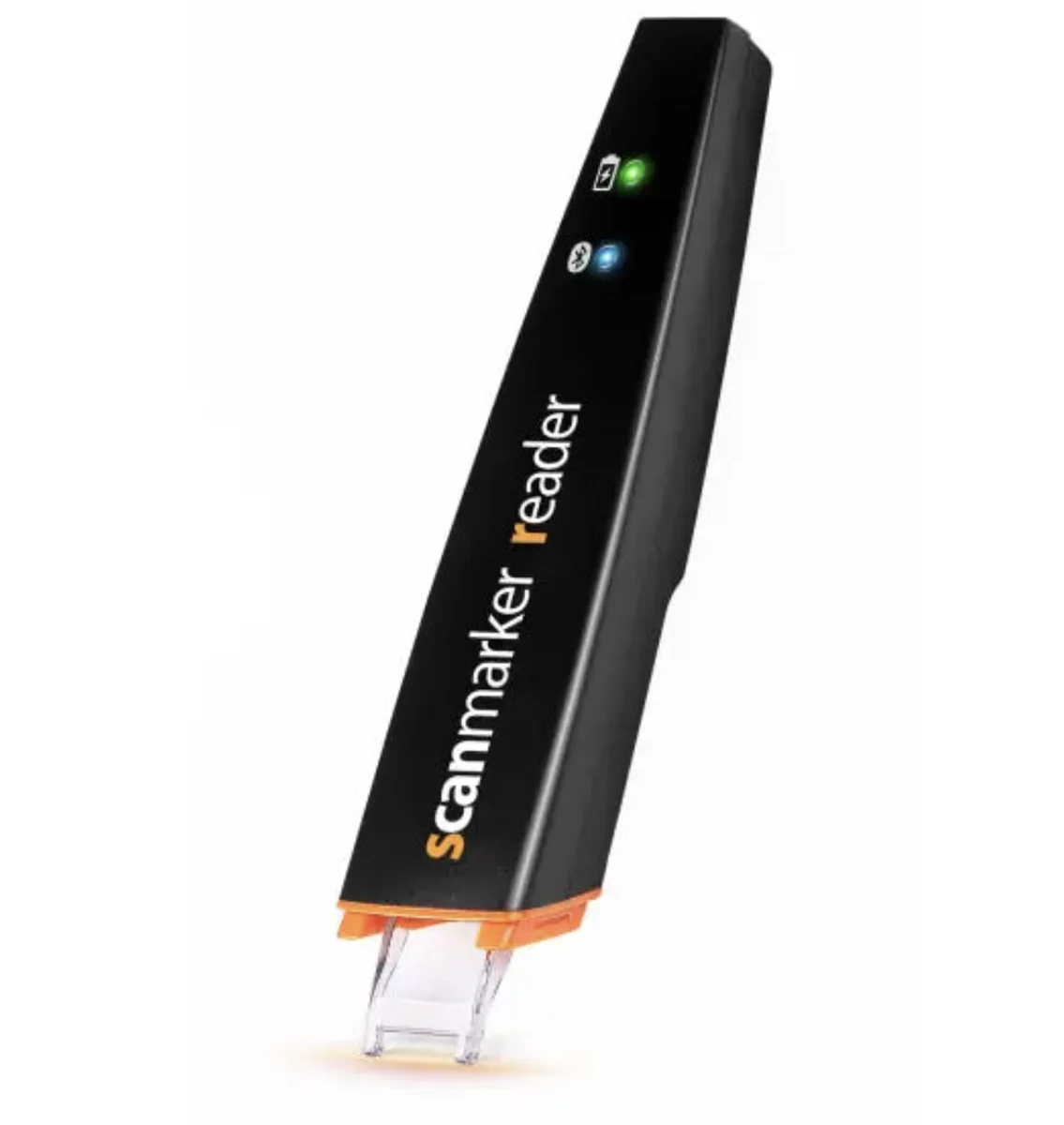
Budget read-aloud, connected
$149USD
Reliable read-aloud on a budget, via your device
Shop Reader →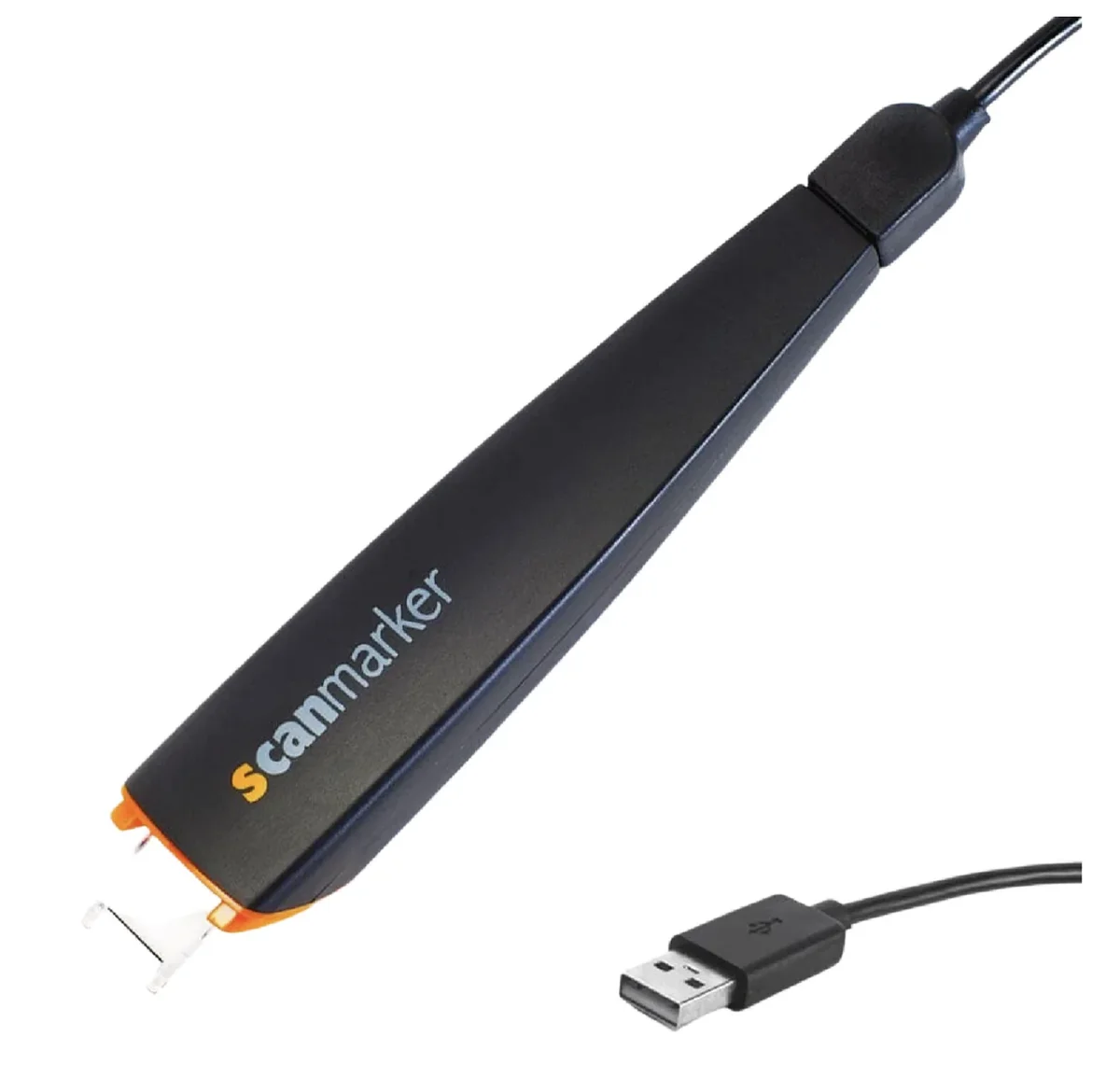
Plug-in pen for shared computers
$79USD
Shared and lab computers — zero setup
Shop USB →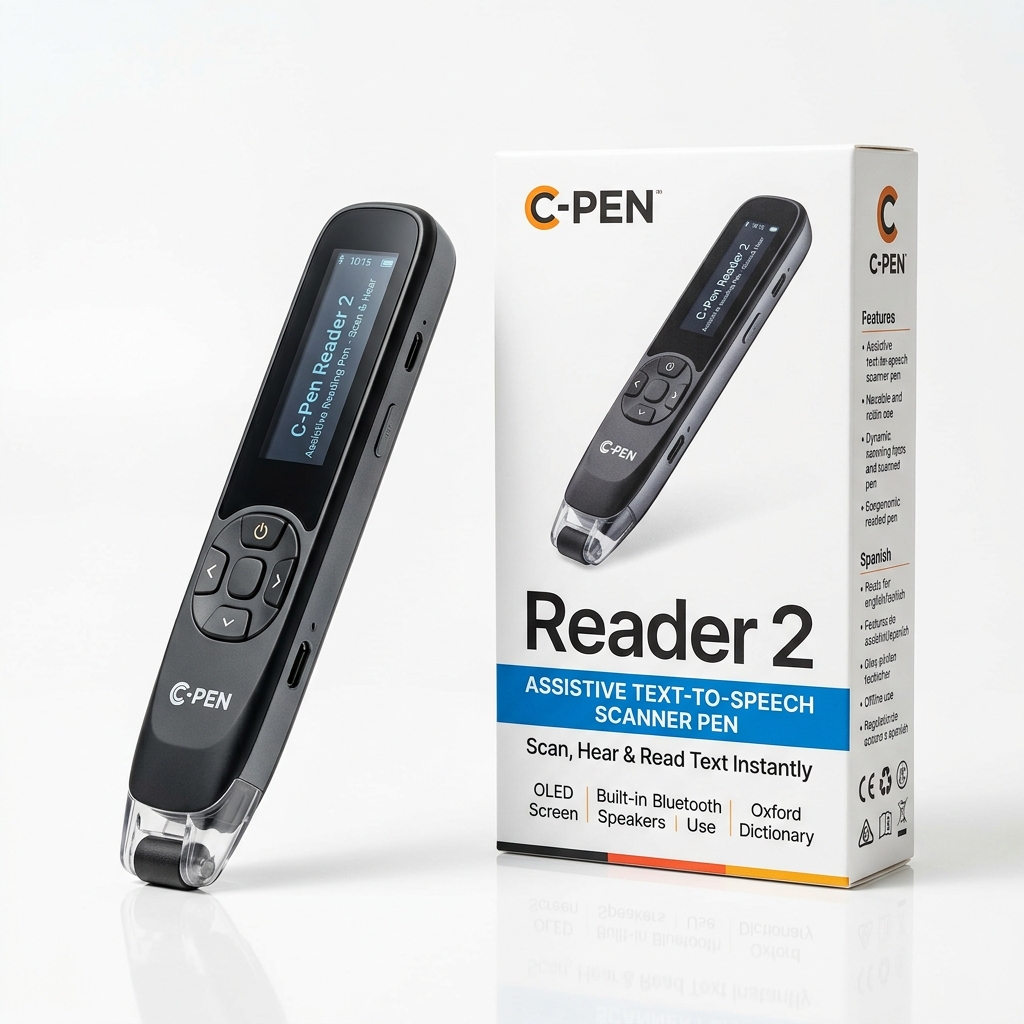
The classic SEN reading benchmark
$399USD
Classroom reading support, SEN accommodations, and dictionary lookup
Shop C-Pen Reader 2 →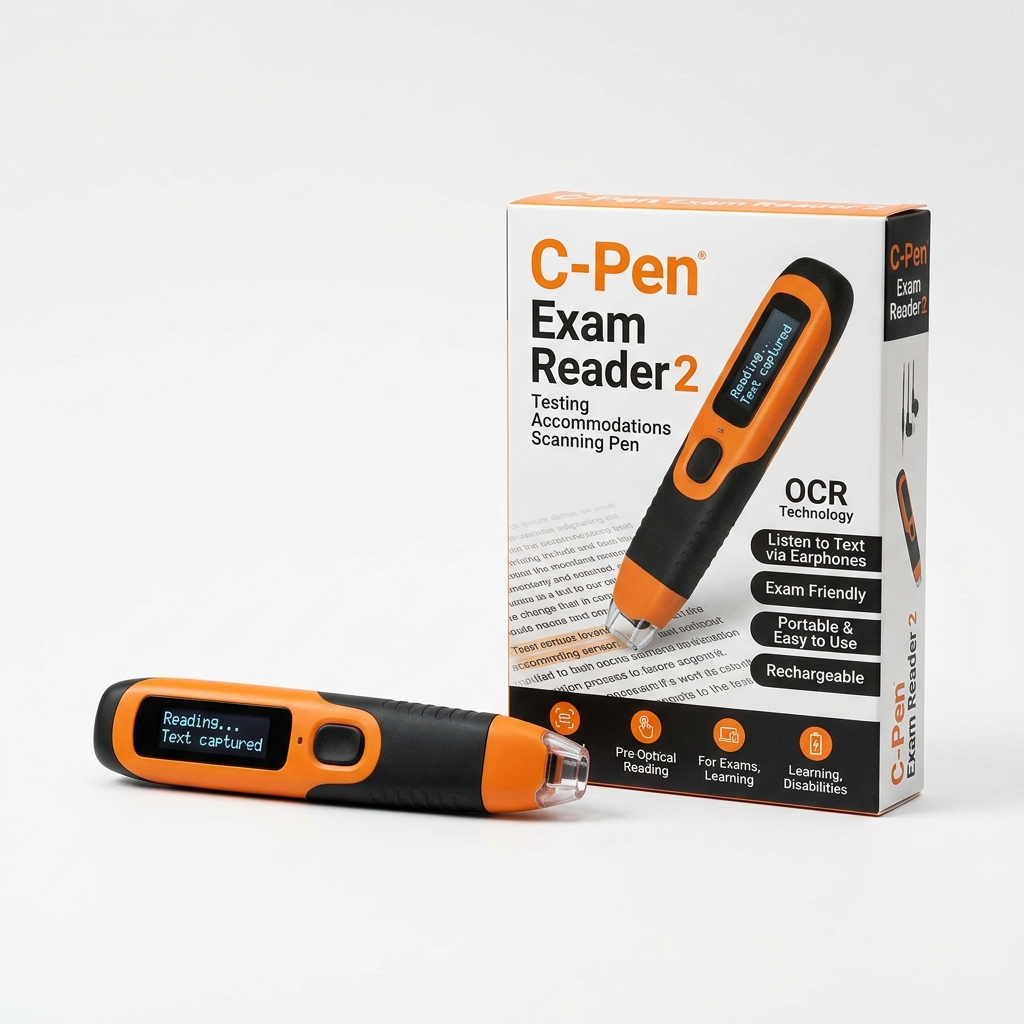
Locked exam-board certified reading pen
$399USD
Official test accommodations — UK JCQ, SEC & state testing approved
Shop C-Pen Exam Reader 2 →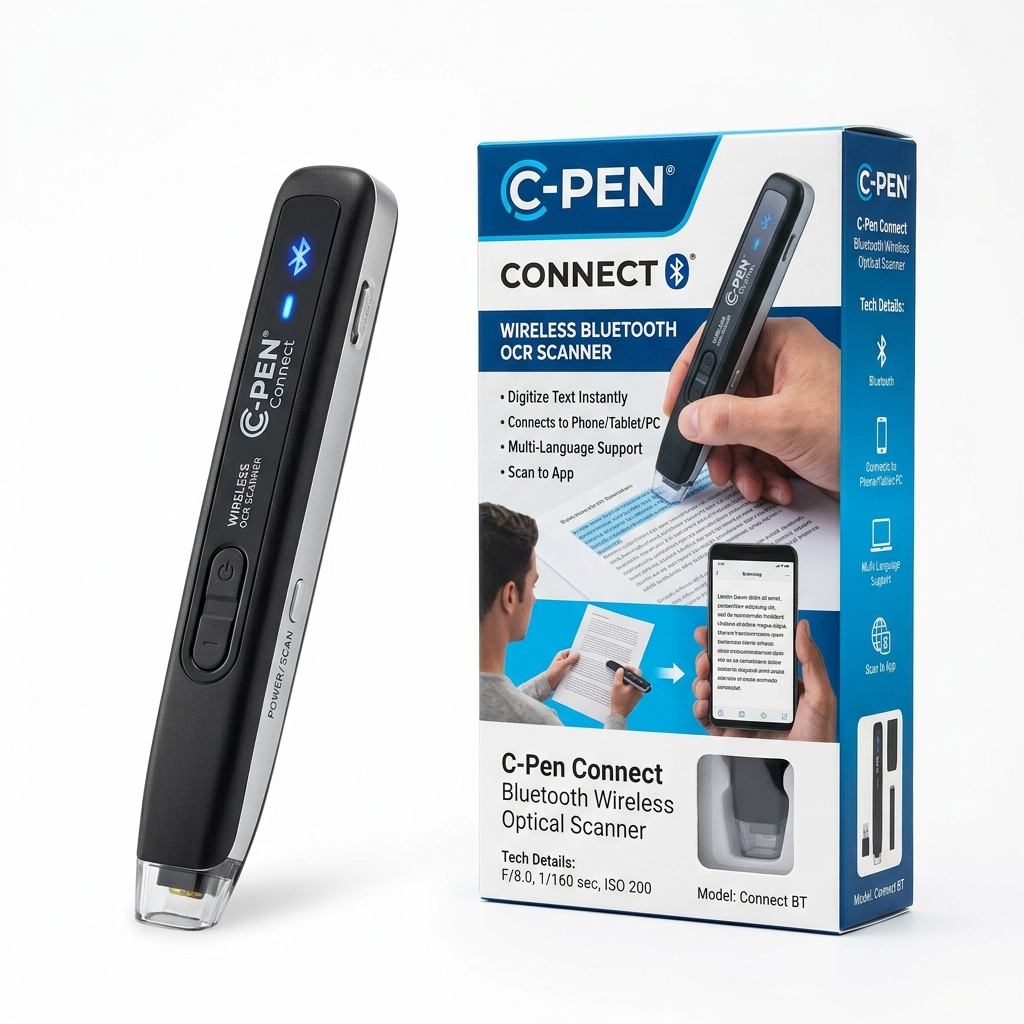
Wireless Bluetooth text scanner wand
$149USD
Scanning physical text into mobile, tablet, or desktop apps
Shop C-Pen Connect →See every spec in the full data table →
Full comparison
↔ scroll · click + to pin up to 3Locked exam-board certified reading pen
$399USD
Shop C-Pen Exam Reader 2 →5 Tools That Complete Your Assistive Reading Kit
Reading pens are precision instruments for printed text line by line. For whole-book scanning, visual line tracking, screen text-to-speech, and lecture audio notes, these five vetted tools complete the learning environment for dyslexic readers, SEN students, and schools:
Kids' Headphones & Earbuds
Exam-lock and classroom text-to-speech require earphones. Volume-limited drivers protect young hearing during extended study sessions.
Coloured Overlays & Reading Rulers
The first dyslexia accommodation most parents try (under $15). Tinted highlight strips isolate lines, reduce page glare, and stop visual stress.
Phonics Readers, Stands & TTS
Early phonics practice and ergonomic desk reading. For web & digital screens, pair with Speechify or NaturalReader apps.
Smartpens for Note-Taking
Pairs reading support with lecture recording. Synchronizes real handwriting on paper with high-clarity spoken audio.
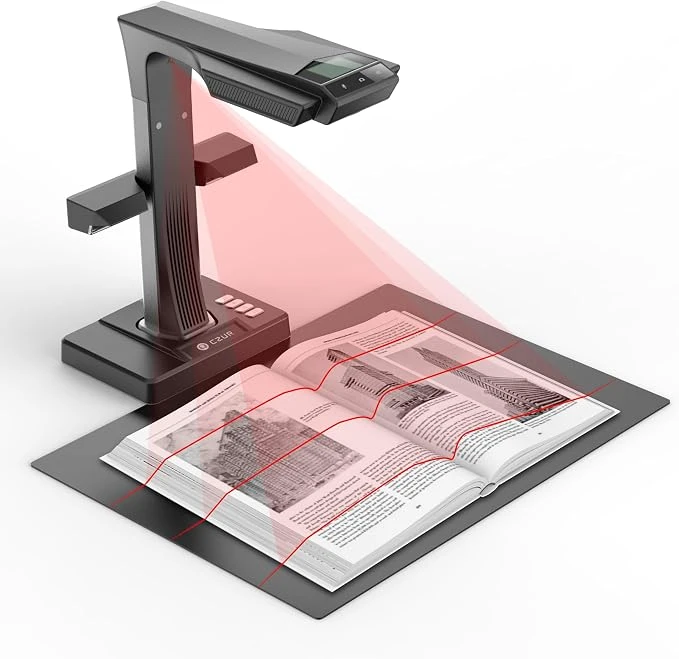
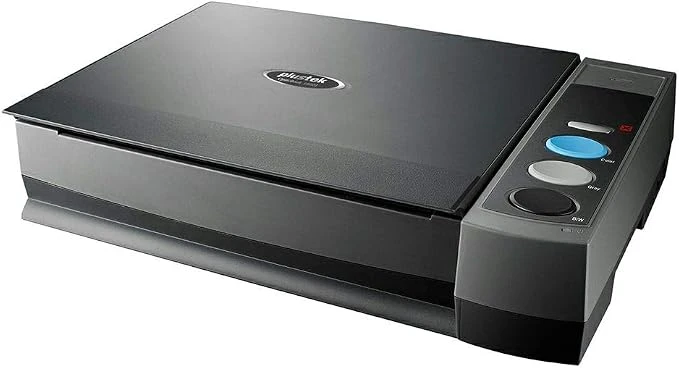
Document Cameras, Overhead Book Scanners & Magnifiers
For users who need to digitize full bound textbooks without splitting spines, project worksheets to an entire classroom, or enlarge small print with high-contrast video magnification:
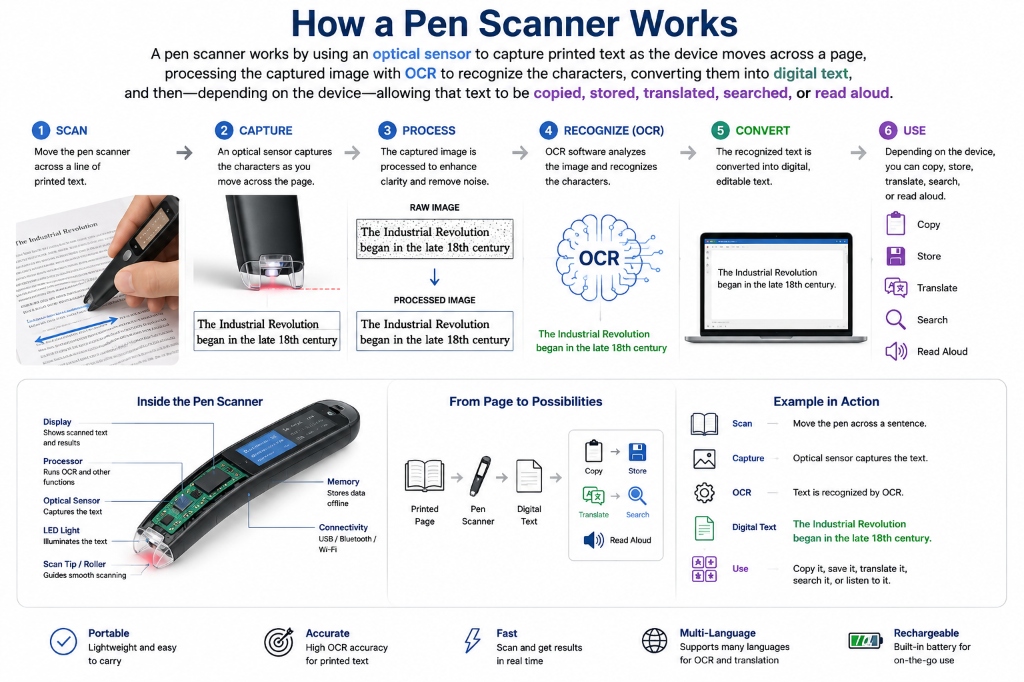
How a Pen Scanner Works: 6-Step Workflow
- 1. Printed Source: Place the optical scanner tip at the start of any printed line in a book, paper, exam, or document.
- 2. Contact Scan: Glide the pen tip across the line; contact sensors activate high-speed optical capture.
- 3. Instant OCR: Embedded neural OCR processes character shapes at up to 3,000 characters per minute.
- 4. Text-to-Speech & Translation: On-device speakers or earphones read text aloud in natural voices, or translate across 112+ languages.
- 5. Device Sync: Standalone models store notes internally; connected pens sync text wirelessly via Bluetooth or USB to your computer or phone.
- 6. Export & Productivity: Export scanned quotes and summaries directly into Microsoft Word, Google Docs, or assistive study apps.
Key Features →
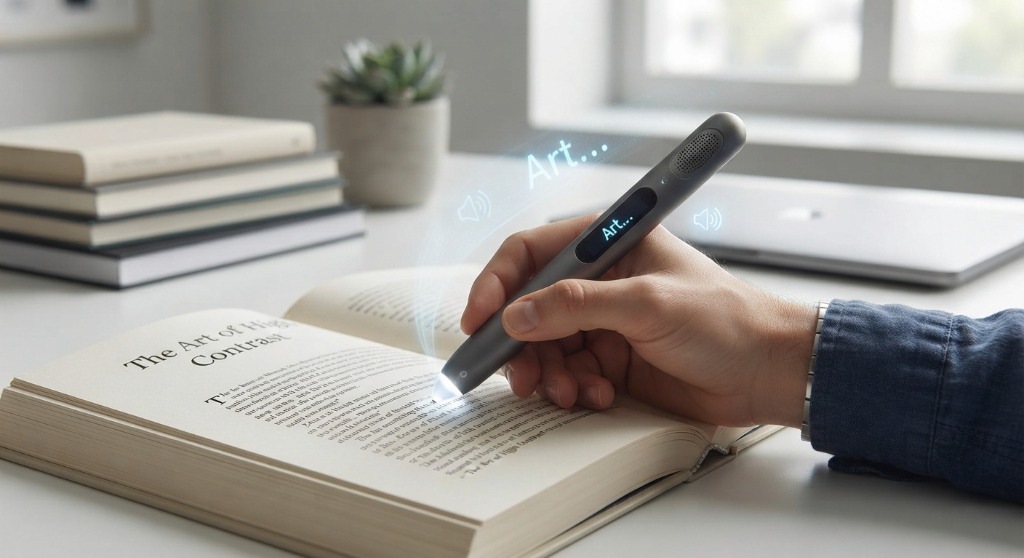
- Text-to-Speech — reads scanned words aloud to help with reading comprehension and learning languages.
- OCR Text Capture — transfers physical text straight into computers or phones as editable text.
- Instant Translation — translates printed words and phrases across dozens of languages.
- Built-in Dictionaries — looks up definitions and pronunciations on the fly.
Popular Uses & Users →
- Students & Researchers — quickly digitize quotes, notes, and study material.
- Language Learners — translate unfamiliar foreign text instantly.
- Accessibility Support — assists individuals with dyslexia or other reading difficulties.
The Scanmarker Lineup →
- Scanmarker Max — standalone, touchscreen, offline text-to-speech and exam-lock mode.
- Scanmarker Air — connects to computers and mobile apps for fast text capture and translation.
- Scanmarker PAL — simple standalone read-aloud built for early and struggling readers.
The Complete Guide to Pen Scanners →
A pen scanner is a compact handheld device that captures printed text and converts it into digital information. This guide covers how the scan-to-speech pipeline works, pen scanner vs. traditional scanner vs. smartphone OCR, translation and text-to-speech, handwriting recognition, real-world accuracy, and what to check before buying — OCR languages, connectivity, display, battery, and more.