Best Overall: Scanmarker Max
Best for users who want a broad combination of scanning, reading, and language features. Max is a standalone model with a touchscreen, offline text-to-speech in 30 languages, and an exam-lock mode.
Strengths: broad feature set, standalone operation with no phone or computer required, multilingual offline read-aloud, portable form factor. Considerations: more features can mean a higher price than a simpler standalone model, and users who only need basic OCR may not need the full feature set.
Read the full <a href="/guides/scanmarker-max/">Scanmarker Max Review</a> for the complete breakdown.
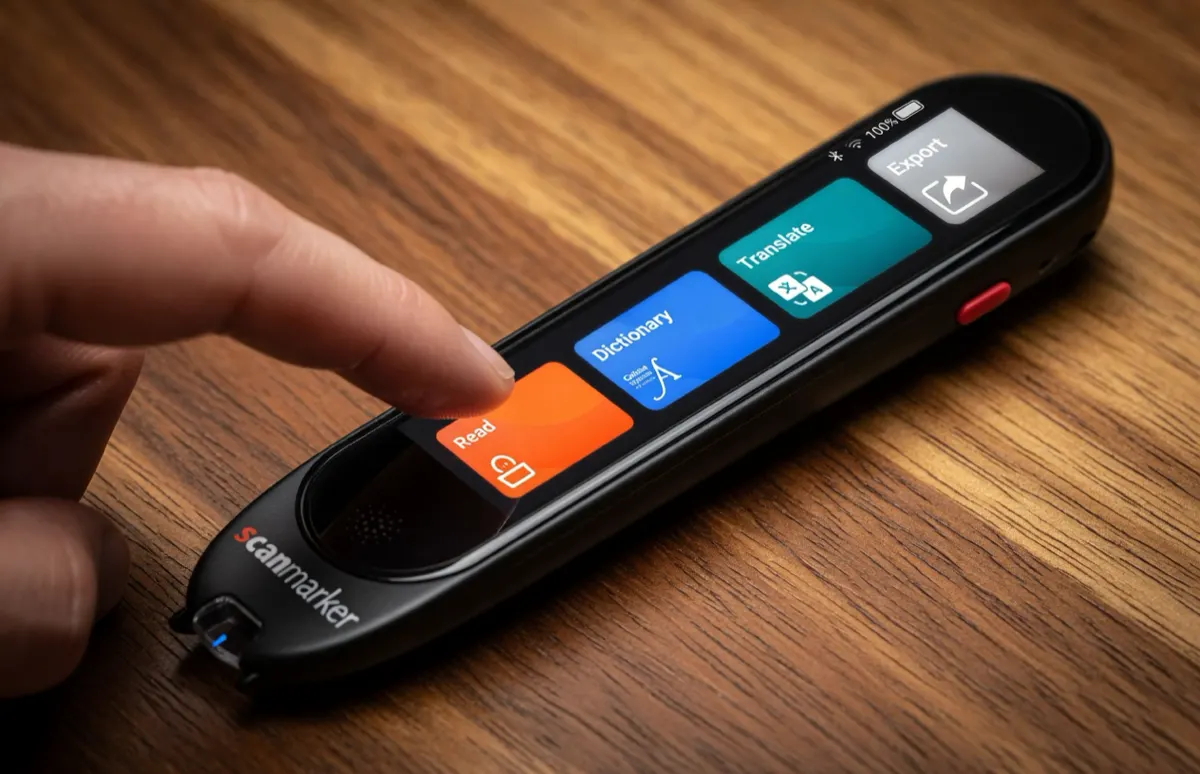
Best for Students: Scanmarker PAL
Best for students who regularly work with printed books, worksheets, and study material and want the simplest possible standalone device. PAL is durable and straightforward, built for early and struggling readers.
Strengths: simple standalone workflow, no pairing or setup, durable, lower price than the full-featured models. Considerations: English only, and students who need translation or a touchscreen should look at Max instead.
Read the full <a href="/guides/scanmarker-pal/">Scanmarker PAL Review</a> for the complete breakdown.
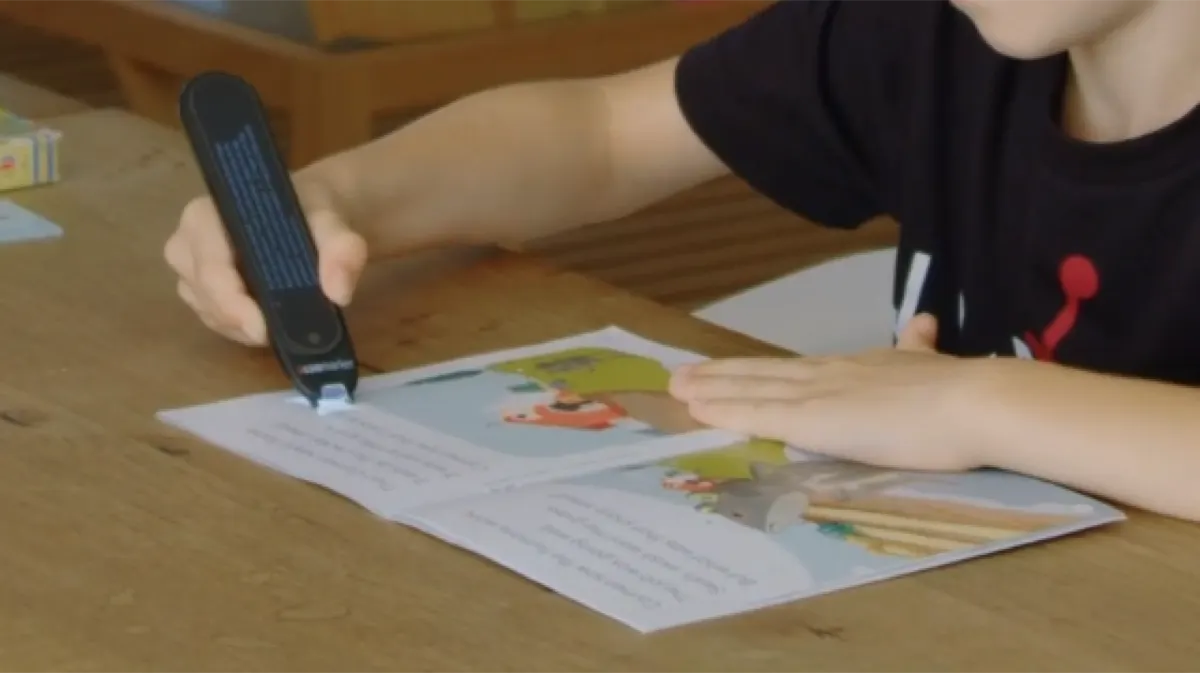
Best OCR / Computer Workflows: Scanmarker Pro
Best for users who primarily want to transfer printed information into a connected computer workflow rather than read it aloud independently. Pro is a connected model with strong OCR and 112-language support.
Strengths: strong OCR performance, broad language support, works with an existing device rather than adding a second screen. Considerations: requires a host device to display or speak recognized text — it is not standalone.
Read the full <a href="/guides/scanmarker-pro/">Scanmarker Pro Review</a> for the complete breakdown.
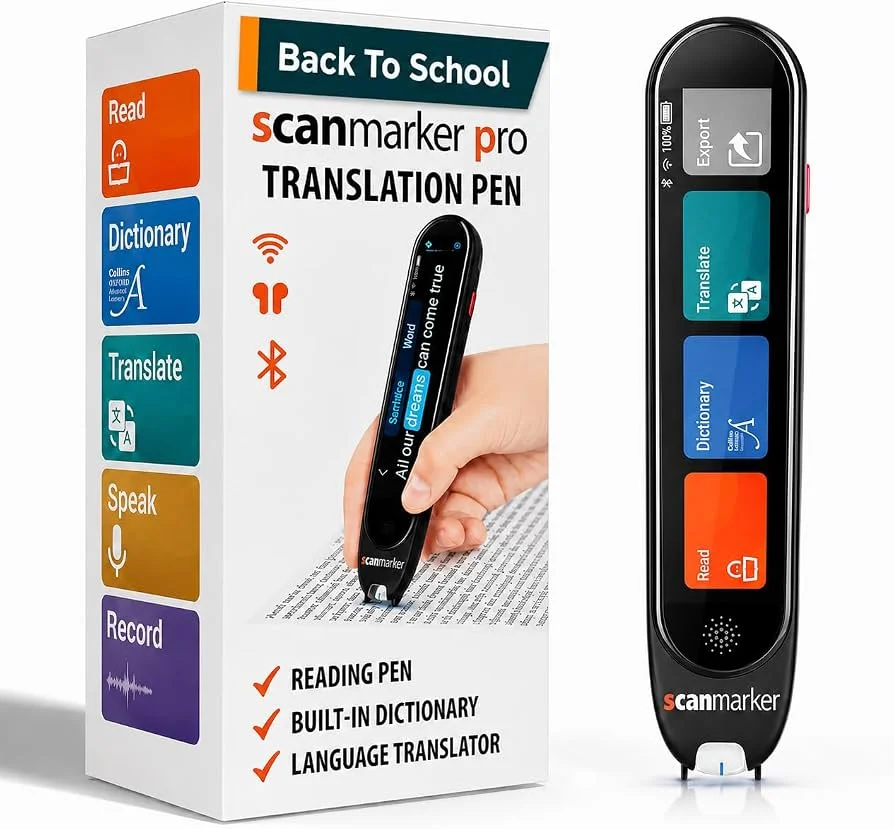
Best Budget: Scanmarker USB
Best for buyers who want a focused, wired scanning device without paying for wireless pairing or a touchscreen.
Strengths: lowest price in the lineup, no pairing required, straightforward desk setup. Considerations: wired only, no standalone display or speaker.
Read the full <a href="/guides/scanmarker-usb/">Scanmarker USB Review</a> for the complete breakdown.
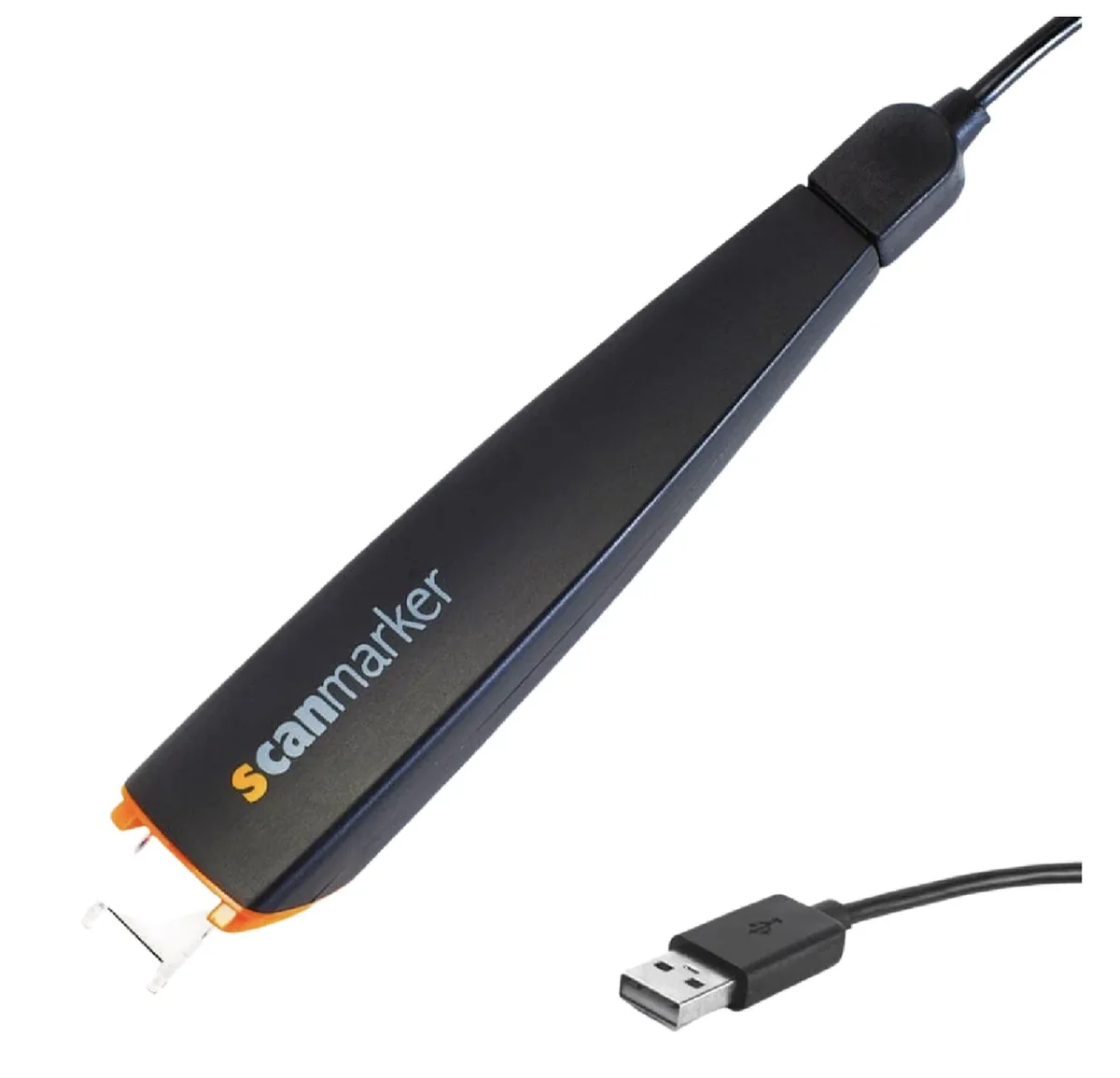
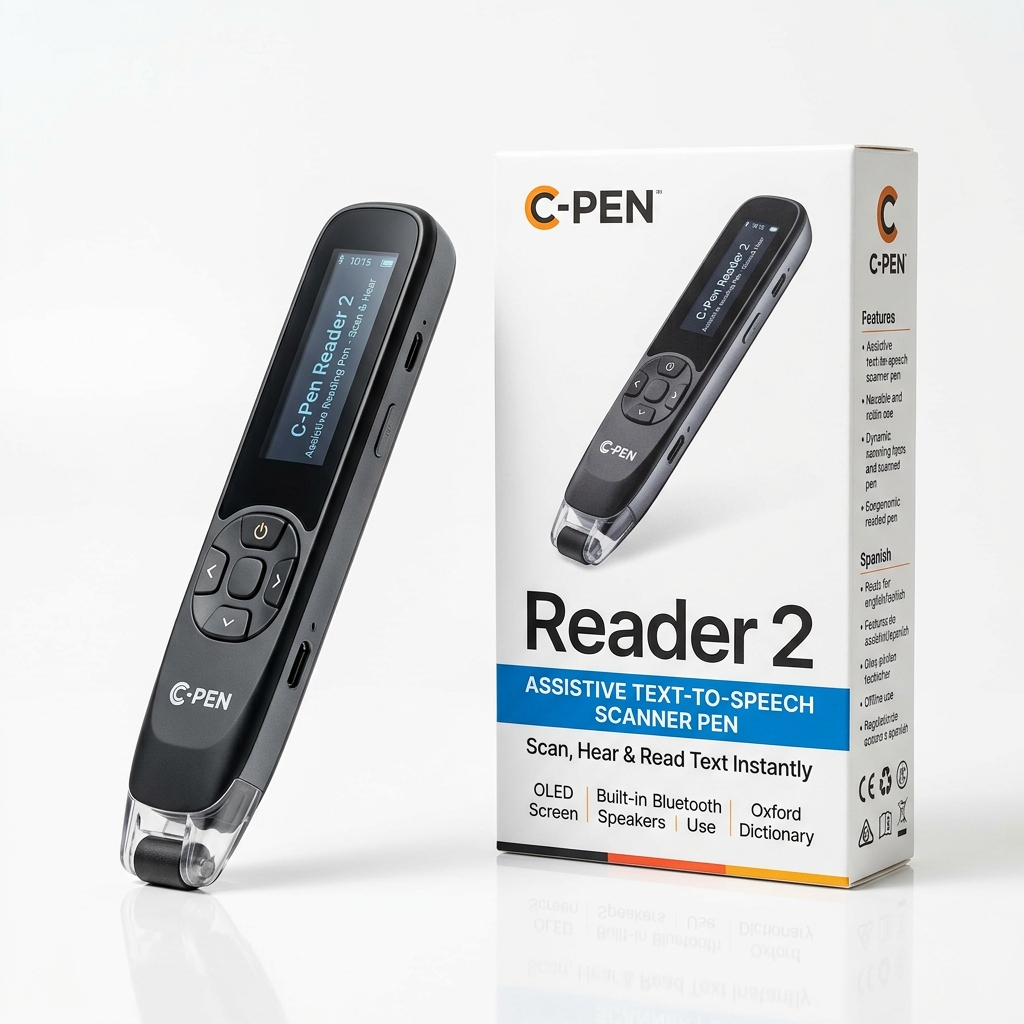
Best SEN & Classroom Benchmark: C-Pen Reader 2
Best for schools, SEN accommodations, and readers who need a proven offline reading companion with built-in English, Spanish, and French dictionaries.
Strengths: built-in Collins and Oxford definitions, discrete headphone audio, certified offline exam integrity. Considerations: higher initial price than entry-level pens.
Check current pricing on <a href="https://www.amazon.com/s?k=C-Pen+Reader+2&tag=thebest07bf-20" target="_blank" rel="sponsored noopener">Amazon</a> or compare with other <a href="https://www.amazon.com/s?k=pen+reader&tag=thebest07bf-20" target="_blank" rel="sponsored noopener">leading pen readers on Amazon</a>.
How We Rank Them
We score products across scanning experience, OCR, languages, text-to-speech, translation, connectivity, compatibility, battery, offline functionality, ease of use, software, price, warranty, and limitations.
A product can therefore be the best choice for one user while not being the best choice for another. See the complete comparison for the full model lineup.