How Does a Pen Scanner Work?
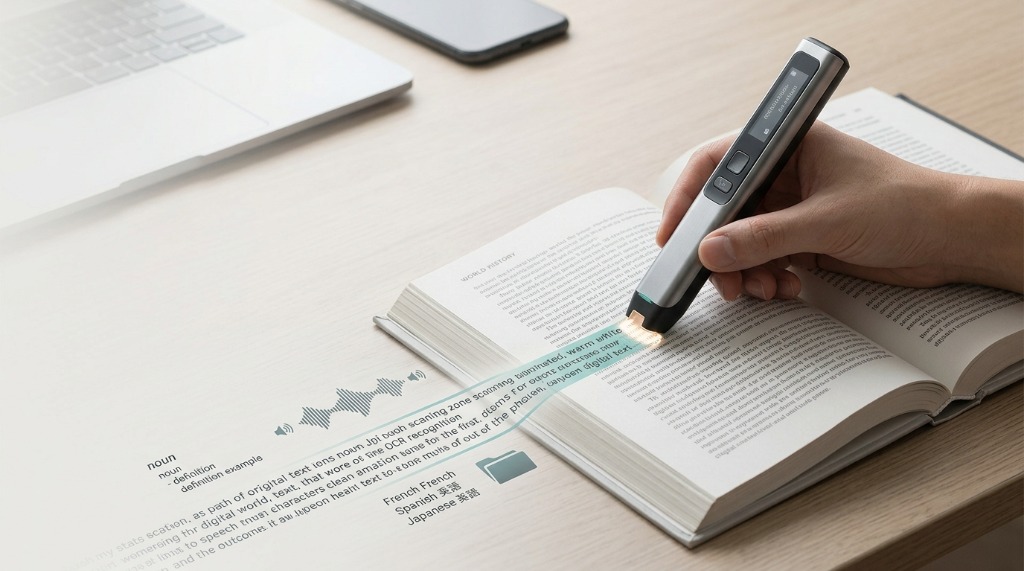
Although a pen scanner is small, several technologies work together to turn printed characters into digital text. For a deep dive, see our detailed breakdown on <a href="/guides/how-pen-scanners-work/">How Pen Scanners Work</a>. The basic pipeline moves through five main phases: scan, capture, recognize, convert, and use.
First, the user moves the scanner across a line of printed text. An optical sensor captures visual frame data as the device glides over the paper. Software algorithms clean up noise and deskew the image before an <a href="/guides/ocr-pen-scanners/">Optical Character Recognition (OCR)</a> engine identifies character shapes, mapping them to digital encoding standards such as <a href="https://www.unicode.org" target="_blank" rel="noopener">Unicode</a>.
1. Printed Page
The physical source material—a book, receipt, or document.
2. Optical Capture
A scanner or camera lens bounces light off the page, creating a raw digital image file.
3. Image Processing
The software cleans the image: deskewing, binarization (black and white contrast), and noise removal.
4. OCR Engine
Pattern recognition kicks in. The software analyzes shapes, lines, and loops to identify individual characters.
5. Digital Text
Visual shapes are mapped to computer character codes (like Unicode). The image becomes editable text.
6. Interpretation
Dictionaries and language models review the text for context, fixing errors (e.g., correcting "app1e" to "apple").
7. Output
The final text is delivered to your screen, a searchable PDF, or a database payload.
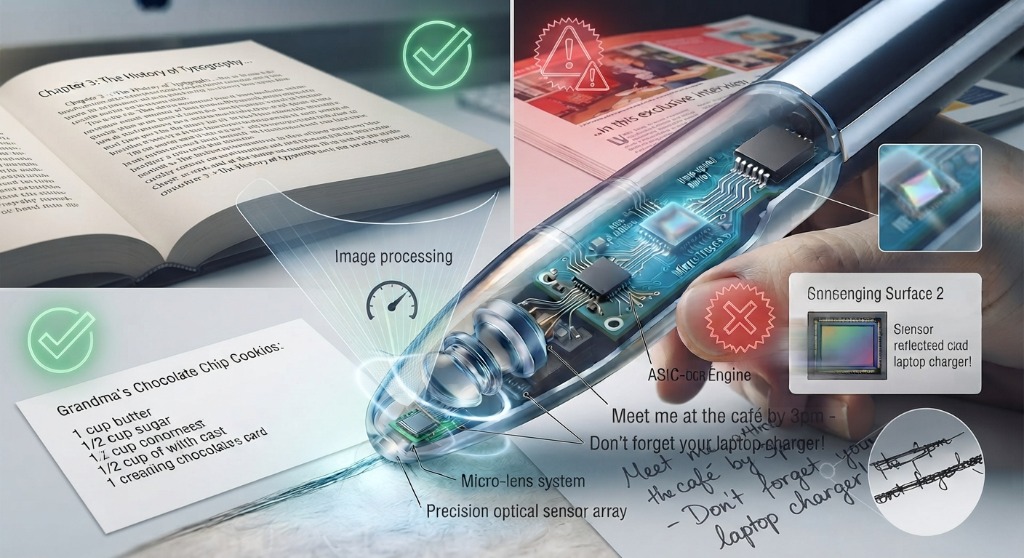
Once the text has been recognized, it can be used like any digital text — copied into notes, translated in real-time, looked up in a dictionary, or read aloud using text-to-speech.
The quality of this process depends on both hardware and software. Print quality, font size, scanning speed, page alignment, language, and material complexity all affect OCR accuracy.
What Can You Use a Pen Scanner For?
The main advantage of a pen scanner is that it allows users to capture specific pieces of printed information quickly. A traditional scanner is generally designed to digitize an entire page. A pen scanner is better suited to situations where you only need a word, sentence, paragraph, or short passage.
"The real-world value of a reading pen scanner isn't raw scanning speed—it's how effortlessly it transforms physical lines into immediate audio comprehension or digital text."— Pen Scanner Guide Editorial Team
Students
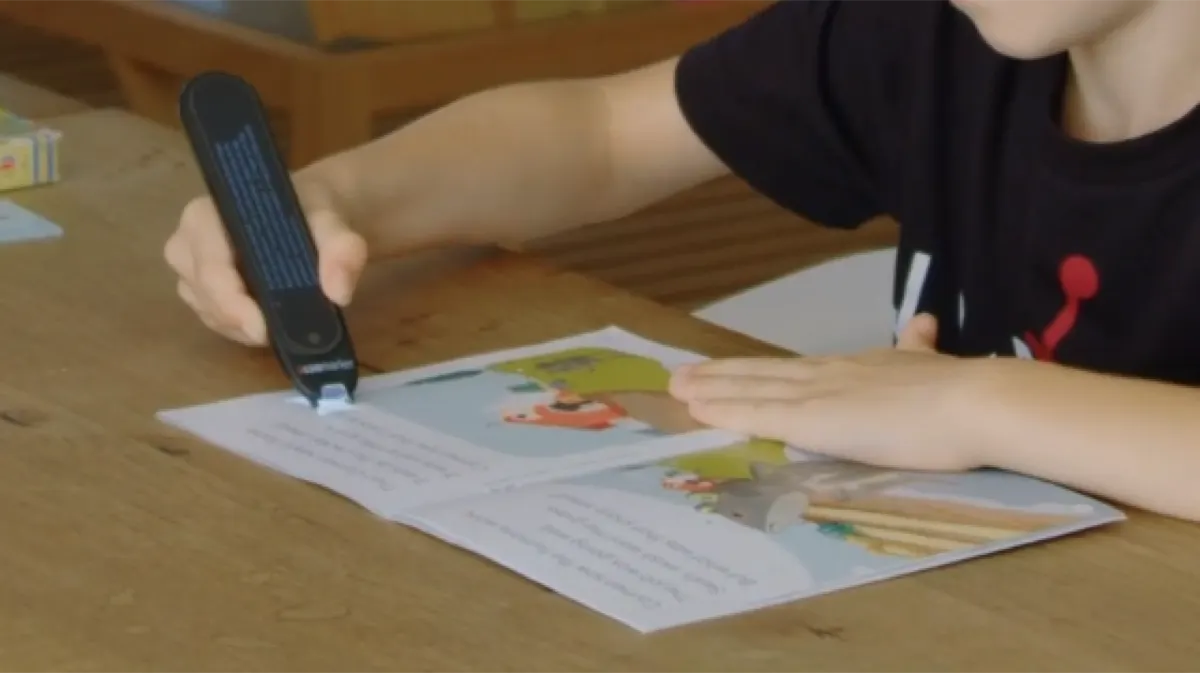
Students use pen scanners to capture definitions, quotations, references, and textbook passages. See our tailored guide on <a href="/guides/scanning-pens-for-students/">Scanning Pens for Students</a> for academic workflow tips. Reading pens with text-to-speech and built-in dictionaries provide immediate assistance for study sessions.
Researchers
Researchers working with printed books can capture selected passages without digitizing entire volumes. OCR makes the resulting text searchable and editable, simplifying citation management.
Professionals
A pen scanner is valuable in offices, libraries, research labs, and logistics environments where printed information needs to be captured directly into computer applications.
Language Learners
Pen scanners equipped with translation or dictionary lookup help language learners master new vocabulary. Read more in <a href="/guides/scanning-pens-for-language-learning/">Scanning Pens for Language Learning</a>.
Reading and Accessibility Support
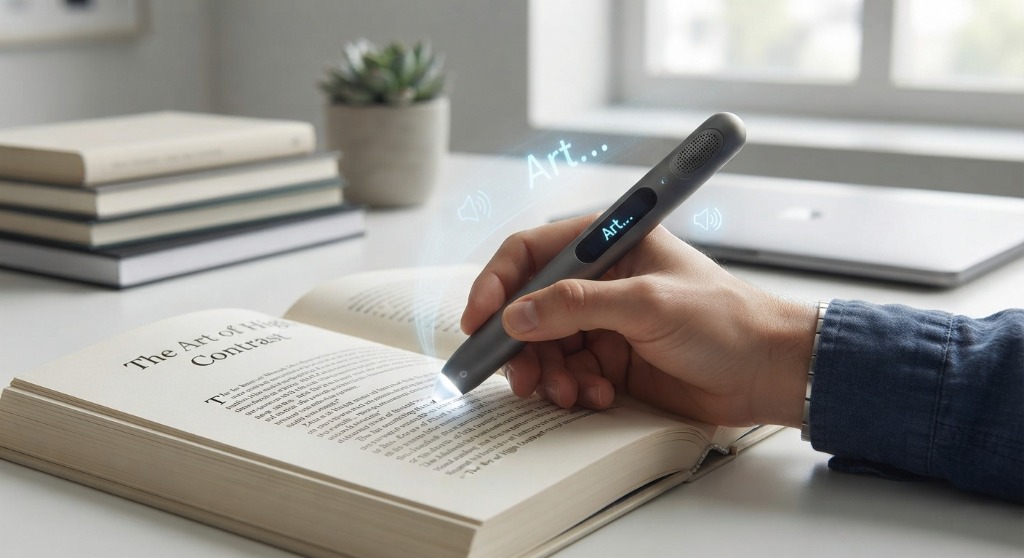
Some pen scanners are engineered as reading aids. By combining OCR with text-to-speech (TTS), printed text is scanned and immediately read aloud. This provides crucial accommodation for individuals with dyslexia or reading difficulties. Learn more at <a href="/guides/scanning-pens-for-dyslexia/">Scanning Pens for Dyslexia</a> and <a href="https://penfordyslexia.com" target="_blank" rel="noopener">Pen for Dyslexia</a>.
Pen Scanner vs. Traditional Scanner
A pen scanner and a traditional document scanner solve different problems. A traditional scanner captures an entire page or document. A pen scanner captures targeted lines of text as you glide across the page. For a complete comparison across all available models, consult our <a href="/guides/pen-scanner-comparison/">Pen Scanner Comparison Guide</a>.
| Feature | Pen Scanner | Traditional Scanner |
|---|---|---|
| Portability | Very high | Usually low |
| Best for | Words, lines, and short passages | Complete pages and documents |
| Operation | Move across the text | Place or feed the document |
| OCR | Available on many models | Common on modern scanners |
| Large document scanning | Not ideal | Well suited |
| Battery operation | Common | Depends on model |
| Targeted text capture | Excellent | Less convenient |
Pen Scanner vs. Smartphone OCR
Modern smartphones can perform OCR using camera apps. However, a smartphone requires unlocking, launching an app, aiming the camera, and cropping. A dedicated pen scanner provides single-line precision directly under your hand without screen distractions.
Can a Pen Scanner Translate Text?
Many models offer instant translation. Check our <a href="/guides/translation-pens/">Translation Pens Guide</a> to see how online vs offline translation engines operate across different languages.
Can a Pen Scanner Read Text Aloud?
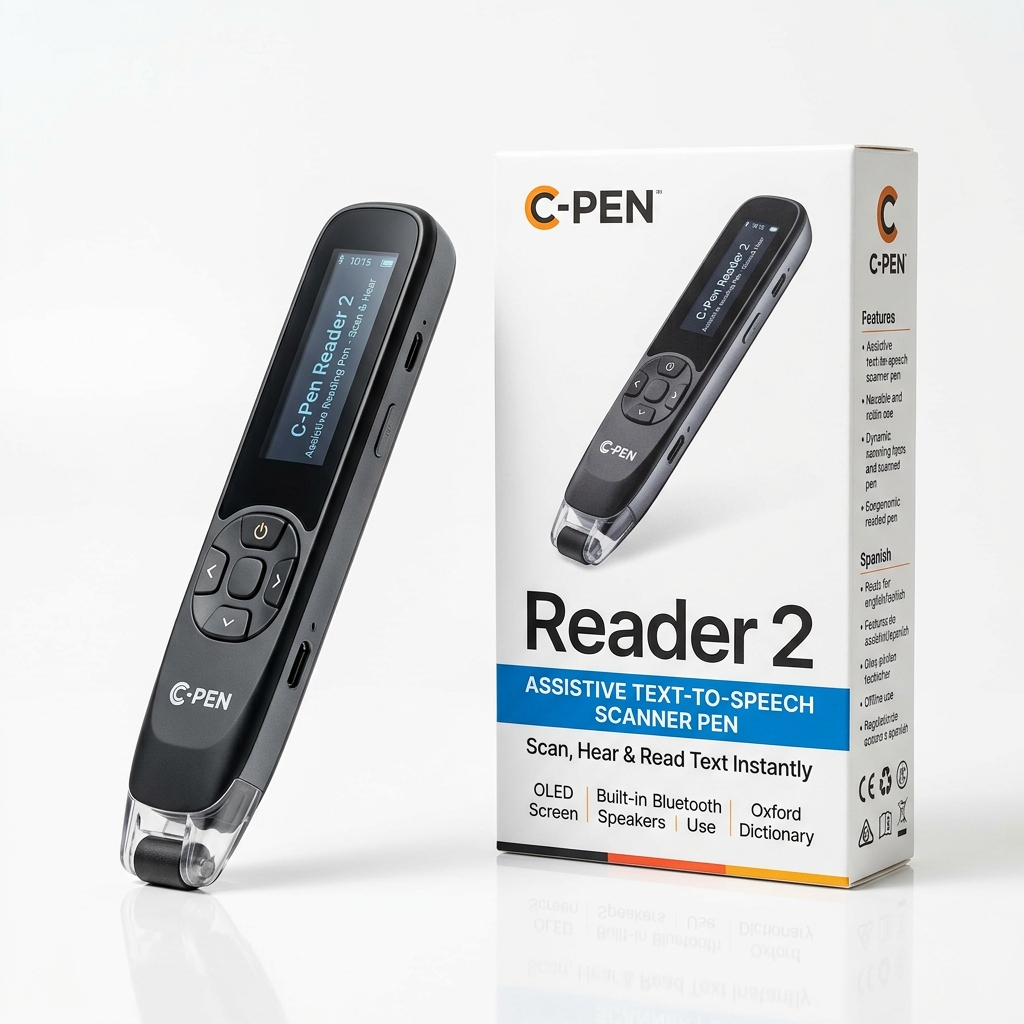
Reading pens include built-in Text-to-Speech (TTS) speakers and headphone jacks. Explore our comprehensive review of <a href="/guides/reading-pens/">Reading Pens</a> for detailed evaluations of voice clarity and speed controls.
Can Pen Scanners Scan Handwriting?
Conventional OCR engines are optimized for printed typography. Standard handwriting varies too greatly for consistent line-by-line recognition. Always check manufacturer specifications if handwriting capture is a priority.
How Accurate Are Pen Scanners?
OCR accuracy depends on print quality, font style, contrast, and scanning technique. Clean printed text in standard fonts yields near-perfect accuracy.
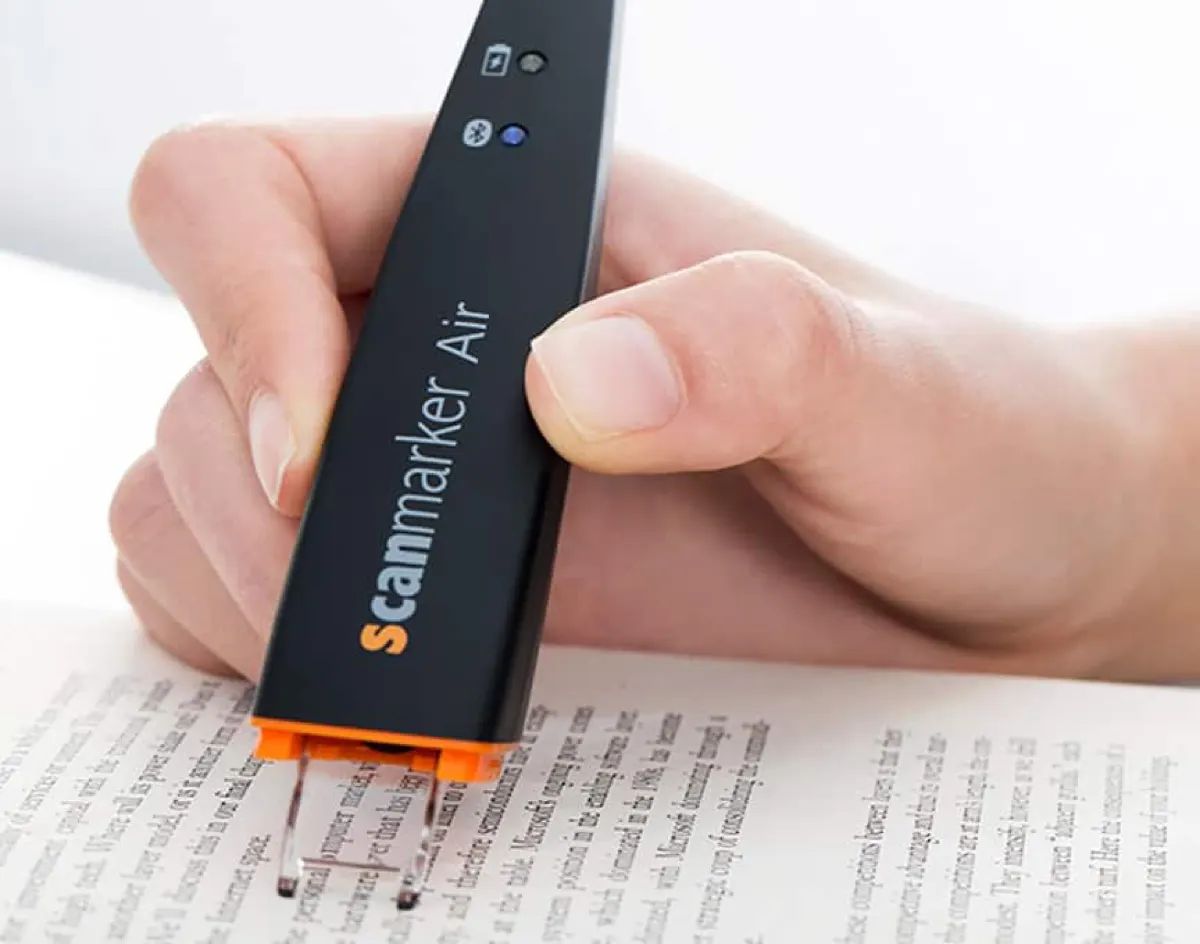
Hold the pen at a steady 45-degree angle, press gently until the scanning LED lights up, and sweep in one continuous motion across the line. Avoid pausing mid-sentence.
What Should You Look for When Buying a Pen Scanner?
Before purchasing, consult our full <a href="/guides/pen-scanner-buying-guide/">Pen Scanner Buying Guide</a> to evaluate OCR languages, connectivity options, display types, and battery life.
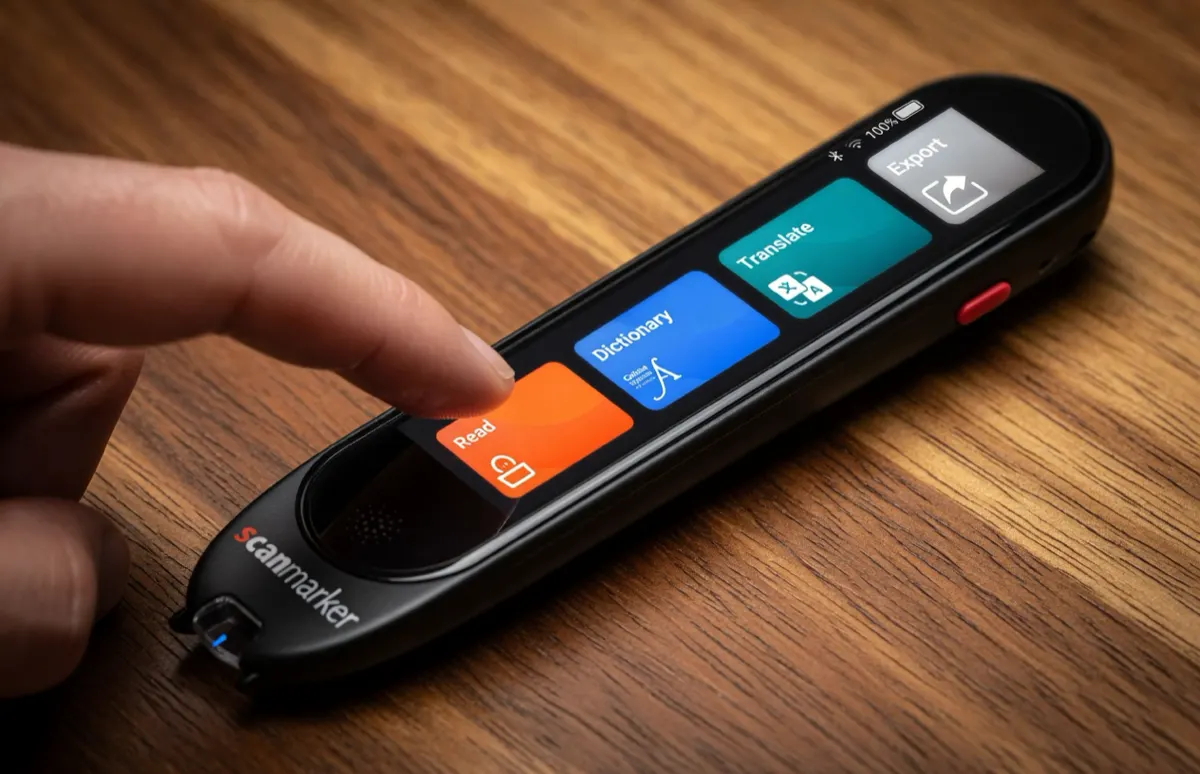
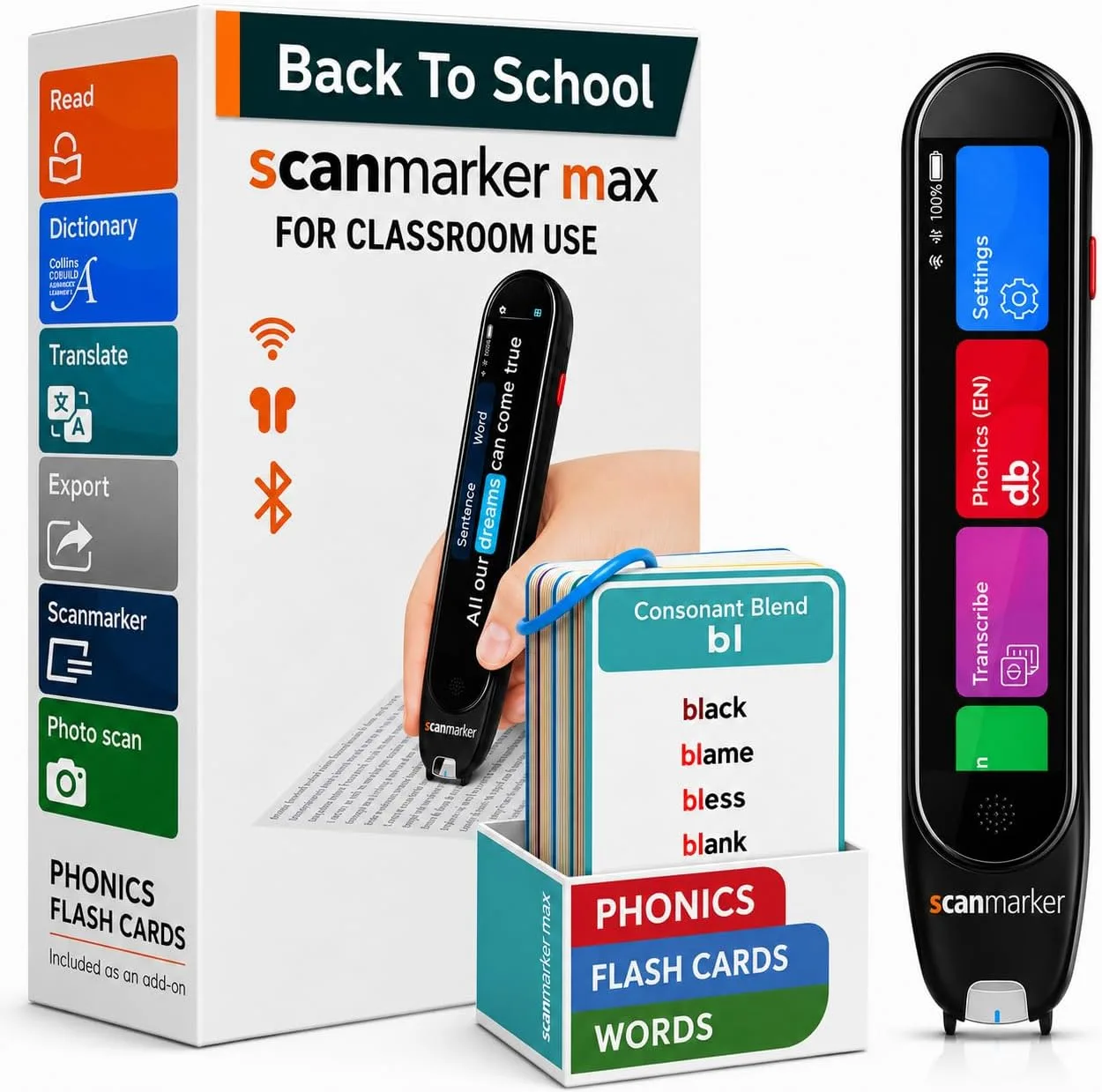
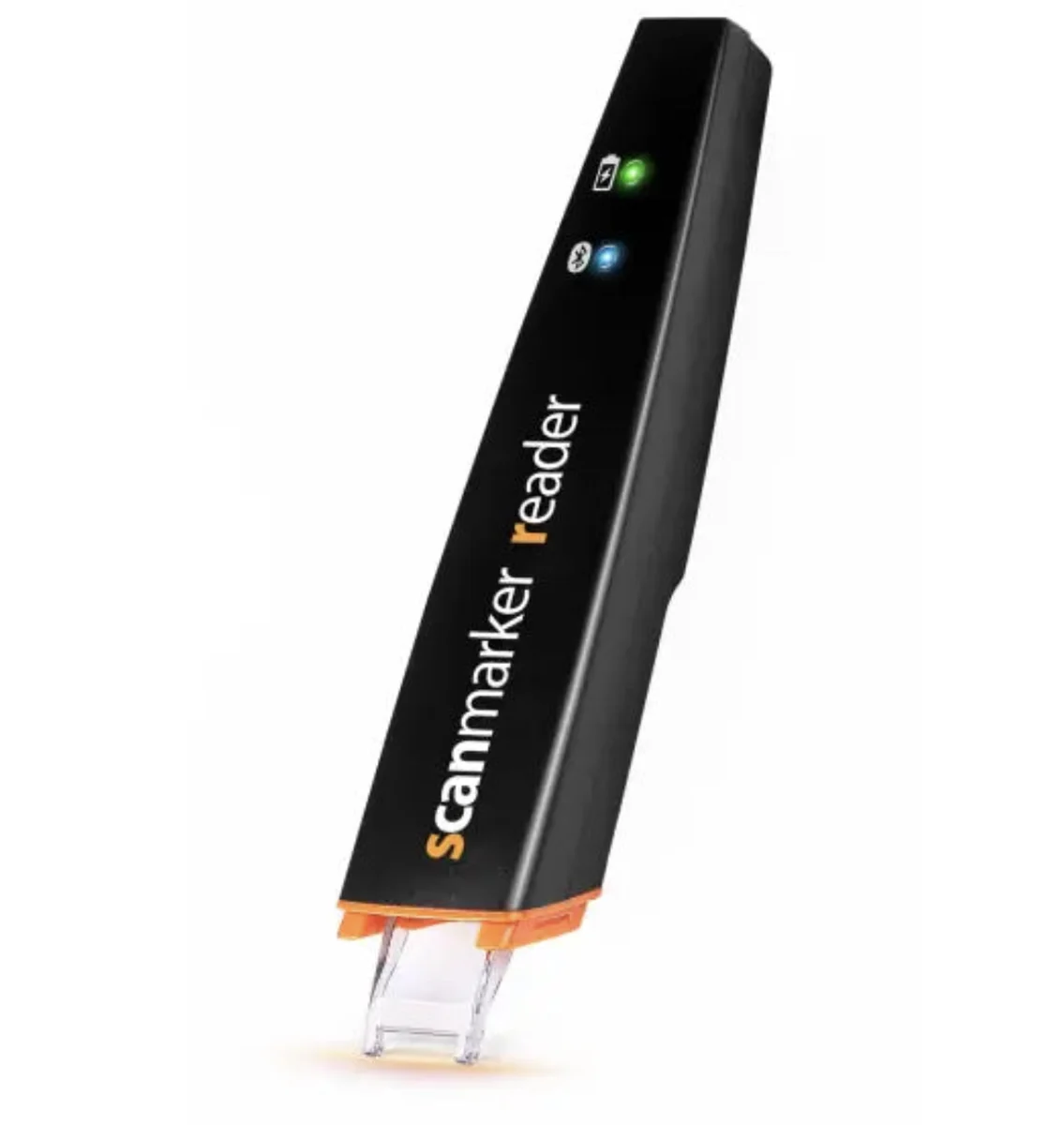
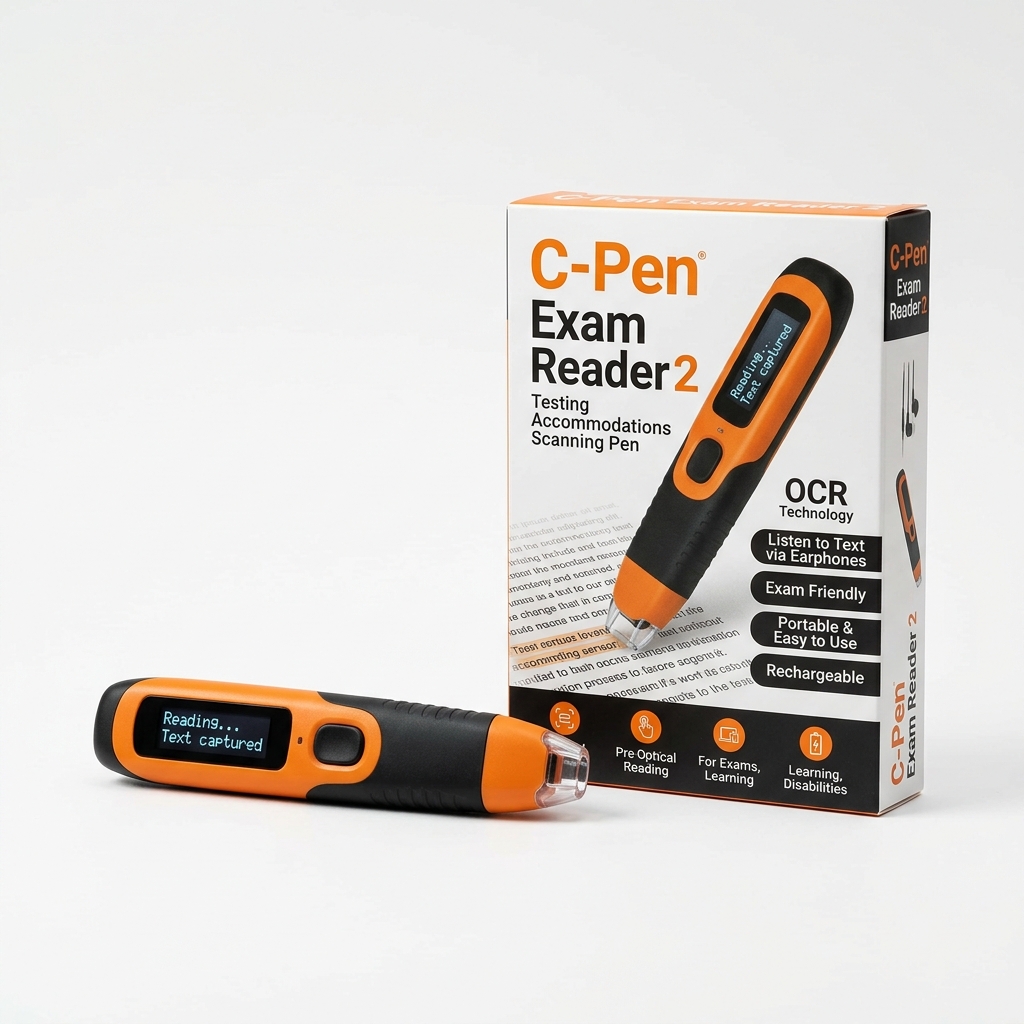
For exam environments, schools, or young readers, standalone devices like Scanmarker Max or Scanmarker PAL read text aloud on their own without requiring Bluetooth pairing to a phone or computer.
What Is a USB Pen Scanner?
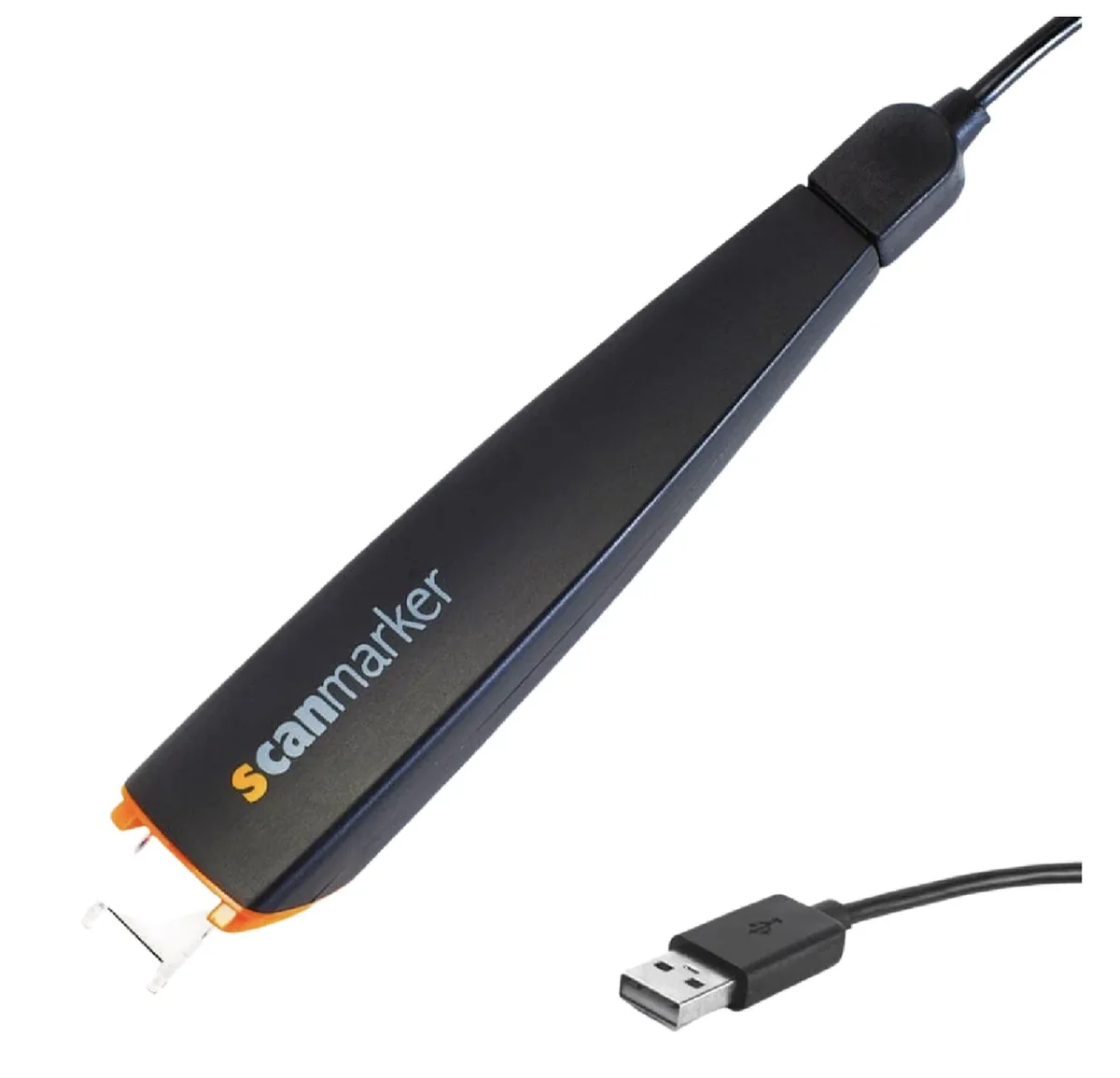
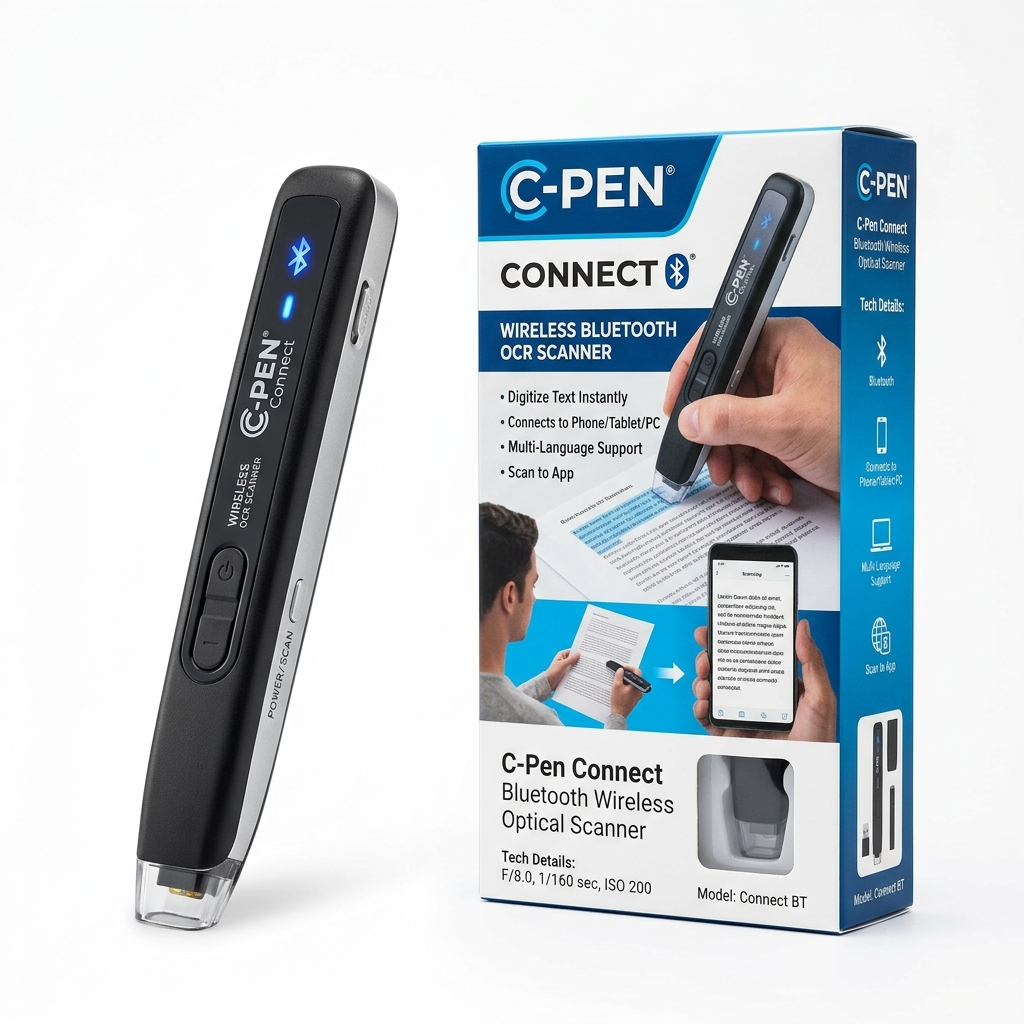
A USB pen scanner connects directly to a PC or Mac via USB cable, transferring scanned text directly into active applications such as Word, Google Docs, or Excel without battery management concerns.
What Is a Reading Pen?
A reading pen combines optical scanning with text-to-speech audio, dictionary definitions, and pronunciation support. Learn more in our <a href="/guides/reading-pens/">Reading Pens guide</a>.
Bottom Line
A pen scanner is a specialized, portable OCR tool designed for targeted text extraction and reading support. Rather than buying the device with the longest feature list, choose the model whose OCR languages, speech features, and standalone capabilities align with your specific workflow.
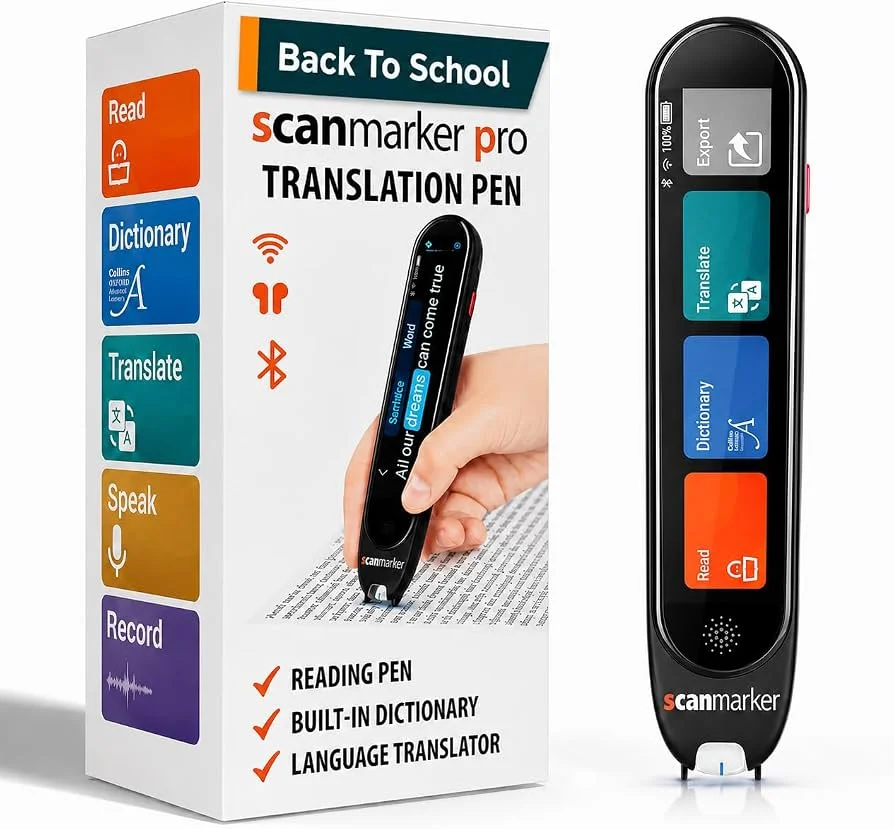
Explore our detailed model reviews: <a href="/guides/scanmarker-max/">Scanmarker Max Review</a>, <a href="/guides/scanmarker-pro/">Scanmarker Pro Review</a>, <a href="/guides/scanmarker-air/">Scanmarker Air Review</a>, and <a href="/guides/scanmarker-pal/">Scanmarker PAL Review</a>.