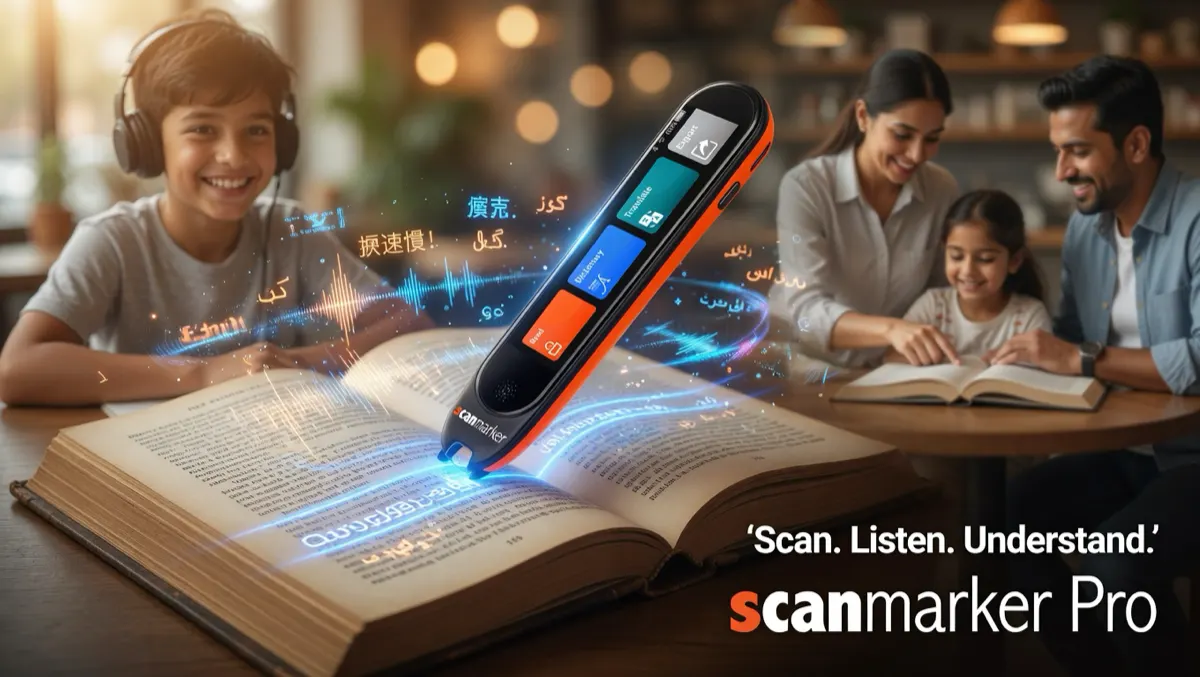
How Translation Pens Work: The OCR-to-NMT Translation Pipeline
Traditional translation methods create significant friction for language learners, international travelers, and multinational professionals. Typing accented characters, non-Latin scripts (such as Japanese kanji, Arabic, Russian Cyrillic, or Hebrew), or unfamiliar diacritics into a smartphone keyboard interrupts reading comprehension. Phone cameras frequently struggle with curved book pages and small print.
A dedicated translation pen removes this friction entirely. Instead of struggling to spell an unfamiliar word on an on-screen keyboard, you simply run the pen tip across the printed line. The hardware instantly displays the definition, phonetic pronunciation, and full-sentence translation directly alongside your book or document.
The "112 Languages" Spec Trap: What the Numbers Actually Mean
Marketing specifications for translation pens often tout massive headline numbers like "Supports 112 Languages!" However, language learners must understand that translation hardware operates across four distinct technical tiers that are rarely equal:
- 1. Optical Character Recognition (OCR) Languages: The scripts the optical camera and neural engine can accurately parse. Latin scripts (English, Spanish, French, German) are ubiquitous, but support for complex non-Latin scripts (Devanagari, Arabic, Hebrew, Asian character sets) varies significantly.
- 2. Text-to-Speech (TTS) Pronunciation Engines: Recognizing a word is not the same as pronouncing it accurately. High-end pens integrate naturalistic neural TTS voices that articulate native cadence and tonal inflections, which is vital for languages like Mandarin or tonal European dialects.
- 3. Offline vs. Online Translation: A pen may advertise 112 translation languages when connected to cloud servers via Wi-Fi or Bluetooth, but only support 10 to 30 languages when operated completely offline. Offline models rely on compressed neural weights stored in local flash memory.
- 4. Curated Dictionaries vs. Machine Translation: Raw machine translation translates sentences contextually, but serious language students need dictionary definitions—including part of speech, grammatical gender, inflections, and etymology. Premium pens integrate verified reference lexicons, such as the Collins English Dictionary.
Master Translation Pen Comparison: Online vs. Offline Capabilities
Data reflects current manufacturer specifications and certified firmware capabilities as of 2026. Standalone offline counts refer to full bidirectional translation packs pre-installed on device firmware.
| Model | Architecture | Price | Online Languages | Offline Languages | Voice Translation | Onboard Dictionary | Best For |
|---|---|---|---|---|---|---|---|
| Scanmarker Max | Standalone (2.4" Screen) | $299 | 112 Languages | 30 Languages (Fully Offline) | Yes (2-Way Conversational) | Collins + Bilingual Lexicons | Travelers, polyglots, independent learners & exams |
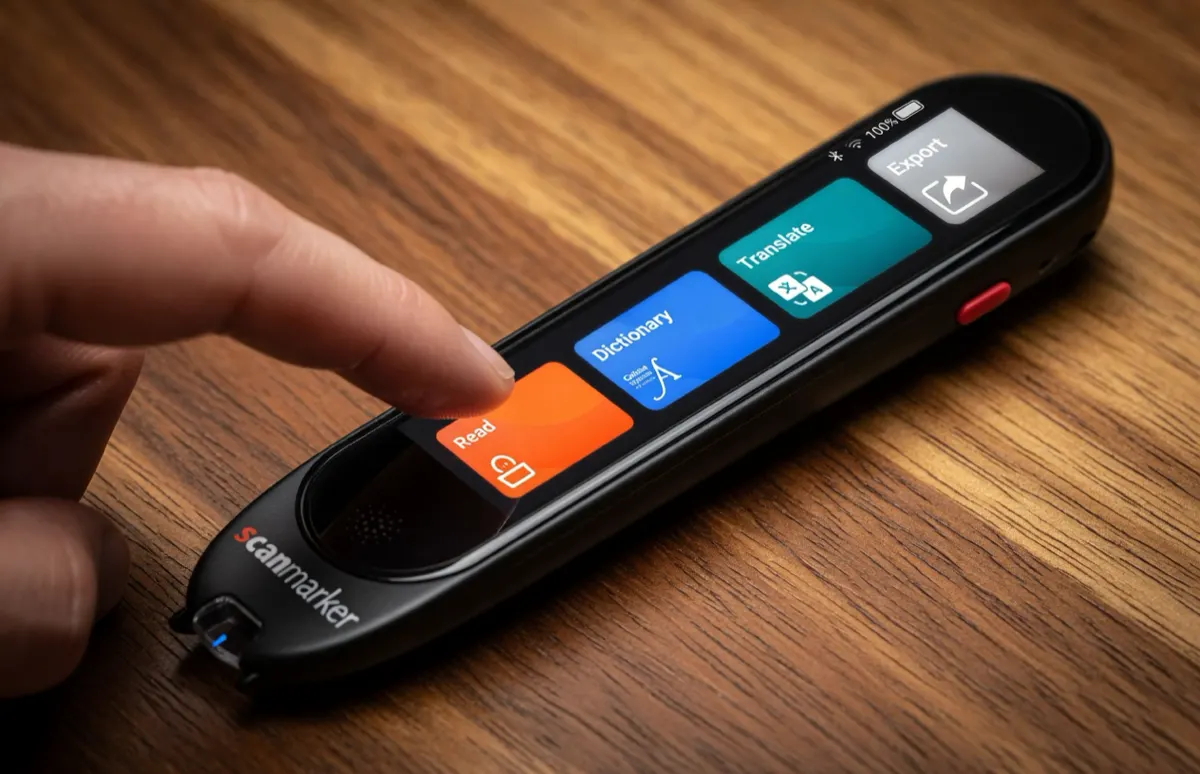
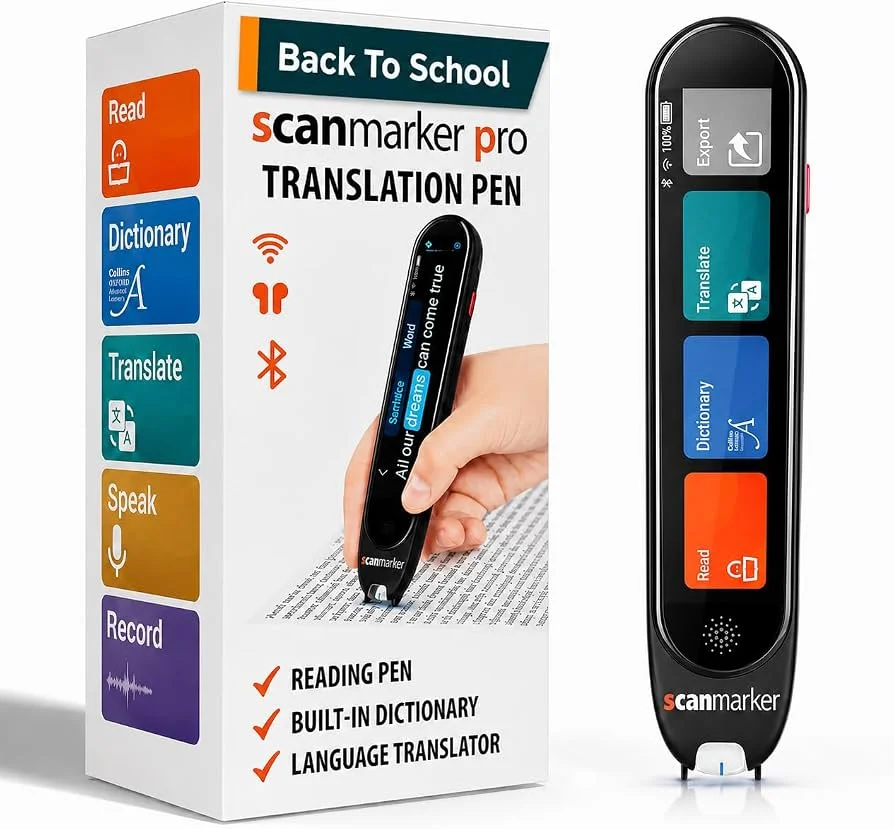
| Scanmarker Pro | Connected (Desktop/Mobile) | $249 | 112 Languages | Requires Host Connection | Audio Playback via Host | Collins English Dictionary | Connected desktop translation & document workflows |
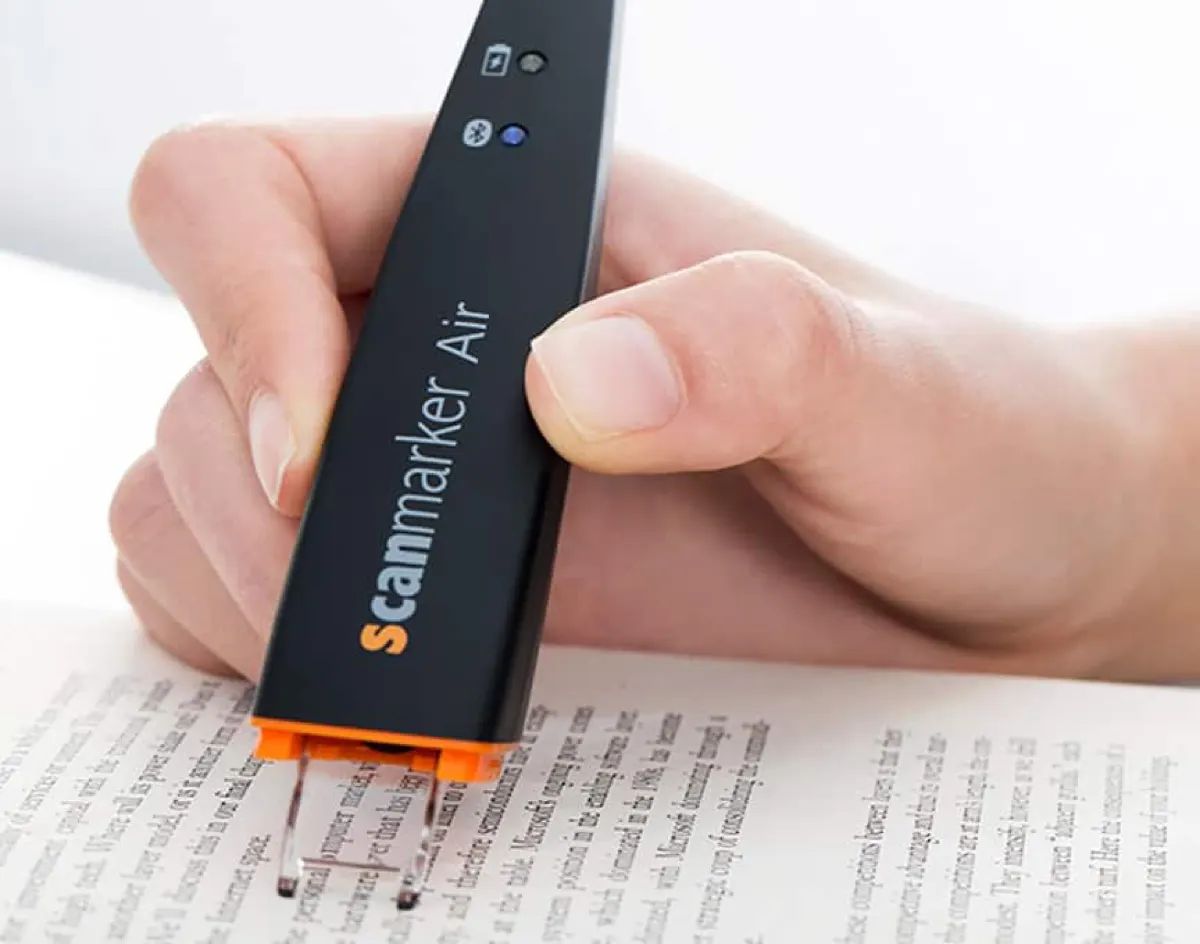
| Scanmarker Air | Wireless Connected | $169 | 80 Languages | Requires Host Connection | Host Synthesizer | Companion App Lexicons | Budget wireless note translation into Word/Docs |
| C-Pen Lingo 3 | Standalone (Color Screen) | ~$319 | N/A (Offline Focus) | 20+ Lexicon Dictionaries | No (TTS Only) | Oxford & Collins Reference | Offline academic dictionary lookup & ESL study |
On-Device Offline Translation vs. Cloud-Connected Neural Engines
When deciding between translation pen models, the choice between offline autonomy and cloud connectivity is critical:
Offline Neural Translation (Scanmarker Max): Offline models run quantized neural translation models directly on local DSP silicon. This is mandatory for international flights, remote travel without cellular roaming, high-security corporate environments where external data transmission is prohibited, and standardized school testing where internet connectivity is banned.
Cloud-Connected Translation (Scanmarker Pro, Air): Connected models transmit character strings to cloud neural translation engines via Wi-Fi or a paired smartphone. Cloud engines offer broader dialectical nuance, idiomatic accuracy, and support for up to 112 languages, making them exceptional for business correspondence, legal reviews, and academic thesis translation at a desk.
Two-Way Conversational Voice Translation vs. Printed Text Scanning
Advanced standalone pens like the <b>Scanmarker Max</b> function as dual-purpose translation instruments:
In addition to scanning printed books, newspapers, and physical signs, they feature built-in dual noise-canceling microphones and high-efficiency speakers. By holding the voice button, you can speak naturally in English, and the pen translates and speaks your sentence aloud in the target language (e.g., Japanese, Spanish, German, or Mandarin). The other speaker can then reply into the microphone, allowing for real-time bilingual conversation.
While voice translation does not replace the deep focus of scanning literature, it transforms the device into an indispensable travel companion for navigating airports, hotels, medical emergencies, and international business meetings.
Dictionaries vs. Machine Translation: Choosing the Right Tool for Language Study
A common mistake among language learners is relying exclusively on full-sentence machine translation. While machine translation provides quick gist comprehension, it can impede vocabulary retention because the reader does not engage with word roots.
A dedicated translation pen with integrated reference dictionaries (such as the Collins English and foreign-language lexicons on the Scanmarker Max and Pro) provides word-by-word definitions, syllable stresses, phoneme pronunciations, and grammatical parts of speech. For students acquiring English as a Second Language (ESL) or studying foreign literature, having both machine translation for complex idioms and dictionary lookups for vocabulary mastery provides the ideal balance.