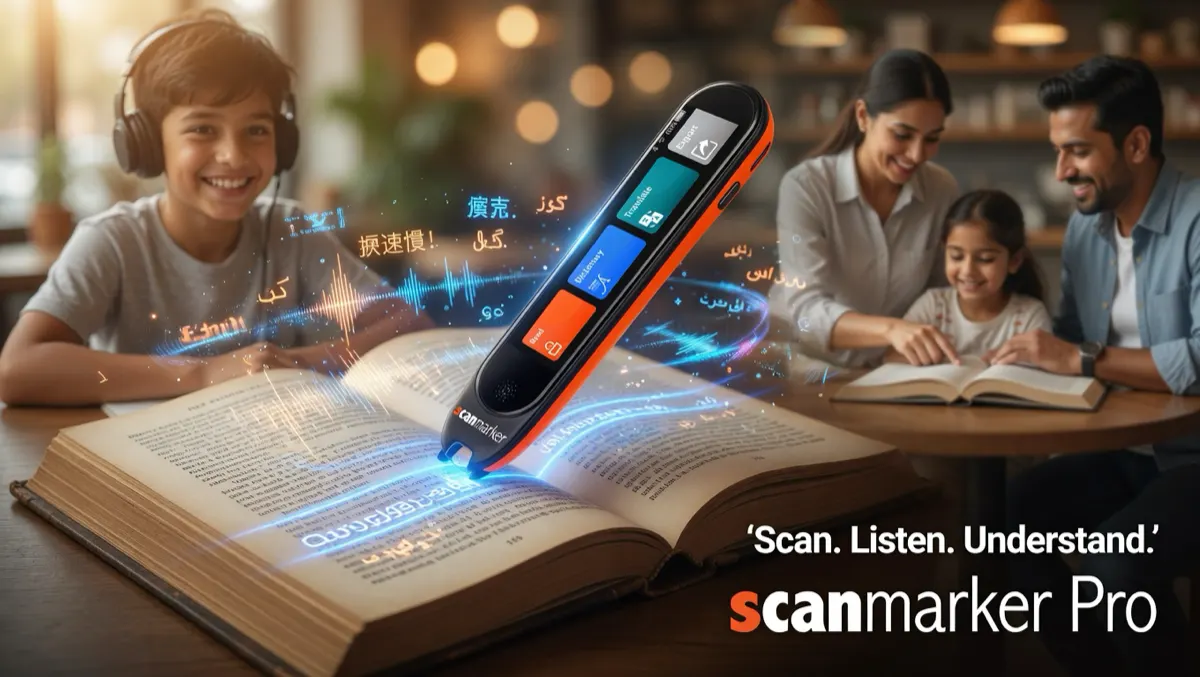
The Language Learner's Bottleneck: Manual Lookup
Reading authentic material is one of the most useful ways to encounter vocabulary in context. The problem is what happens when you meet a word you do not know.
Stopping to type an unfamiliar word into a phone translator can interrupt the reading process. The friction becomes even greater with languages that use unfamiliar writing systems, such as Japanese, Arabic, Hebrew, Chinese, or Russian. Switching keyboard layouts, entering accented characters, or trying to identify an unfamiliar character can turn a quick lookup into a distraction.
A scanning pen removes much of that friction. Instead of typing a word manually, you scan the printed text with the pen. Depending on the model and language, the device can recognize the text, translate it, read it aloud, or provide a dictionary definition.
That makes a scanning pen particularly useful for learners working with printed books, textbooks, worksheets, menus, newspapers, and other authentic material.
The key is to look beyond the headline language count. "112 languages" does not necessarily mean 112 languages are supported for every function.
The "112 Languages" Spec Trap: Four Different Types of Language Support
Scanning-pen specifications often combine several different capabilities under a single language count. For language learners, these capabilities should be evaluated separately:
- 1. OCR: Can the Pen Recognize the Script?Optical character recognition (OCR) determines whether the scanning pen can accurately recognize the characters printed on the page. Latin-script languages such as English, French, Spanish, German, and Italian are generally straightforward for modern OCR systems. Other writing systems present different challenges, including Chinese characters, Japanese kanji and kana, Arabic script, Hebrew, Cyrillic, and Devanagari. A device may support a language for translation while offering different levels of OCR support, so the two specifications should not automatically be treated as interchangeable.
- 2. Text-to-Speech: Can It Read the Language Aloud?For language learning, recognizing a word is only part of the process. Hearing it pronounced can help connect spelling, pronunciation, rhythm, and meaning. Text-to-speech (TTS) support determines whether the pen can convert recognized text into spoken audio. The quality and availability of voices can vary considerably between languages and devices. If pronunciation is important to you, check whether the specific language you are learning has TTS support—not simply whether it appears in the device's overall language list.
- 3. Online vs. Offline Translation:This is one of the most important distinctions for travelers and learners who want to study without an internet connection. A pen may support a large number of languages when connected to Wi-Fi or a host device but support substantially fewer languages offline. Offline language packs are stored directly on the device, allowing supported functions to work without an internet connection. For example, the Scanmarker Max provides offline language functionality (30 languages) alongside its 112 online capabilities. If you plan to study while traveling, on public transport, or somewhere without reliable connectivity, always check the offline language list separately from the headline online language count.
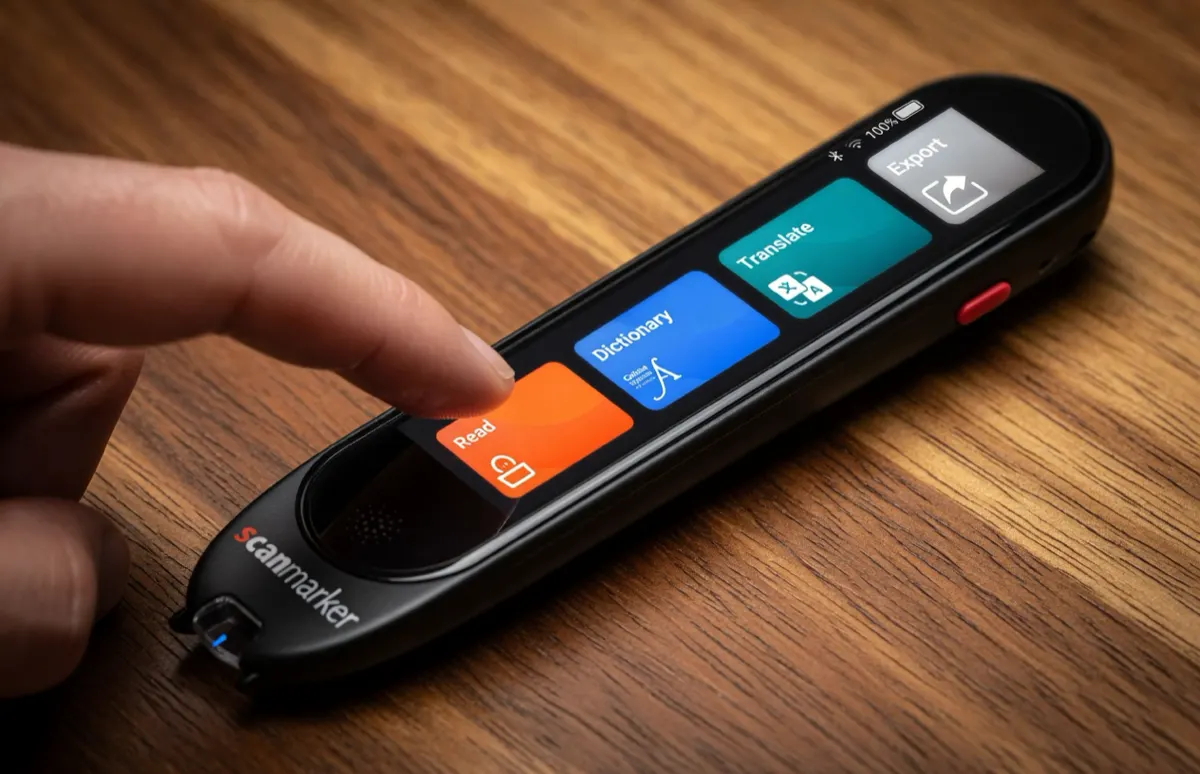
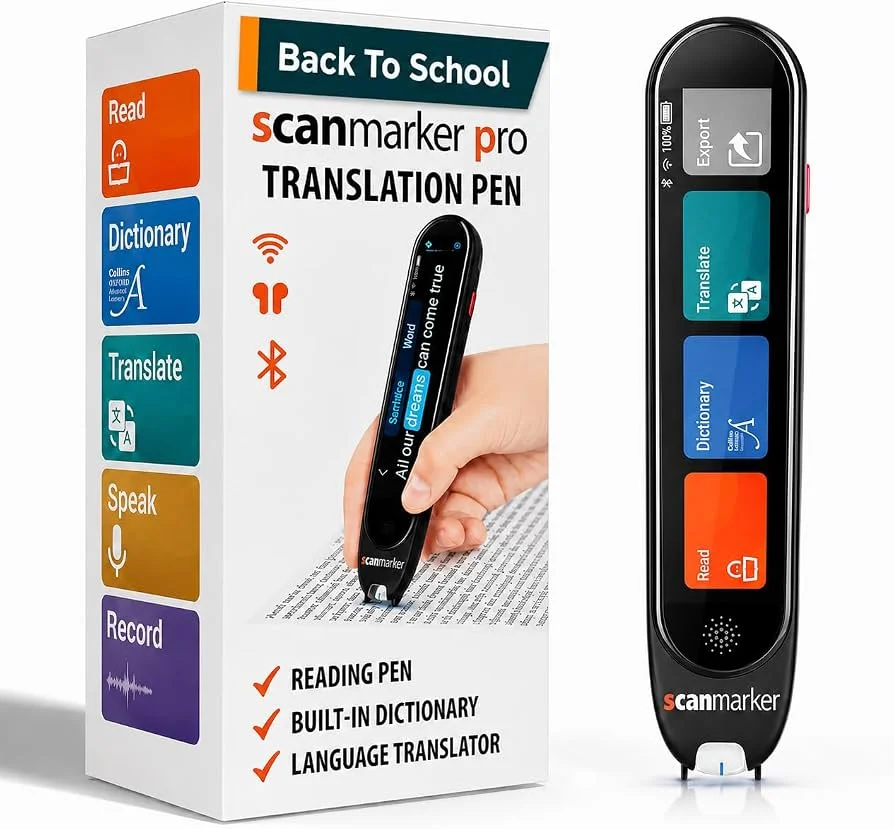
- 4. Dictionary Definitions vs. Machine Translation:Translation and dictionary functions serve different purposes. A machine translator attempts to convert text from one language to another, often using the surrounding phrase or sentence to determine meaning. A dictionary, by contrast, can provide definitions, grammatical information, and multiple meanings for an individual word. For serious language study, dictionary access can be particularly useful when a word has several possible meanings. The Scanmarker Pro, for example, combines scanning with dictionary functionality, including the Collins English dictionary.
Pronunciation, Phonics, and Conversational Practice
Language learning involves more than recognizing written vocabulary. Listening and pronunciation matter too.
Hear Words Instead of Guessing Their Pronunciation:
When reading a foreign-language book, learners may recognize a word visually without knowing how it is pronounced. A scanning pen with text-to-speech can provide an immediate audio reference. This is especially useful for languages in which spelling and pronunciation do not map intuitively for beginners. Rather than stopping to search for a pronunciation guide, the learner can scan the word and listen to it directly from the device or through connected audio hardware, depending on the model.
Translation for Real-World Conversation:
Some standalone scanning pens also include voice-translation functions in addition to printed-text scanning. The Scanmarker Max, for example, combines text scanning with voice translation, making it useful beyond books and study materials. For travelers, this can turn a reading device into a broader language-assistance tool. However, voice translation and printed-text scanning should still be evaluated as separate capabilities. A device that is excellent at one is not automatically the best at the other.
Comparison: Top Scanning Pens for Language Learning
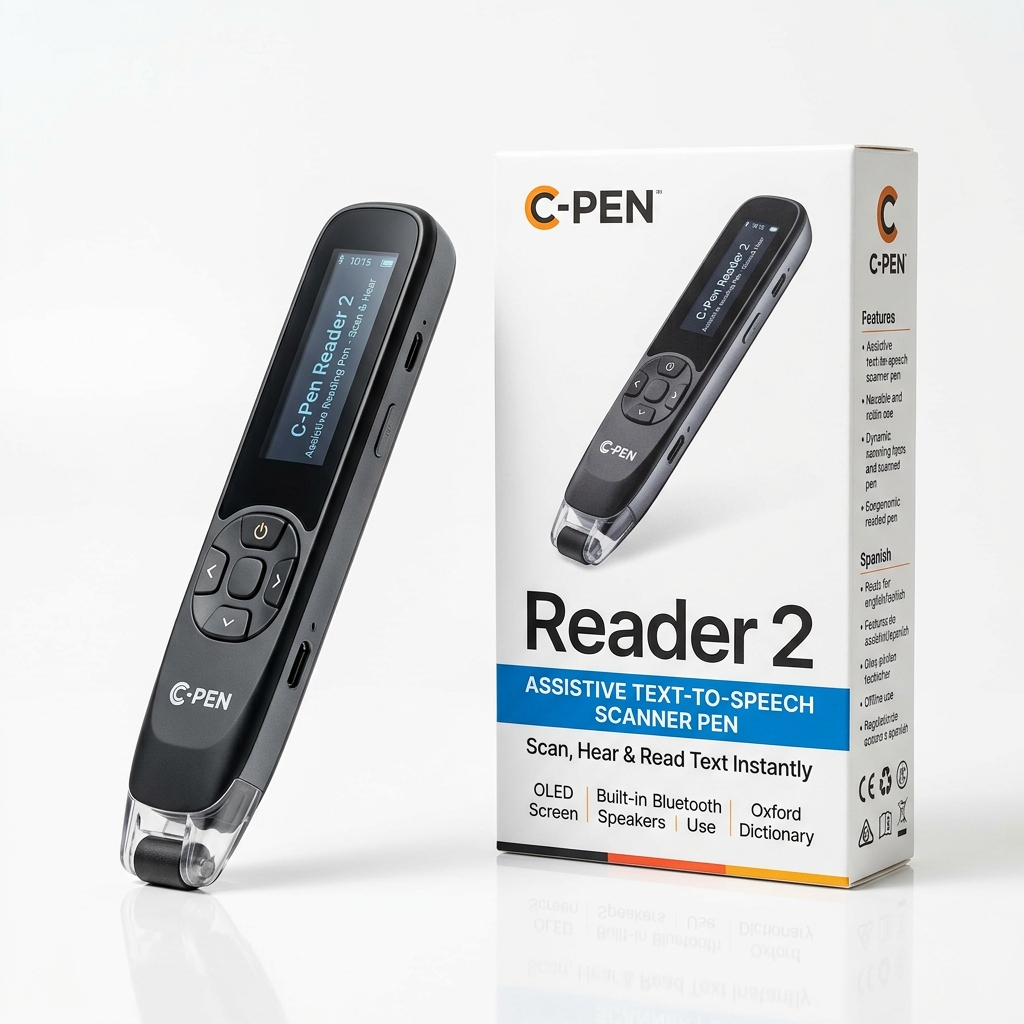
Compare the leading scanning pens engineered for language acquisition and multilingual reading:
| Model | Type | Price | Online Language Support | Offline Support | Audio & Voice | Best For |
|---|---|---|---|---|---|---|
| Scanmarker Max | Standalone | $299 | 112 languages | 30 languages | TTS, translation, two-way voice translation | Travelers, independent study, multilingual learners |
| Scanmarker Pro | Connected | $249 | 89 languages | Requires host device | Audio playback, Collins English dictionary | Desktop study, detailed reading, vocabulary work |
| Scanmarker Air | Wireless connected | $169 | 80 languages | Requires host device | Host-device audio | Wireless scanning and study workflows |
The right choice depends on how you study:
If you want a standalone device with its own screen, offline functionality, and voice-translation features, the <b>Scanmarker Max</b> ($299) is the strongest fit of these three. If your primary workflow is reading and studying at a computer or other host device, the <b>Scanmarker Pro</b> ($249) offers a different approach, with connected scanning and dictionary functionality. If you mainly want wireless scanning into a phone or computer, the <b>Scanmarker Air</b> ($169) is the simpler option.
Limitations and Edge Cases for Multilingual Readers
Scanning pens can make language study faster, but they are not equally suited to every type of printed material:
Right-to-Left Scripts:
Arabic, Hebrew, and Persian use right-to-left writing systems. OCR performance can depend on the specific language, device, text layout, and scanning direction. If you are studying an RTL language, check the manufacturer's instructions for the supported scanning direction and language settings rather than assuming that every scanning pen handles RTL text identically.
Vertical Japanese and Chinese Text:
Traditional Japanese and some Chinese publications may use vertical text rather than the horizontal layouts common in modern textbooks and websites. Most pen scanners are designed primarily around horizontal lines of text. Vertical layouts can therefore require a different scanning technique, and some devices may not support them as reliably as standard horizontal text.
Words vs. Complete Sentences:
Context matters when translating language. A single word can have several meanings depending on the sentence around it. Idioms, verb forms, grammatical gender, and other linguistic details can also be difficult to interpret without context. For this reason, scanning a short phrase or complete sentence can sometimes produce a more useful translation than scanning an isolated word.