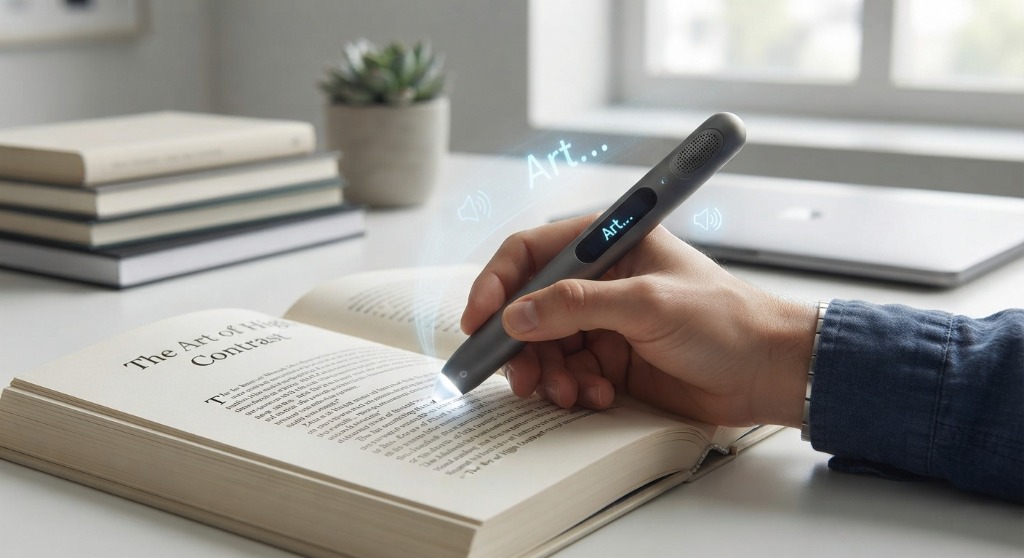
Reading Pen vs. OCR Scanner: Understanding the Fundamental Difference
That distinction fundamentally alters the design, hardware, and software of the device. While both tools rely on an optical sensor and an <a href="/guides/ocr-pen-scanners/">Optical Character Recognition (OCR) engine</a>, a general document scanner is built for data entry into software like Microsoft Word or Excel. It requires no audio output, no screen, and no lexical reference tools.
In contrast, a <b>reading pen</b> (often called an assistive reading pen or text-to-speech scanner) is an assistive literacy tool. It is engineered with on-board text-to-speech (TTS) synthesis, high-fidelity speakers or headphone ports, and integrated dictionaries. When a user glides the scanner across a line of print, the device instantly recognizes the letters and speaks the text aloud while highlighting the matching words on an integrated touchscreen or host device.
This synchronized sensory experience is grounded in cognitive science: <b>auditory-visual dual coding</b>. When a reader with dyslexia, visual tracking difficulties, or language learning barriers sees printed words while hearing them spoken in a natural cadence, working memory fatigue drops dramatically. Instead of spending 80% of mental energy simply decoding phonemes, the reader can focus their cognitive capacity on reading comprehension, synthesis, and retention.
Standalone vs. Connected Reading Pens: Which Architecture Fits Your Life?
Before choosing a specific model, you must decide between the two overarching hardware categories in assistive scanning technology: standalone devices and connected devices.
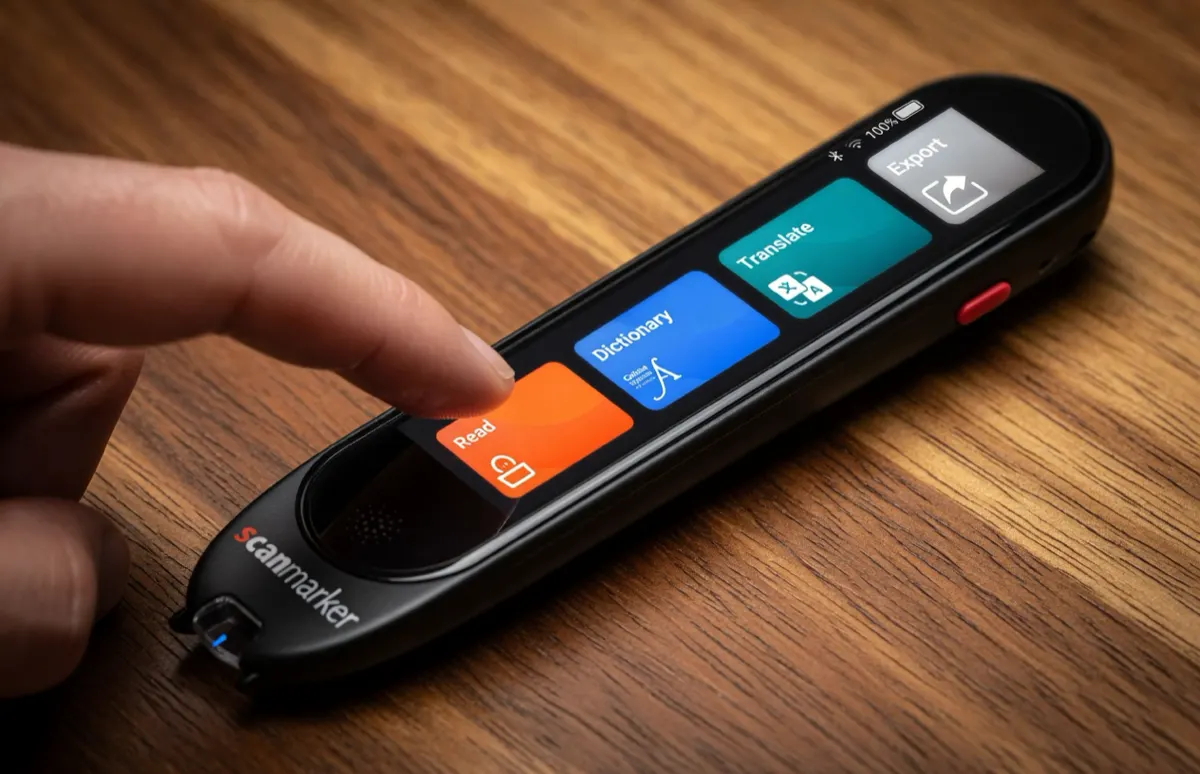
- Standalone Reading Pens (e.g., Scanmarker Max, Scanmarker PAL): Everything required to read, listen, and define words is contained entirely inside the handheld pen body. These models feature built-in optical sensors, processing chips, rechargeable batteries, integrated speakers, and 3.5mm or Bluetooth audio connections. Models like the Scanmarker Max also include a responsive color touchscreen for visual line tracking. Their chief advantage is total independence: they require no smartphone, tablet, Wi-Fi network, or laptop. In distraction-free classrooms and standardized testing halls where smartphones and connected devices are strictly prohibited, a standalone pen is often the only permissible assistive device.
- Connected Reading Pens (e.g., Scanmarker Reader, Scanmarker Pro): These pens operate as a specialized optical scanning wand paired wirelessly (via Bluetooth) or via USB to an accompanying device — such as an iPhone, iPad, Android tablet, Mac, or Windows PC. The pen captures visual line data, but delegates processing, visual display, and audio read-aloud to the brand companion software on your existing device. Connected pens are generally lighter and offer lower hardware price points, but they inherently depend on maintaining a charged, paired host device nearby.
Critical Features to Evaluate in a Reading Pen
Not all reading pens deliver the same reading experience. When comparing models for academic, professional, or personal reading, prioritize these technical capabilities:
1. Speech Synthesis Quality and Pace Control: Robotic, monotone synthetic voices quickly induce auditory fatigue. Look for natural text-to-speech synthesis with granular speed adjustment (from 0.5x for early phonetic learning up to 2.0x for rapid skimming). Being able to pause, replay single sentences, or tap a specific word to hear it pronounced repeatedly is vital for reading independence.
2. Offline Capability vs. Cloud Dependency: If you plan to read in transit, in remote study spaces, or in secured school testing environments, cloud-only text-to-speech is a non-starter. Premium standalone pens like the Scanmarker Max support offline read-aloud across 30 languages with zero internet connection, whereas budget or entry-level models may require internet access for full voice synthesis.
3. Integrated Lexical Dictionaries: Encountering unfamiliar terminology is a major reading hurdle. Standalone models with integrated definition lookup (such as on-device dictionaries or the Collins English lexicon) allow users to tap an unfamiliar word directly on the screen to view its definition, syllabic breakdown, and grammatical part of speech without reaching for a phone.
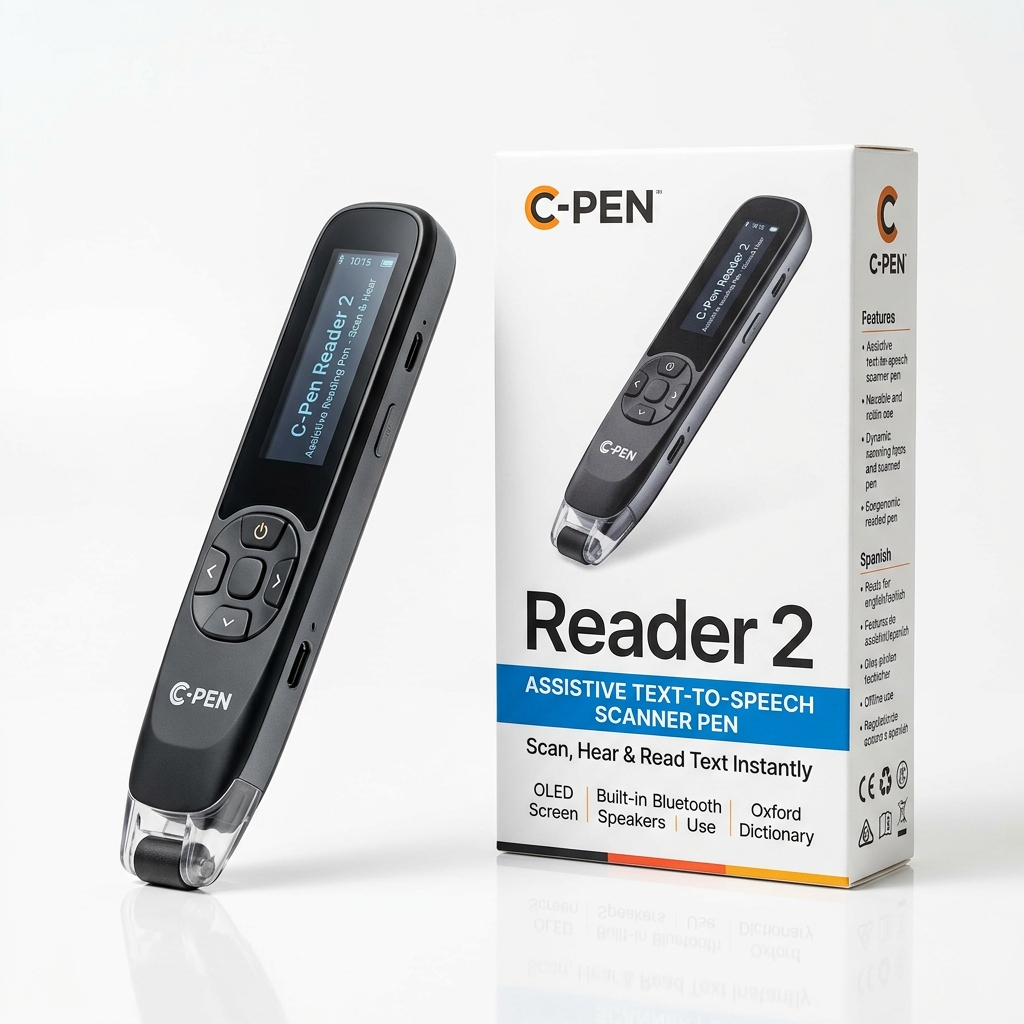
4. Private Audio Output (Headphone Jack vs. Bluetooth): While built-in speakers are convenient for private home study, reading in libraries, classrooms, or open offices requires silent audio. Verify whether the pen includes a standard 3.5mm headphone jack (fail-safe and permitted in exams) or wireless Bluetooth audio pairing for modern wireless earbuds.
Comparison: Assistive Reading Pens at a Glance
Here is how the leading standalone and connected reading pens compare across essential assistive specifications:
| Model | Type | Price | Offline TTS | Display | Dictionary | Best For |
|---|---|---|---|---|---|---|
| Scanmarker Max | Standalone | $299 | 30 Languages | Touchscreen | On-device + 50 online | Full independence, exam-approved, multilingual |
| Scanmarker PAL | Standalone | $179 | 10 Languages | None (Audio only) | None | Simple, immediate read-aloud with zero setup |
| Scanmarker Reader | Connected | $149 | 0 (Needs device) | Host Screen | App-based | Reliable budget read-aloud via phone or tablet |
If you require complete independence from phones and computers with on-screen text tracking and exam compliance, the <b>Scanmarker Max</b> is the premier choice. For users seeking the simplest possible push-button read-aloud tool with zero menus or pairing steps, the <b>Scanmarker PAL</b> offers reliable physical reading support at an accessible price.
Common Objections & Practical Limitations
Before purchasing an assistive reading pen, it is essential to address common misconceptions, ethical concerns, and physical limitations:
Objection 1: "Will using a reading pen make the reader dependent or lazy?"
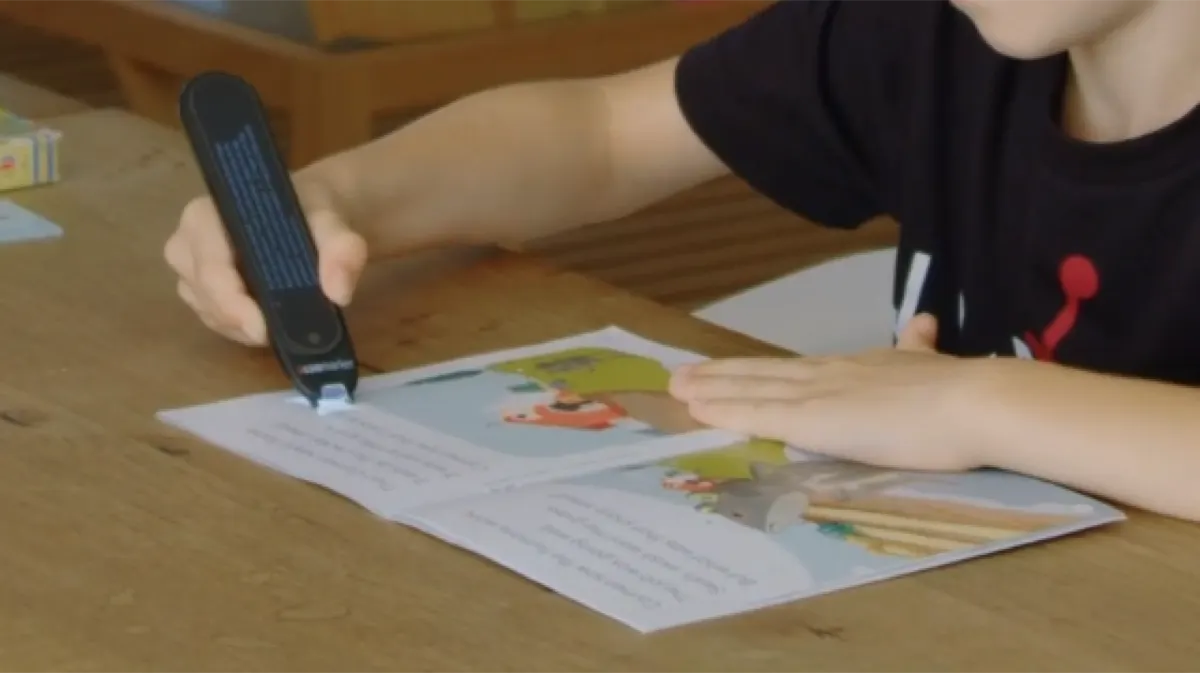
This is the single most frequent objection raised by parents and educators. Cognitive literacy research reveals the exact opposite: struggling readers who use text-to-speech assistive tools actually read more pages, build broader vocabularies, and develop greater reading stamina. A reading pen does not replace the cognitive process of reading; it bypasses mechanical decoding hurdles so the reader can engage with age-appropriate ideas, literature, and academic textbooks without feeling demoralized.
Objection 2: "Can reading pens scan handwriting, cursive, or tight margins?"
No handheld pen scanner reliably scans unconstrained human handwriting or cursive script. Optical character recognition algorithms are trained on standard machine-printed typefaces (such as Times New Roman, Arial, Calibri, or Roboto) between 6pt and 22pt. Additionally, thick paperbacks with tightly bound inner margins require tilting the pen to approximately 70–80 degrees so the optical nose can glide flush against the page gutter.
Objection 3: "Are reading pens allowed during exams and standardized tests?"
Regular reading pens that store scanned text, connect to the internet, or offer translation dictionaries are strictly prohibited in standardized exams (such as the SAT, ACT, GCSE, or state assessments). However, pens equipped with a certified Exam-Lock mode (such as the Scanmarker Max) permanently lock out dictionaries, Wi-Fi transmission, and internal memory during test sessions, making them compliant with IEP, 504 plan, and testing authority guidelines when authorized by a test coordinator.