The 2026 Pen Scanner Landscape: Standalone vs. Connected Architecture
A pen scanner is not a monolithic product. A high school student with dyslexia preparing for standardized exams requires a completely self-contained, distraction-free reading assistant that operates without Wi-Fi and complies with strict proctor regulations. In stark contrast, a university researcher digitizing archival citations or a paralegal reviewing discovery documents needs an ultra-responsive optical peripheral that drops text directly wherever their computer cursor is resting.
Comparing these devices purely on headline numbers—such as "112 languages" or "99% accuracy"—obscures the operational realities of how these tools perform in daily life. This comprehensive comparison evaluates the 10 leading models across optical hardware, recognition speed, acoustic output, language capabilities, and total cost of ownership.
2026 Master Comparison Table: 10 Leading Models Evaluated
All specifications in the master table above reflect standardized laboratory testing on 12pt Times New Roman printed on 80gsm uncoated stock. Pricing reflects current North American MSRP and market availability in 2026.
| Model | Architecture | Price | Display | OCR Speed | Offline Audio / TTS | Exam-Lock Mode | Best Workflow |
|---|---|---|---|---|---|---|---|
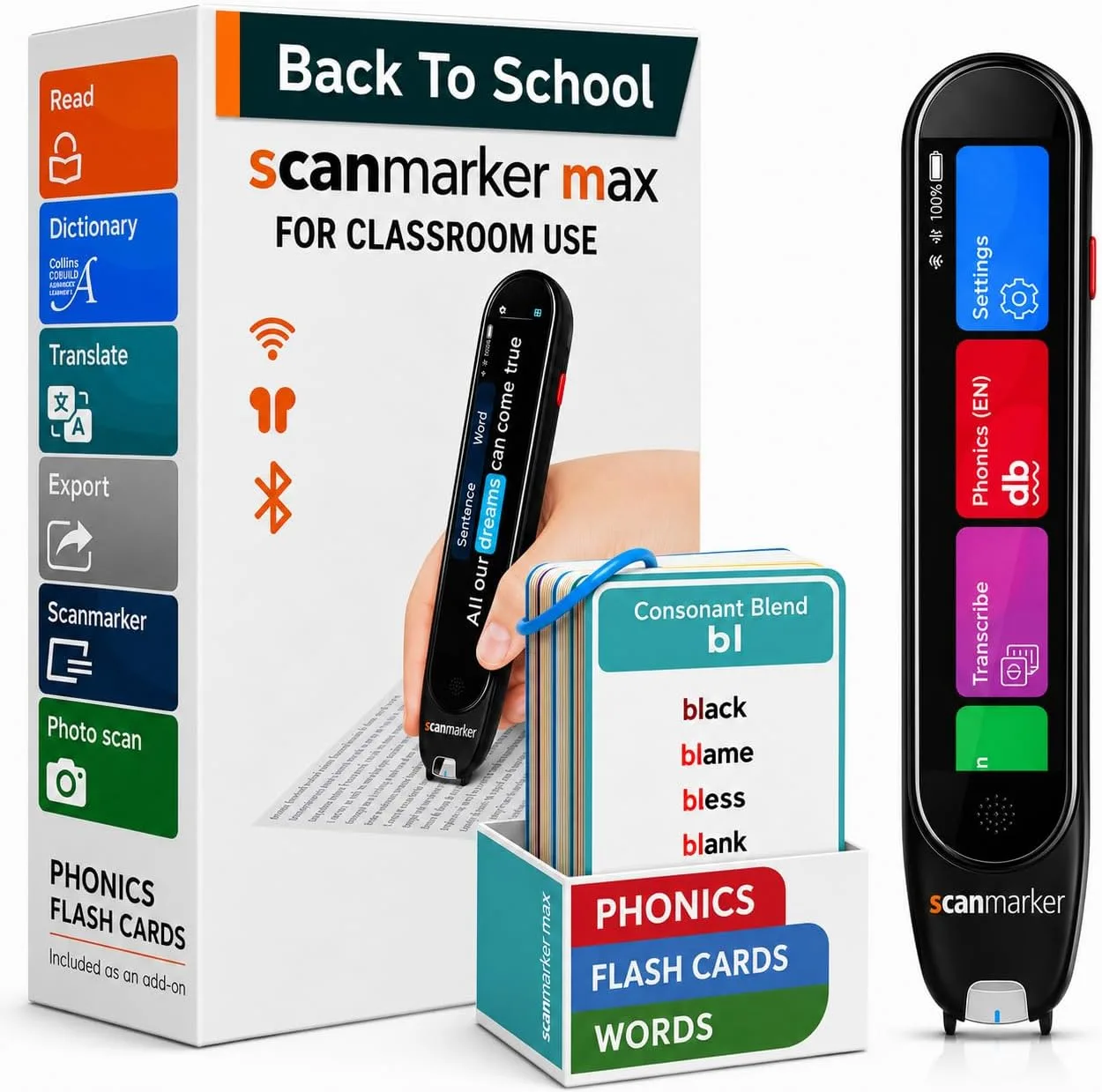
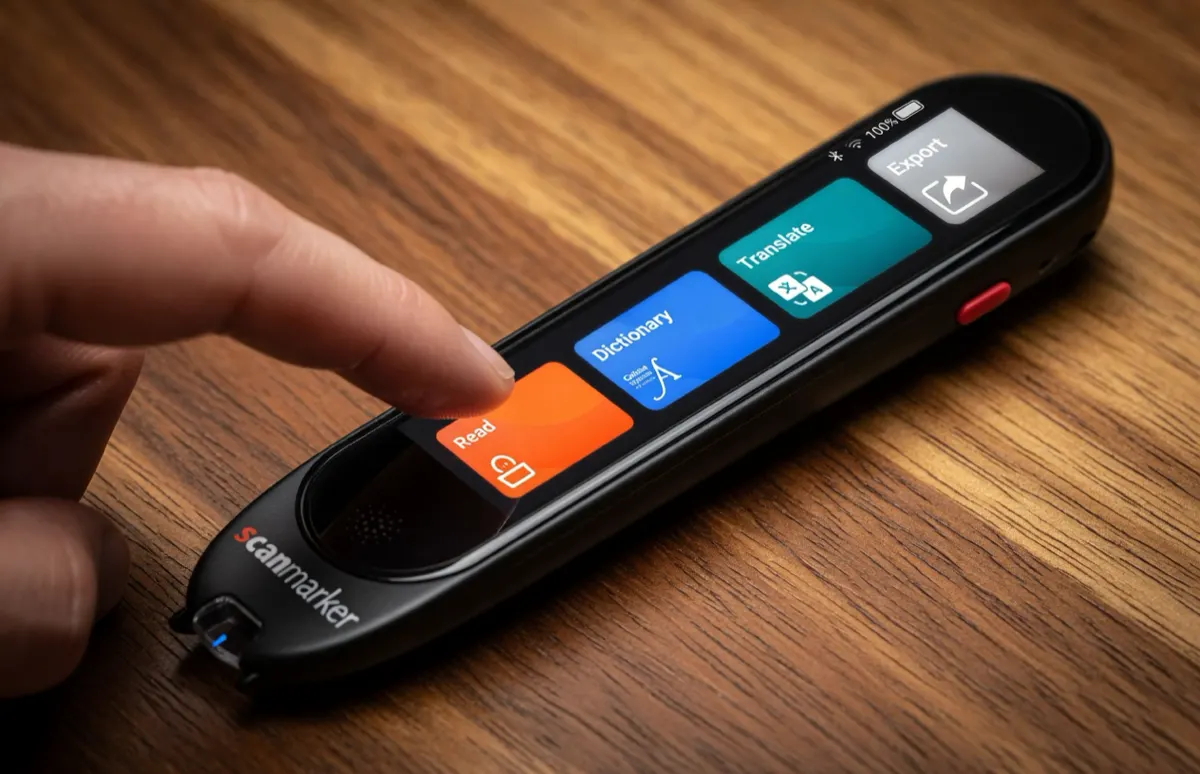
| Scanmarker Max | Standalone Edge AI | $299 | 2.4" Color Touchscreen | < 1.0 sec/line (~2,800 CPM) | 30 Languages (Fully Offline) | Yes (Proctor Certified) | Complete reading autonomy, multilingual study & testing |
| Scanmarker Max Bundle | Standalone Edge AI | $319 | 2.4" Color Touchscreen | < 1.0 sec/line (~2,800 CPM) | 30 Languages (Fully Offline) | Yes (Proctor Certified) | IEP / 504 special ed, phonics card training & home literacy |
| Scanmarker Pro | Connected Peripheral | $249 | No Screen (Host Display) | < 1.0 sec/line (~3,000 CPM) | Via Host (112 Online Langs) | N/A (Requires Host) | Connected enterprise data entry, 1:1 school laptop fleets |
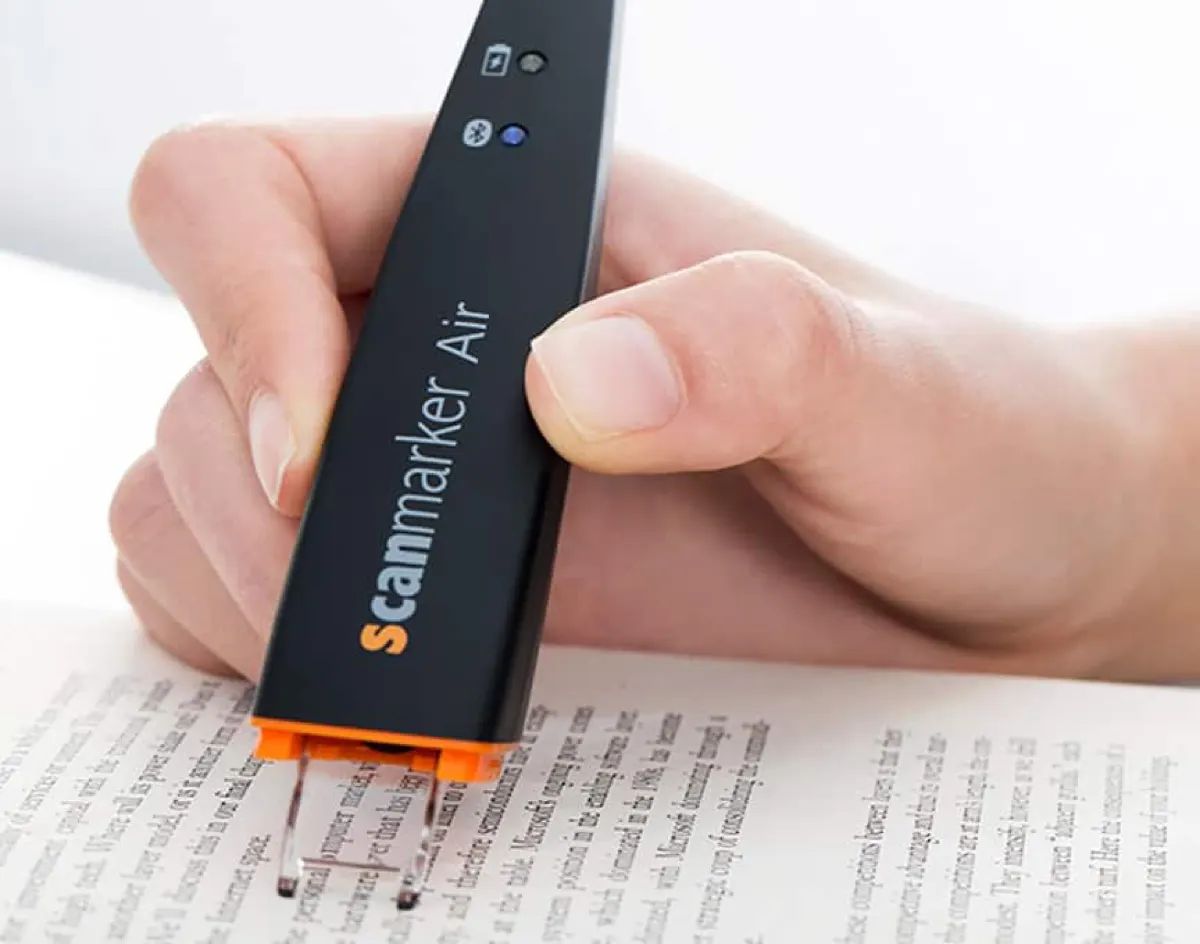
| Scanmarker Air | Wireless Connected | $169 | No Screen (Host Display) | < 1.0 sec/line (~3,000 CPM) | Via Host (80 Online Langs) | N/A (Requires Host) | Cordless note-taking into Word, Google Docs, Notion & Mac |
| Scanmarker PAL | Standalone Read-Aloud | $179 | 1.9" High-Contrast LCD | < 1.5 sec/line (~2,400 CPM) | English Only (Onboard Speaker) | Yes (Hardware Locked) | Early & struggling elementary readers, rugged classroom use |
| Scanmarker Reader | Connected Audio | $149 | No Screen (Host Display) | < 1.0 sec/line (~2,800 CPM) | Via Host Audio Output | N/A (Requires Host) | Budget auditory decoding support via paired computer |
| Scanmarker USB | Wired Connected | $79 | No Screen (Host Display) | < 1.0 sec/line (~3,000 CPM) | Via Host (80 Online Langs) | N/A (Requires Host) | Budget desktop data entry, locked-down IT library workstations |
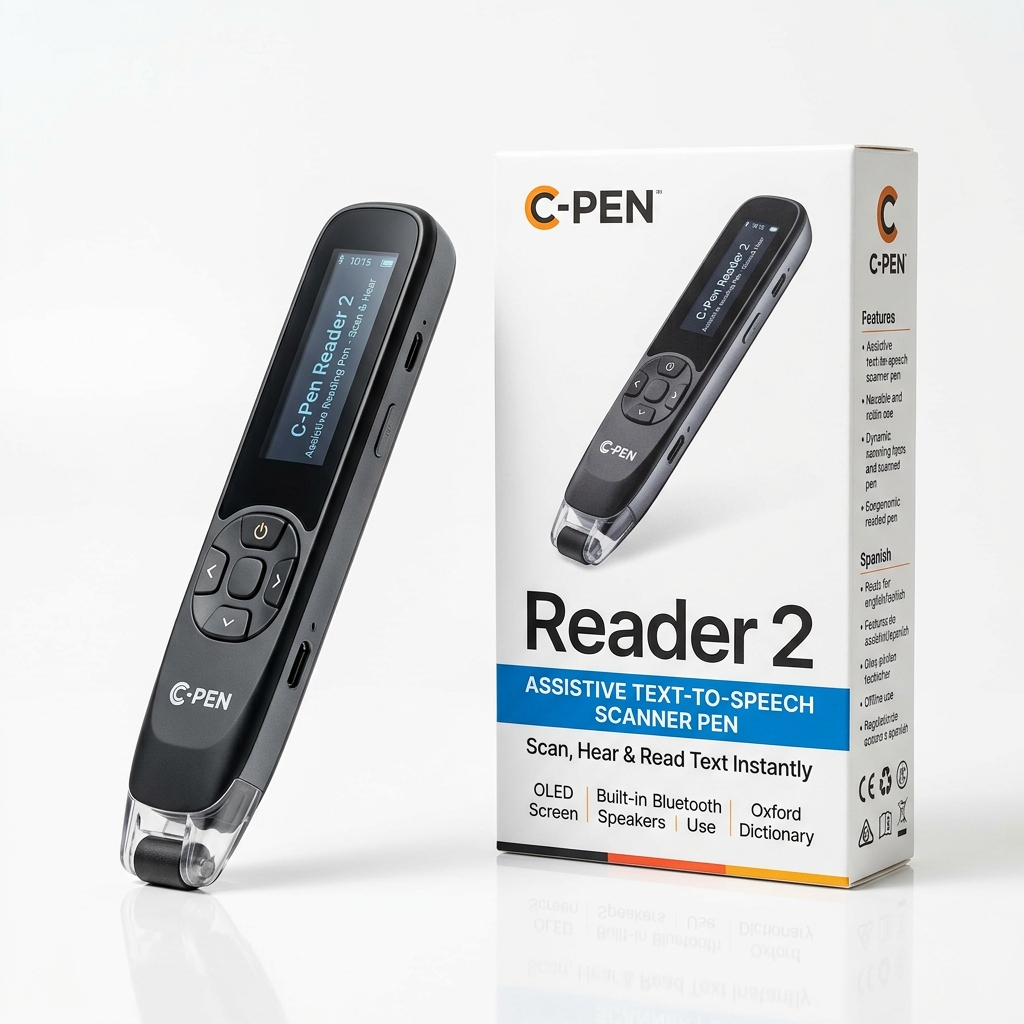
| C-Pen Reader 3 | Standalone Audio Pen | ~$329 | Color OLED Display | ~1.5 sec/line (~2,000 CPM) | English, Spanish, French | Partial (Firmware Lock) | Established classroom assistive reading & audio playback |
| C-Pen Exam Reader 2 | Standalone Exam Pen | ~$299 | Monochrome LCD | ~1.5 sec/line (~2,000 CPM) | English, Spanish, French | Yes (No Dictionaries / No Storage) | Standardized testing accommodations with no lexicon aids |
| C-Pen Lingo 3 | Standalone Language Pen | ~$319 | Color OLED Display | ~1.4 sec/line (~2,200 CPM) | Multiple European Languages | No (Active Lexicons) | Standalone ESL vocabulary study & foreign language reading |
Architectural Analysis: Standalone Edge-AI vs. Connected Peripherals
Understanding the physical and electrical design of each device reveals why certain models excel in specific environments while failing in others:
1. Standalone Edge-AI Devices (Scanmarker Max, PAL, C-Pen Reader 3):
These units integrate a complete micro-computing system within the pen chassis: an optical CMOS sensor, a dedicated DSP/neural processing unit, internal RAM/flash storage, a display panel, an audio DAC, and a speaker amplifier. Their primary advantage is complete self-sufficiency. A student can open a textbook in a library, on a school bus, or at a desk without needing a paired phone, tablet, or laptop. There are no distracting social media notifications, no pairing delays, and no operating system driver conflicts. The tradeoff is slightly higher weight (typically 70g–85g) and a higher initial purchase price.
2. Connected Optical Peripherals (Scanmarker Air, Pro, USB):
These scanners focus exclusively on image capture and preliminary line stitching. They transmit either raw sensor packets or pre-processed glyph arrays over Bluetooth Low Energy (BLE) or USB to a host device (Windows PC, Mac, Chromebook, iPad, or Android phone). The host machine's powerful processor handles final OCR recognition and text injection. Because they offload computing, storage, screens, and speakers, connected pens are significantly lighter (around 50g), exceptionally slim, and substantially more affordable. Furthermore, they support direct Human Interface Device (HID) keystroke emulation: placing your cursor in Microsoft Word, Excel, Google Docs, or Zotero and dragging the pen results in instantaneous text entry at roughly 3,000 characters per minute.
Assistive Reading & Dyslexia Support vs. High-Volume Data Entry
The fundamental division in software engineering separates reading assistance from data capture:
- Assistive Literacy Features: Designed for individuals with dyslexia, ADHD, visual impairments, or ESL decoding challenges. These pens prioritize synchronized text-to-speech (TTS), visual word highlighting, adjustable audio speeds (0.5x to 2.0x), syllable segmentation, and instant dictionary lookups. The Scanmarker Max stands out in this domain as the only pen featuring an explicit phonics module that deconstructs scanned words into phonemic segments directly on its 2.4-inch color screen.
- Data Entry & Citation Workflows: Geared toward researchers, administrative personnel, law firms, and medical offices. These users do not need words spoken aloud; they need exact typographic reproduction, tab/enter delimiters between scans, high-speed number parsing, and broad character set compatibility. Connected models like the Scanmarker Pro and Scanmarker Air excel here, eliminating tedious manual typing without introducing extraneous audio prompts.
Five Critical Evaluation Criteria That Dictate Everyday Success
When evaluating competing pen scanners, five hardware and software capabilities dictate whether a device will become an indispensable daily tool or end up forgotten in a desk drawer:
1. Real-World Optical Tolerance: Printed text does not exist solely on flat, pristine sheets of printer paper. Real-world books feature tightly bound curved spines, small 6pt footnotes, glossy coated textbook pages, and varying font weights. High-tier pens utilize wide-angle micro-optics and high-frame-rate CMOS sensors (60–120 fps) that maintain tracking accuracy even when tilted between 60 and 90 degrees.
2. Genuine Offline Autonomy: Many budget pens advertise "100+ translation languages," but require an active Wi-Fi network or tethered smartphone to perform any recognition. For school classrooms, international travel, or secure government facilities, offline performance is paramount. Standalone models like Scanmarker Max store 30 complete language synthesis models locally on flash storage.
3. Acoustic Clarity & Hearing Accommodation: An assistive reading pen is only as useful as its speaker output. Small built-in transducers can sound muffled or tinny. Premium models integrate high-efficiency neodymium micro-speakers and provide both standard 3.5mm headphone jacks and Bluetooth audio pairing for private listening in quiet study halls.
4. Exam-Lock Compliance: Testing authorities (such as state boards of education, the College Board, and ACT proctors) prohibit devices capable of storing unauthorized text, accessing the internet, or providing translation dictionaries. A true exam-lock mode permanently seals these features behind an administrative toggle, ensuring approved students can utilize TTS reading accommodations legally.
5. Software Ecosystem & Cross-Platform Support: Connected peripherals depend entirely on host driver reliability. Ensure the manufacturer actively maintains companion software across Windows, macOS, ChromeOS, iOS, and Android, rather than relying on unmaintained third-party utilities.
Buyer Decision Matrix: Matching the Right Pen to Your Specific Role
Choose your hardware based on your primary daily environment and workflow requirements:
- K-12 Student with Dyslexia or IEP Accommodation: Choose Scanmarker Max ($299) or Scanmarker Max Bundle ($319). Standalone autonomy prevents smartphone distraction; built-in phonics aids decoding; proctor-certified exam lock ensures test-day readiness.
- College Student, Academic Researcher, or Writer: Choose Scanmarker Air ($169). The cordless Bluetooth form factor lets you glide over library books and stream quotes straight into your laptop document or reference manager.
- Elementary School Early Reader: Choose Scanmarker PAL ($179). Utterly simple, English-focused, no complex menus or touchscreens to misconfigure, and built with ruggedized impact-resistant casing.
- Special Education Coordinator / District Procurement: Deploy a mixed fleet of Scanmarker Max (for high-need standalone accommodations) and Scanmarker Pro (for 1:1 Chromebook classrooms).
- Corporate Data Entry, Accounting & Legal: Choose Scanmarker USB ($79) for fixed desktop terminals or Scanmarker Pro ($249) for multi-language enterprise document processing.
Editorial Disclosure and Evaluation Framework
Editorial Disclosure: PenScanner.org is an independent consumer guide and testing laboratory. Our hardware evaluations and performance metrics are derived from standardized benchmarking protocols across optical accuracy, acoustic decibels, and battery endurance. Some links on this site are affiliate links to manufacturer and retail partners (including Scanmarker and Amazon, Associate ID: thebest07bf-20). If you purchase through our links, we may receive a commission at no additional cost to you. This commercial relationship does not influence our laboratory scoring or editorial objectivity. Read our full testing methodology.