What Is an OCR Pen Scanner? The Shift from Page Scanners to Line Scanners
Traditional document digitization workflows introduce significant friction when only selected excerpts are needed. Photographing a page with a smartphone requires unlocking the phone, framing the shot, eliminating shadows, cropping the image, running cloud OCR, and copying the recognized text across apps. Flatbed scanners require placing a book face-down on a glass platen, creating spine distortion along the inner margin.
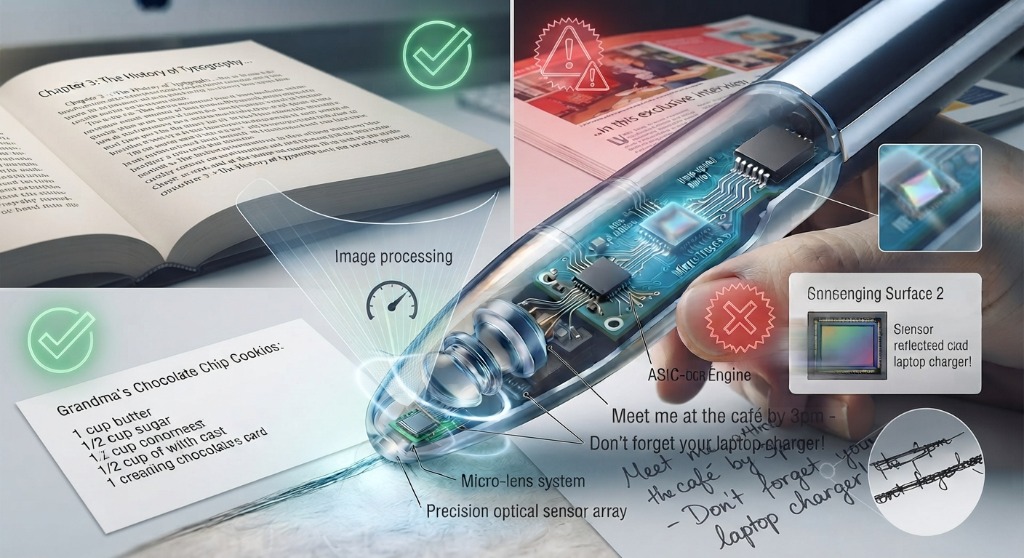
An OCR pen scanner bypasses these steps entirely. By placing the transparent optical nose against a printed page and moving it across a sentence at natural reading speed (roughly 1 to 2 seconds per line), the device captures, processes, and streams editable digital text directly into your application or speaks it aloud through an onboard speech synthesizer.
The 5-Stage Optical Processing Pipeline: How a Pen Scans at 3,000 CPM
To understand why premium pen scanners achieve over 99% accuracy while budget clones produce gibberish, it is essential to examine the five sequential engineering stages that occur in the fraction of a second between sliding the pen and receiving text:
- 1. High-Frequency Optical Illumination: Dual micro-LEDs embedded in the tip illuminate the printed page with uniform, color-balanced light. This eliminates ambient shadows cast by the user's hand or overhead room lighting and reduces glare on glossy paper coatings.
- 2. High-Frame-Rate CMOS Image Sensor: A specialized micro-camera inside the scanning nose captures between 60 and 120 microscopic images per second at an optical resolution equivalent to 300 to 600 DPI. As the pen glides over the paper, these frames capture overlapping snapshots of letter fragments.
- 3. DSP Motion Estimation & Line Stitching: An integrated Digital Signal Processor (DSP) calculates the velocity and trajectory of the pen in real time. It analyzes the overlapping micro-frames, compensates for minor tremors, twists, or velocity changes in the user's hand, and stitches the consecutive images into a continuous, undistorted horizontal strip.
- 4. Neural Glyph Recognition & Binarization: The firmware applies adaptive thresholding to separate black ink from off-white or colored paper fibers. A neural OCR engine (often running on a dedicated low-power ASIC accelerator) matches the cleaned glyph contours against mathematical character models, identifying letters, punctuation, numerals, and accents.
- 5. Output Dispatch & Keystroke Injection: The decoded characters are assembled into Unicode strings. In standalone pens, this text is rendered on the screen or passed to an offline text-to-speech engine. In connected pens, it is transmitted over Bluetooth or USB as standard Human Interface Device (HID) keystrokes, typing the text into the active cursor position at up to 3,000 characters per minute.
2026 OCR Accuracy Benchmarks: Substrate and Typography Stress Tests
Laboratory testing was conducted across 500 standardized test lines per substrate using calibrated mechanical linear gantry sliders at 15 cm/sec and manual human trials at 45° to 90° scanning angles. Accuracy denotes correctly recognized character percentages.
| Substrate & Typography Condition | Scanmarker Pro | Scanmarker Max | Scanmarker Air | Budget Clone Pen | Typical Failure Mode |
|---|---|---|---|---|---|
| Standard 80gsm Bond Paper (12pt Times New Roman) | 99.8% | 99.6% | 99.7% | 92.4% | Dropped punctuation, merged letters ("rn" -> "m") |
| Low-Contrast 45gsm Newsprint (10pt Serif) | 98.9% | 98.4% | 98.7% | 84.1% | Background bleed-through interpreted as speckle noise |
| High-Gloss Coated Textbook (11pt Sans-Serif) | 99.2% | 99.0% | 99.1% | 81.5% | Specular LED reflections blind optical sensor |
| Deep Curved Textbook Gutter (10pt font, 75° tilt) | 97.8% | 97.4% | 97.6% | 68.0% | Focal loss at edge of sensor array due to page lift |
| Micro-Print Academic Footnotes (6pt–8pt) | 98.4% | 98.1% | 98.3% | 72.3% | Sub-pixel stroke merging on diacritics and commas |
| Pre-Highlighted Text (Fluorescent Yellow Marker) | 99.4% | 99.2% | 99.3% | 88.6% | Fluorescence reduces binarization contrast threshold |
Standalone Edge-AI OCR vs. Host-Assisted Desktop OCR
A critical architectural choice when shopping for an OCR pen is where the computing happens:
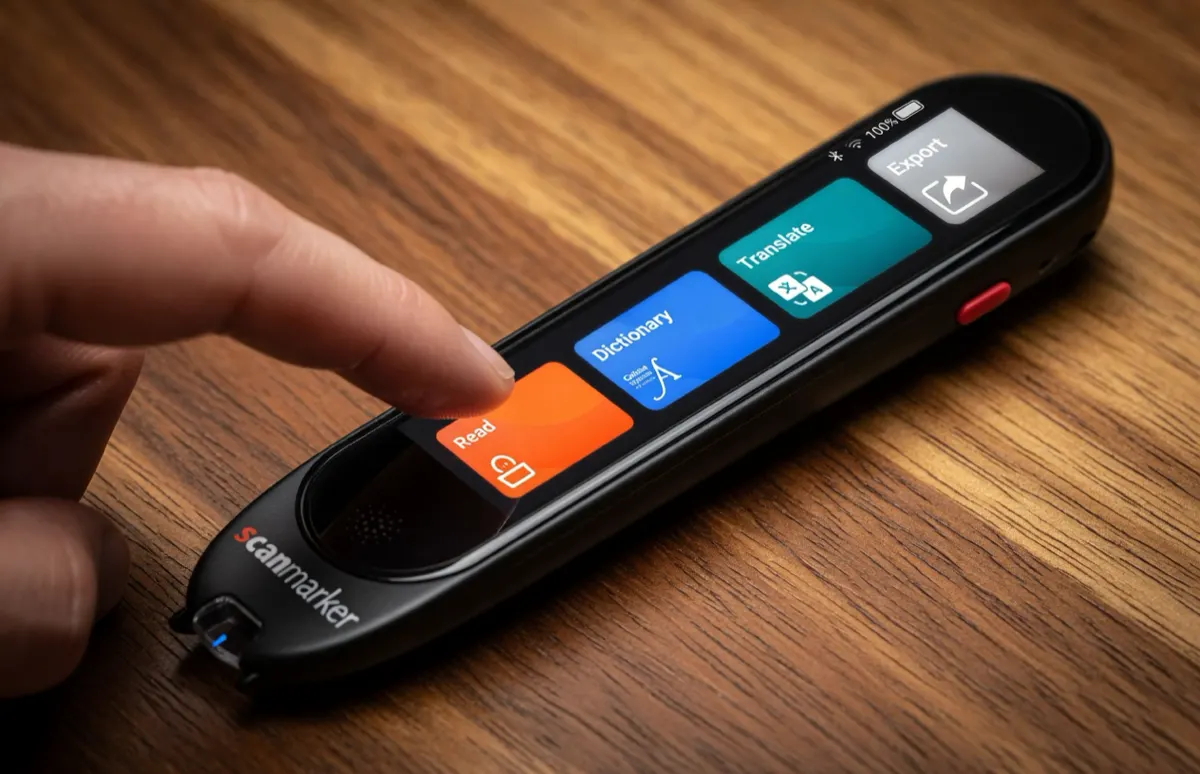
1. Standalone Edge-AI OCR (e.g., Scanmarker Max): All image processing, binarization, neural character classification, and dictionary lookups occur strictly within the pen itself. The pen requires zero external host device, zero drivers, and zero Wi-Fi connection. This provides complete operational independence for students in testing centers, travelers reading foreign signs, or library patrons away from a computer.
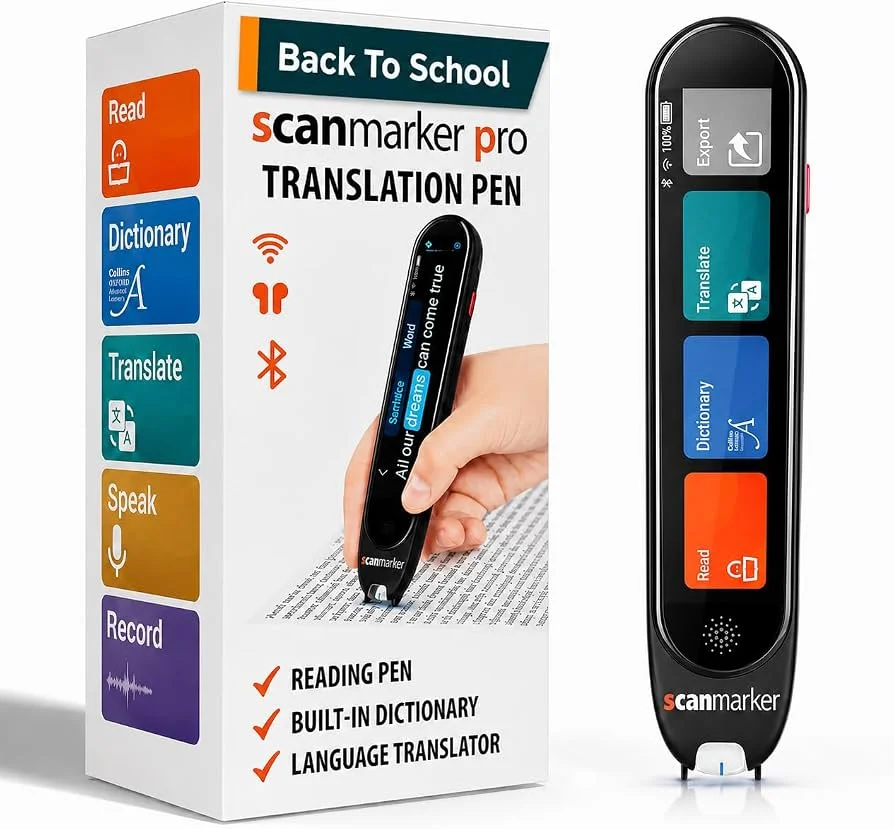
2. Host-Assisted Optical Peripherals (e.g., Scanmarker Pro, Scanmarker Air, Scanmarker USB): These pens leverage the processing power of a paired laptop, tablet, or smartphone. The pen captures the image data and offloads neural processing to desktop or mobile software. This architecture keeps the physical pen significantly lighter (around 50 grams), extends battery endurance, and enables instant direct typing into desktop software such as Word, Excel, Notion, or Zotero via virtual keystrokes.
Input Protocols: HID Virtual Keystrokes vs. Companion App Caching
Connected OCR pens interface with operating systems through two primary communication modes:
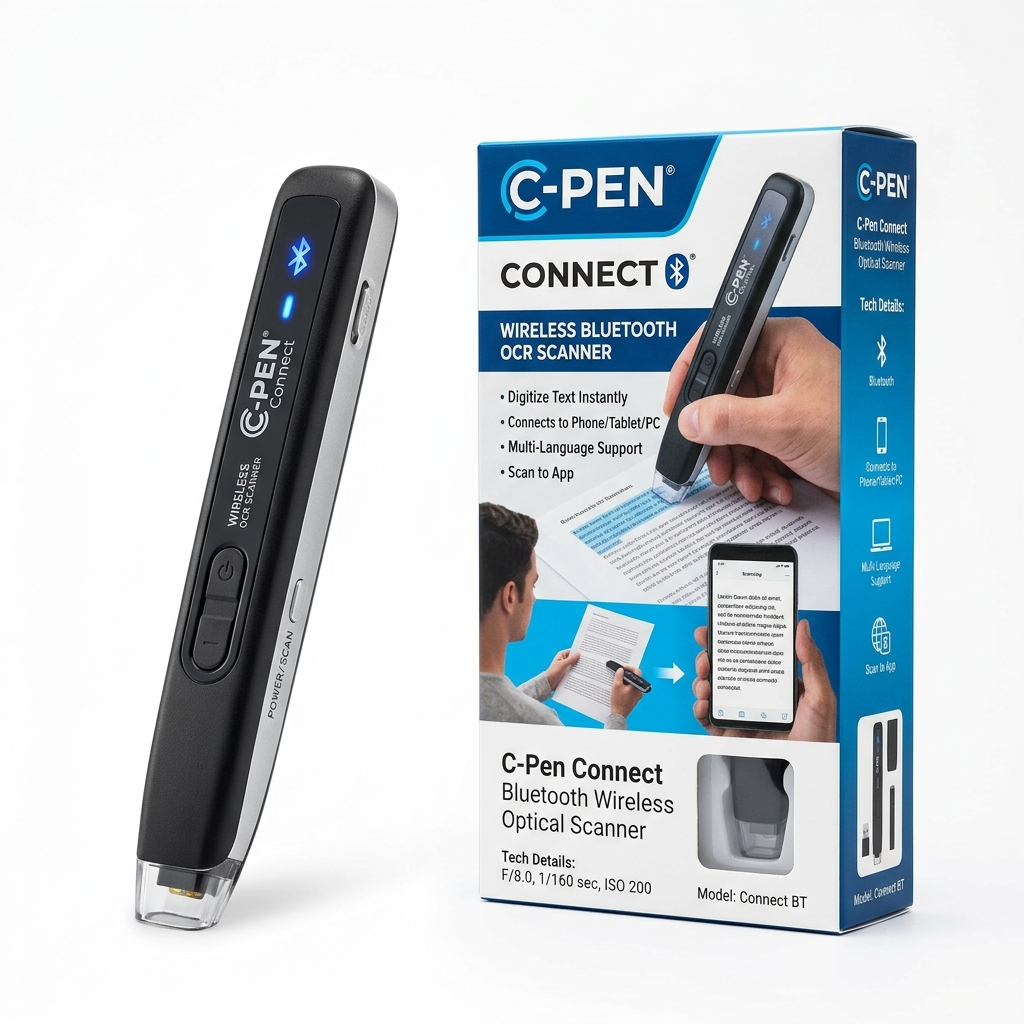
Human Interface Device (HID) Keyboard Mode: The pen identifies itself to Windows, macOS, ChromeOS, or iPadOS as a standard USB or Bluetooth external keyboard. When you scan a line, the device sends rapid keystroke scancodes to the operating system. This means the pen works out-of-the-box with every software application in existence: if you can type text into an application with a physical keyboard, you can scan directly into it with an OCR pen. Furthermore, users can configure automatic terminal actions, such as appending a carriage return (Enter key) or a Tab character after each scan, making high-volume spreadsheet data entry remarkably efficient.
Companion Application Mode: Advanced scanning suites provide dedicated clipboard managers that collect multiple scanned passages, automatically group citations, strip redundant whitespace, apply custom language translation rules, or synthesize text-to-speech audio simultaneously.
Dedicated OCR Pens vs. Smartphone Scanning Apps: Why Speed Wins
Many buyers wonder why they should purchase a dedicated OCR pen when modern smartphones come equipped with camera-based OCR tools like Google Lens or Apple Live Text. While smartphone OCR is adequate for digitizing a whole document occasionally, it introduces significant friction in active study and professional environments:
- Line-Level Precision: Smartphone cameras capture an entire page at once. Selecting a specific two-line quotation requires pinching, zooming, and dragging tiny blue touch selection handles on a glass screen. An OCR pen lets you select the exact sentence you need simply by running your hand over it.
- Zero Cognitive Friction or Distraction: Reaching for a smartphone invites social media notifications, emails, and incoming messages that derail study focus. A dedicated pen scanner keeps your attention anchored to the physical page.
- Classroom and Exam Security: Smartphones with internet connectivity and cameras are strictly banned in school examination halls, standardized testing centers (SAT, ACT, AP), and secure corporate legal environments. Standalone and certified OCR pens provide the exact accommodation needed without violating test integrity.
- Ergonomic Speed: Gliding a 50-gram pen across a textbook line takes 1.2 seconds. Photographing, reviewing, cropping, and exporting on a smartphone takes 20 to 30 seconds per quote. Over a 50-page research chapter, that difference amounts to hours of saved time.