How a Translation Pen Works
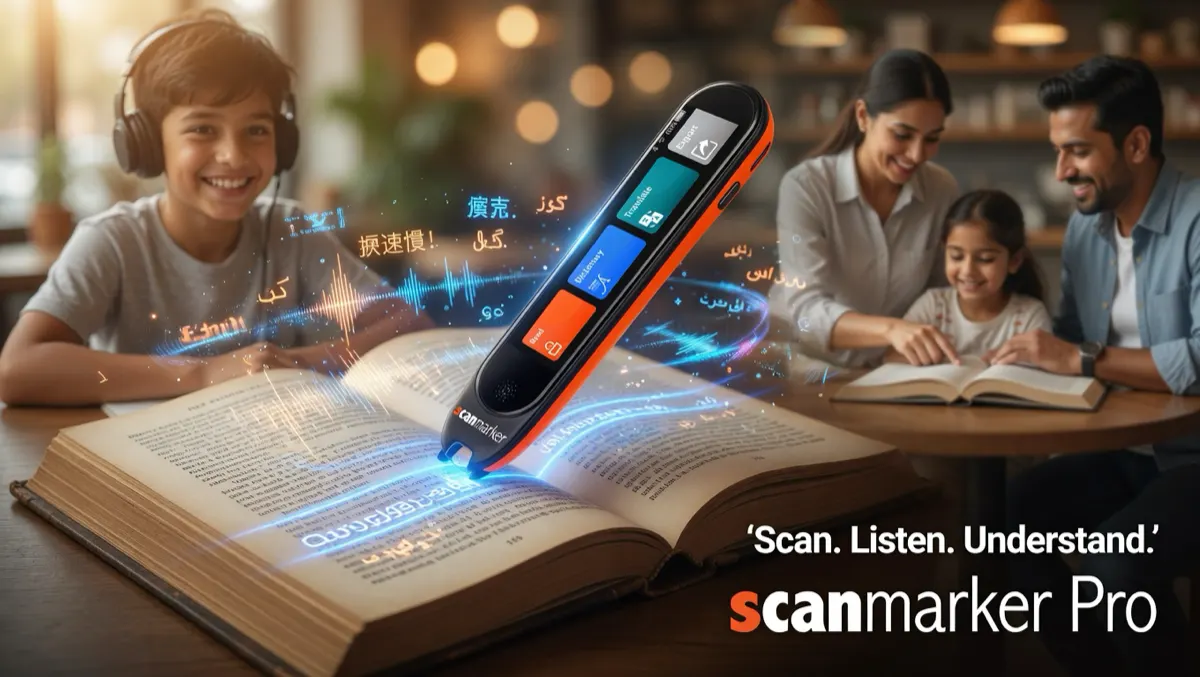
A translation pen scans a line of printed text and converts it into another language instantly — spoken aloud, shown on a touchscreen, or both, depending on the model. It solves a specific, everyday problem: understanding printed text in a language you don't read, without photographing it into a translation app first. The scanning process is identical to any <a href="/guides/reading-pens/">reader pen</a> — glide the tip across a line of text at reading pace. See <a href="/guides/how-pen-scanners-work/">how pen scanners work</a> for the full recognition pipeline, which maps recognized characters to <a href="https://www.unicode.org" target="_blank" rel="noopener">Unicode</a> before any translation step runs.
On-device vs. cloud-based translation is the key technical distinction to understand before buying. On-device translation works fully offline but typically supports fewer language pairs; cloud-based translation supports more languages but requires an internet connection — a real limitation while traveling without reliable data.
Which Models Actually Translate
Scanmarker Max and Max Bundle translate offline in up to 30 languages and display the translation on a built-in touchscreen alongside spoken output. Scanmarker Pro and Scanmarker Air support online translation (112 and 89 languages respectively) through a paired device, with no offline coverage and no on-pen screen. Scanmarker PAL and Scanmarker USB don't include a translation module at all — see the full comparison table for the complete breakdown.
| Model | Translation | Offline? | On-device display |
|---|---|---|---|
| Scanmarker Max / Max Bundle | 112 online · 30 offline | Yes, up to 30 languages | Touchscreen |
| Scanmarker Pro | 112 online | No | None (paired device) |
| Scanmarker Air | 89 online | No | None (paired device) |
| Scanmarker PAL / USB | Not included | — | — |
Who Actually Needs a Translation Pen
Travelers scanning menus, signage, and printed instructions in an unfamiliar language, translated instantly without unlocking a phone in public. Language learners encountering unfamiliar vocabulary while reading foreign-language material — see our <a href="/guides/scanning-pens-for-language-learning/">language learning guide</a> for more. Multilingual households reading school materials or mail in a language different from a child's primary school language. Professionals working with foreign-language documents needing a fast first-pass translation before formal review.
Translation Pen vs. Phone Translation Apps
The core trade-off: a translation pen wins on speed and discretion for quick, repeated lookups since it needs no photo or app-opening step; a phone app wins on breadth of language support and zero additional cost if you already carry a smartphone everywhere.
| Factor | Translation pen | Phone app |
|---|---|---|
| Speed for a single line | Faster — no photo needed | Slower — photo, then processing |
| Offline capability | Yes on Max/Max Bundle, limited languages | Varies widely by app |
| Discretion in public | Higher | Lower — phone camera visible |
| Cost | One-time device cost | Usually free |