What "Best" Means Here
A reader pen isn't ranked well just because it has the most features. The best pick for a parent buying for a child's homework isn't the best pick for an adult managing reading fatigue, and neither is the best pick for a district buying for classroom-wide accommodations. This guide ranks by use case, drawing every spec and price from the same dataset behind our <a href="/guides/pen-scanner-comparison/">full comparison table</a> — nothing here is estimated.
Best Overall: Standalone, No Phone Required
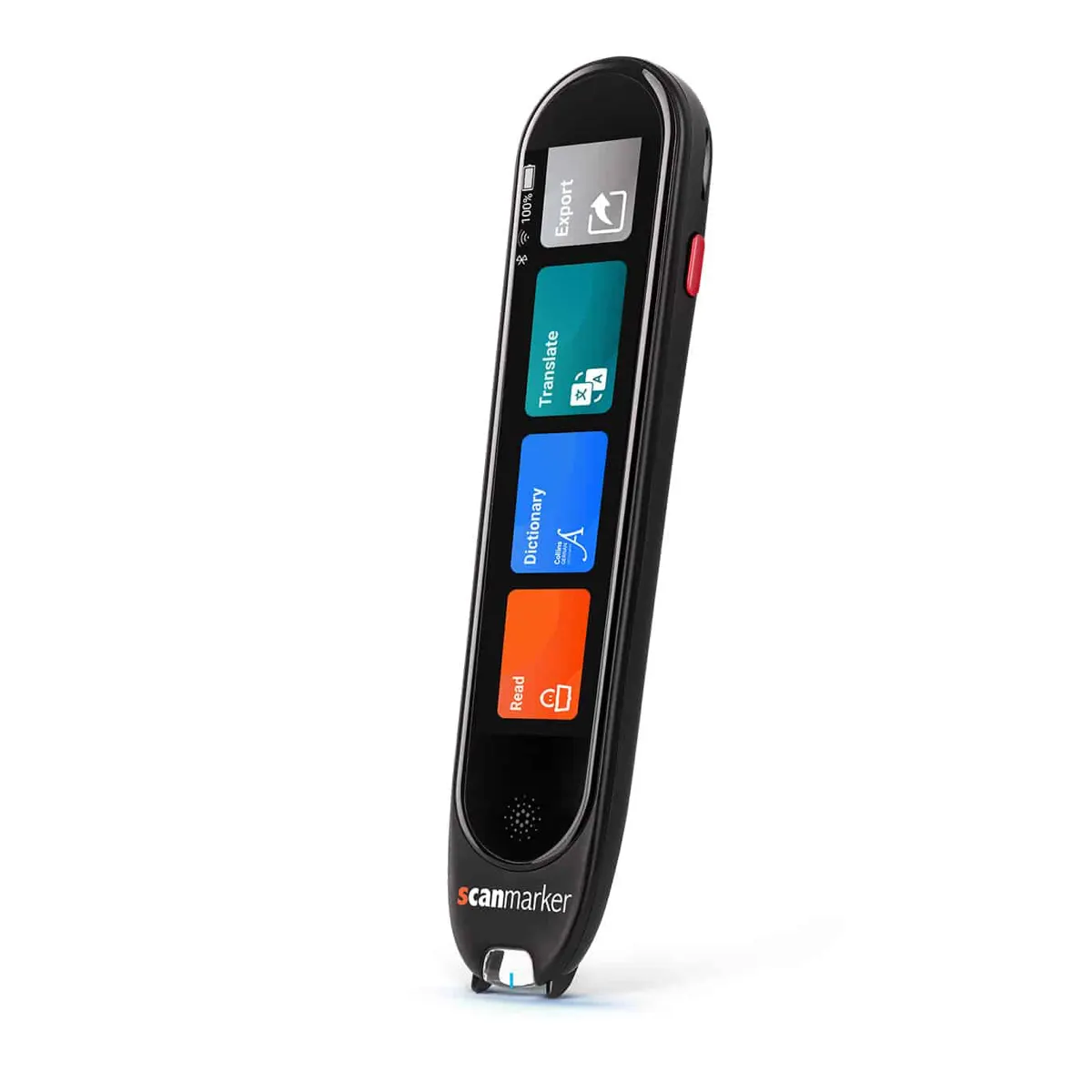
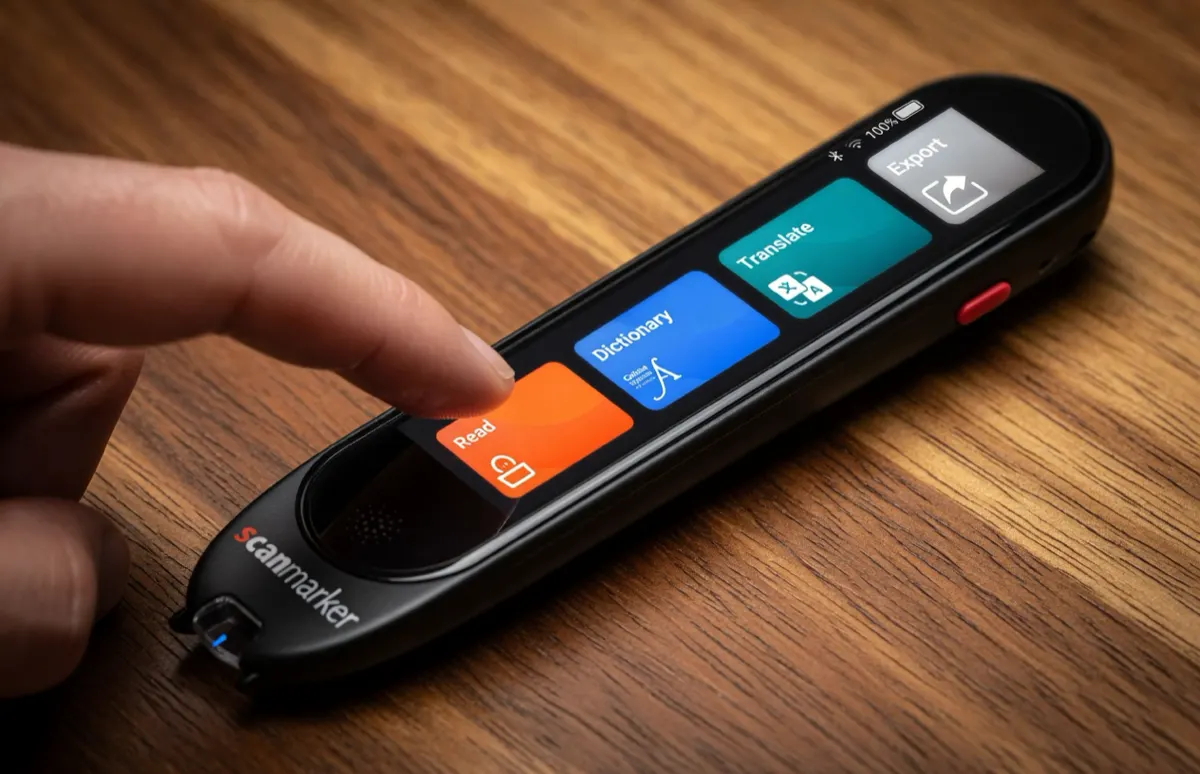
For most people, the best reader pen is a fully standalone device — no app, no pairing, no phone battery to manage alongside the pen's own. <a href="/guides/scanmarker-max/">Scanmarker Max</a> is the fullest-featured standalone pick: a touchscreen, offline text-to-speech in up to 30 languages, offline translation, and an exam-lock mode for testing accommodations. It works the same in a classroom, on a plane, or at a kitchen table with no Wi-Fi.
Best for Budget-Conscious Buyers
If reliability matters more than standalone operation and cost is the primary constraint, <a href="/guides/scanmarker-usb/">Scanmarker USB</a> at $79 is the lowest entry point in the lineup — wired, no battery to manage, and a straightforward desk setup. It trades portability and a speaker for a meaningfully lower price, a reasonable call for shared-computer or classroom-desk use.
Best for a Simpler Standalone Pick
Not every buyer needs Max's full feature set. <a href="/guides/scanmarker-pal/">Scanmarker PAL</a> at $179 is a simpler standalone device with 10 offline languages and no translation or dictionary module — the lowest-friction way to get standalone read-aloud without paying for features you won't use.
Best for Adult Reading Fatigue and Low Vision
Adults generally don't need phonics content — they need speed, battery life, and comfortable extended use. Max and PAL both suit this without any classroom-specific framing; see our <a href="/guides/reading-pens/">Reading Pens guide</a> for the full comparison across models built around this use case.
Best for Classroom and District Deployment
Districts buying at scale should prioritize a documented exam-lock mode and vendor support for bulk procurement over any single feature. <a href="/guides/scanner-pen-for-schools/">Our district buying guide</a> and <a href="https://scanmarkerforschools.com" target="_blank" rel="noopener">Scanmarker for Schools</a> cover the procurement side specifically — funding sources, Net-30 terms, and FERPA/COPPA considerations.
The Comparison at a Glance
Every model side by side, drawn from the same dataset as the rest of this site.
| Priority | Model | Price | Who it's for |
|---|---|---|---|
| Reliability anywhere | Scanmarker Max | $299 | Most buyers who want the full standalone feature set |
| Simpler standalone | Scanmarker PAL | $179 | Buyers who don't need translation or a touchscreen |
| Lowest price | Scanmarker USB | $79 | Budget or shared-computer use |
| 1:1 device classrooms | Scanmarker Pro | $249 | Schools that already issue a device per student |
| Wireless connected use | Scanmarker Air | $169 | A personal laptop workflow without a cable |