The 2026 Lineup, by OCR-Relevant Strength
Optical character recognition is the software that turns a scanned line of print into editable, speakable, or translatable text in under a second. The pen hardware matters, but <a href="/guides/ocr-pen-scanners/">OCR quality</a> is what determines whether the text you get out matches what was actually printed on the page.
| Model | Type | Price | OCR-relevant strengths |
|---|---|---|---|
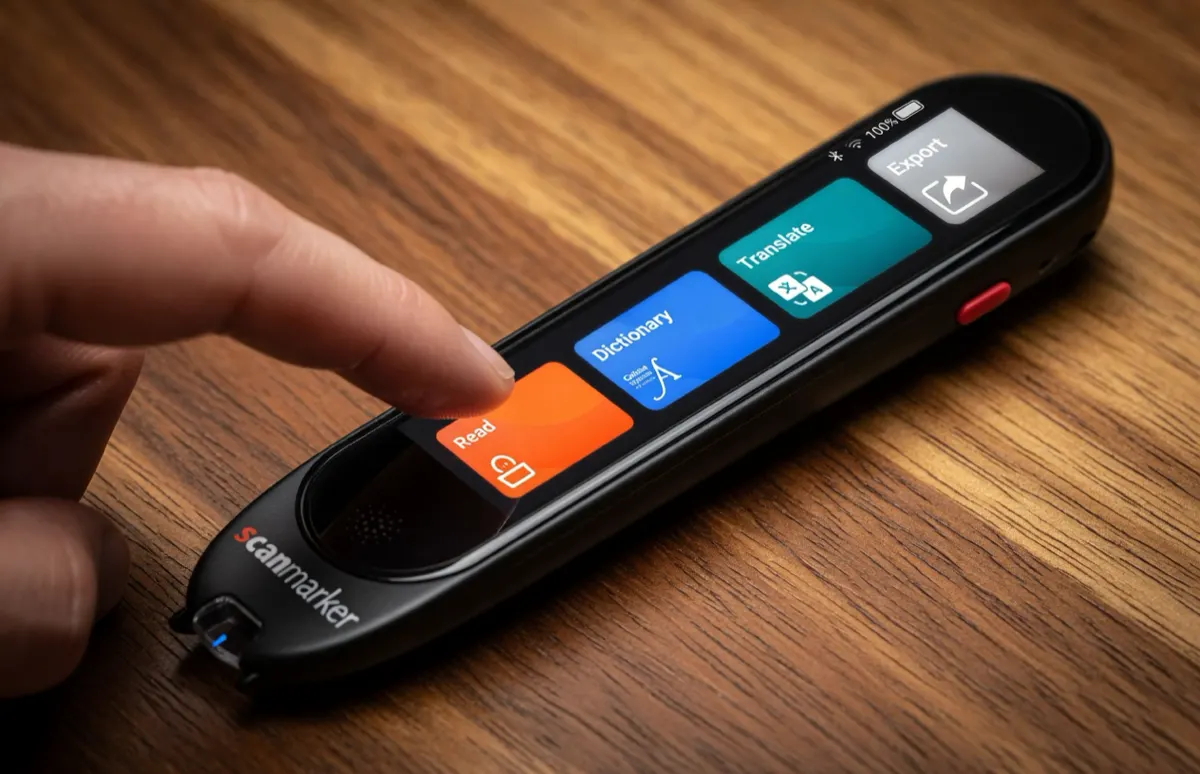
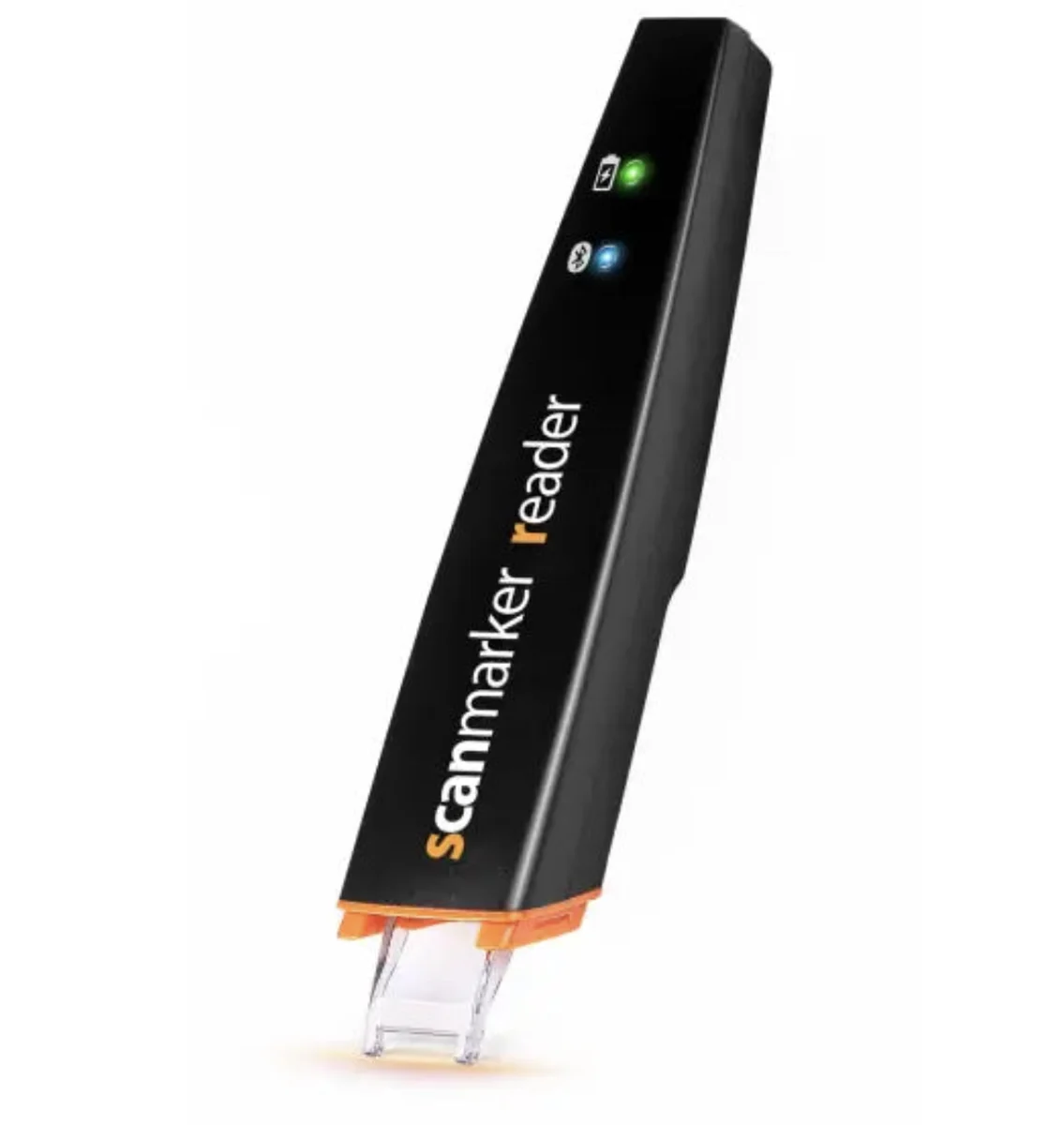
| Scanmarker Max | Standalone | $299 | Full offline OCR pipeline — reads and translates without sending anything to the cloud |
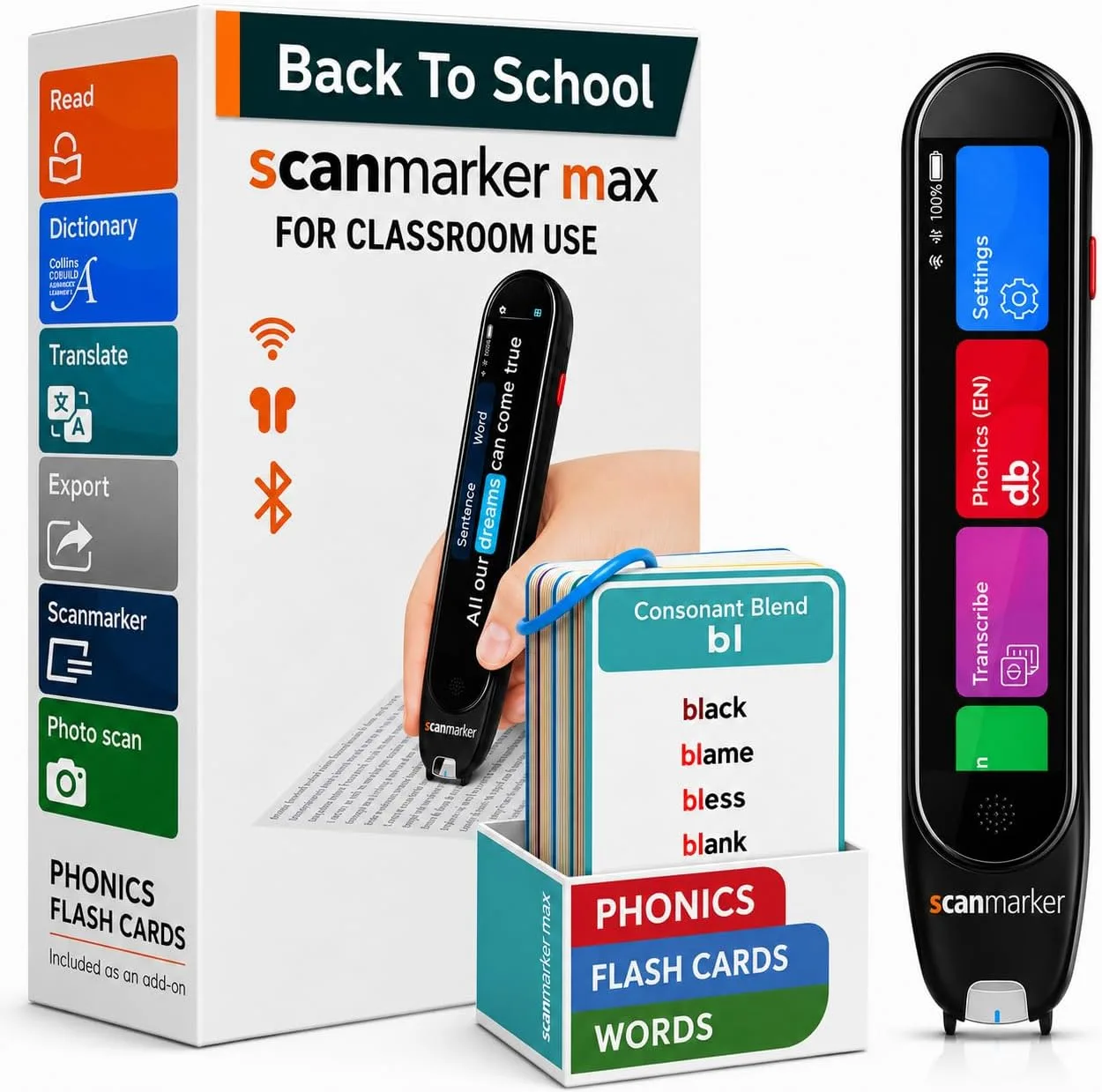
| Scanmarker Max Bundle | Standalone | $319 | Same OCR engine as Max, paired with phonics flash cards |
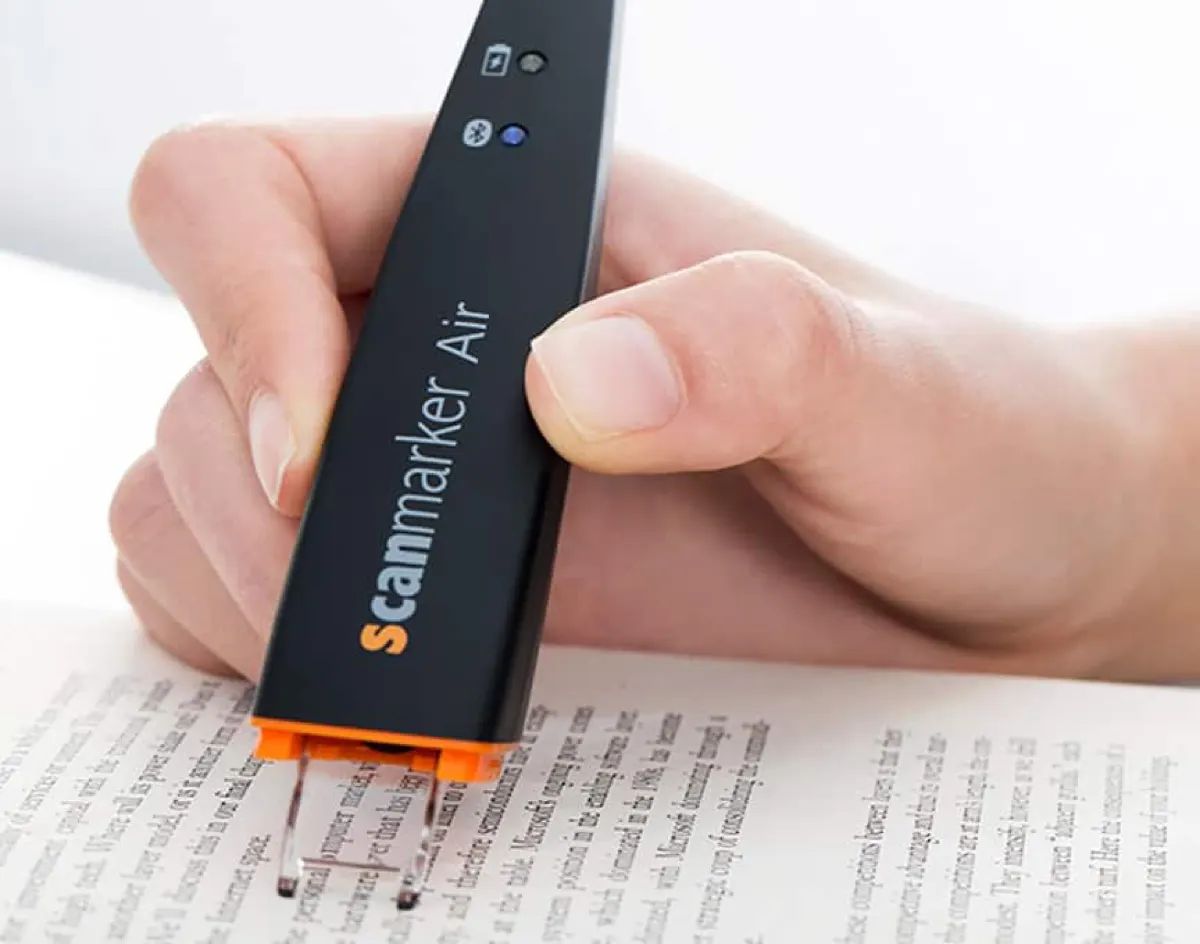
| Scanmarker Air | Connected | $169 | Types recognized text directly into any focused app — Word, Excel, Docs, a browser field |
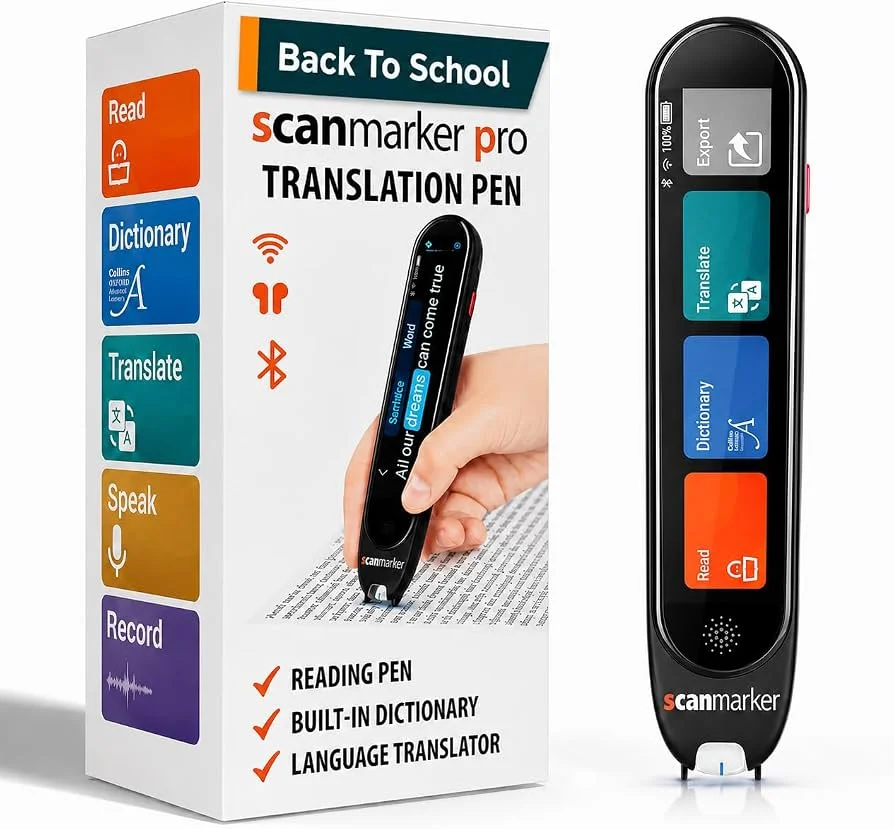
| Scanmarker Pro | Connected | $249 | Same connected OCR pipeline as Air, built for managed 1:1 device deployments |
| Scanmarker PAL | Standalone | $179 | Same core OCR engine as Max, without the translation layer on top |
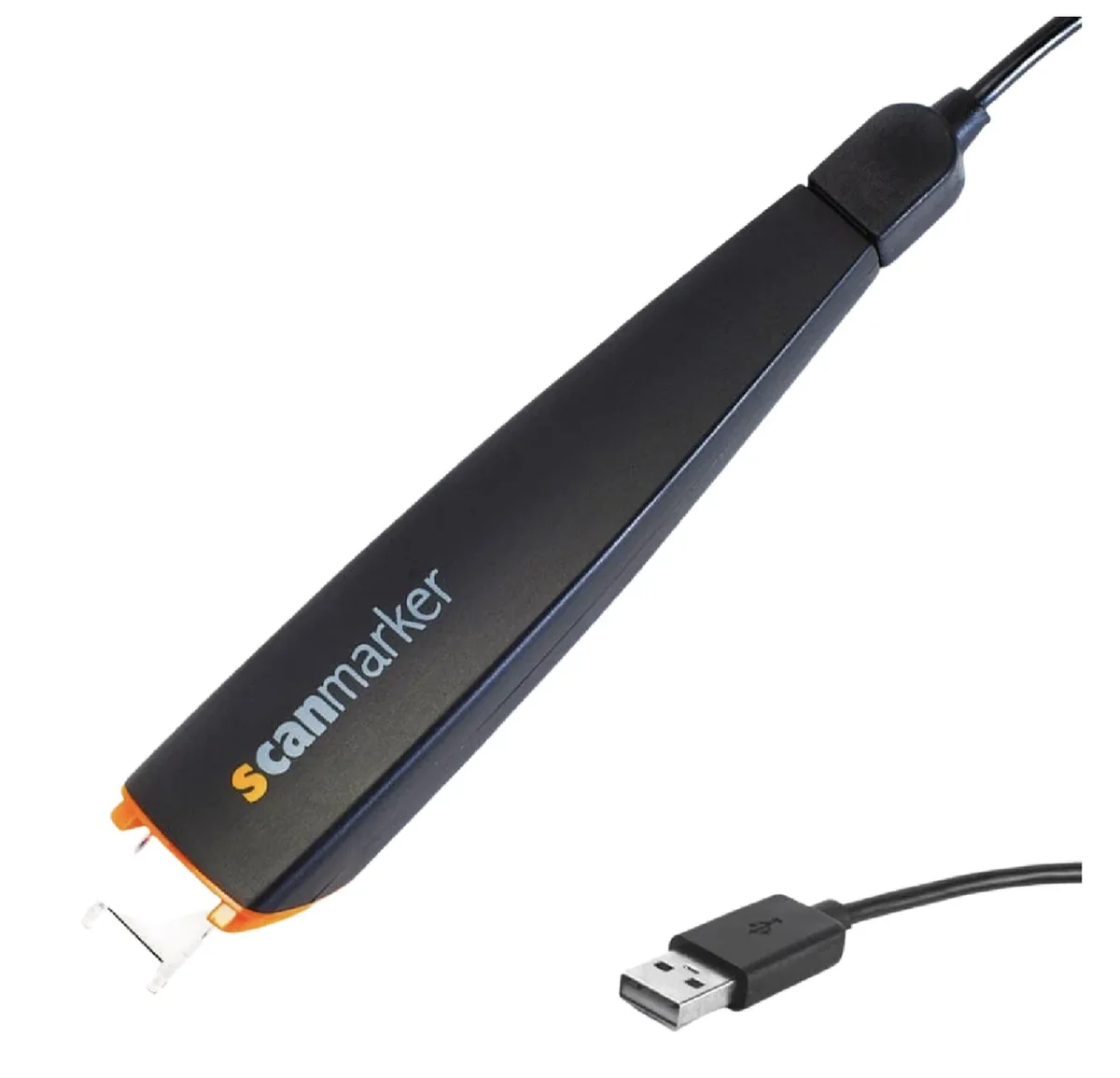
| Scanmarker USB | Connected | $79 | Wired connected OCR — budget entry point, no wireless pairing needed |
What Actually Changes OCR Accuracy
Font and print quality matter more than which pen you buy. A clean, standard sans-serif or serif textbook line scans reliably across the whole lineup. Glossy magazine stock, stylized display fonts, low-contrast printing, and handwriting are harder for OCR in general — not a specific model's weak point.
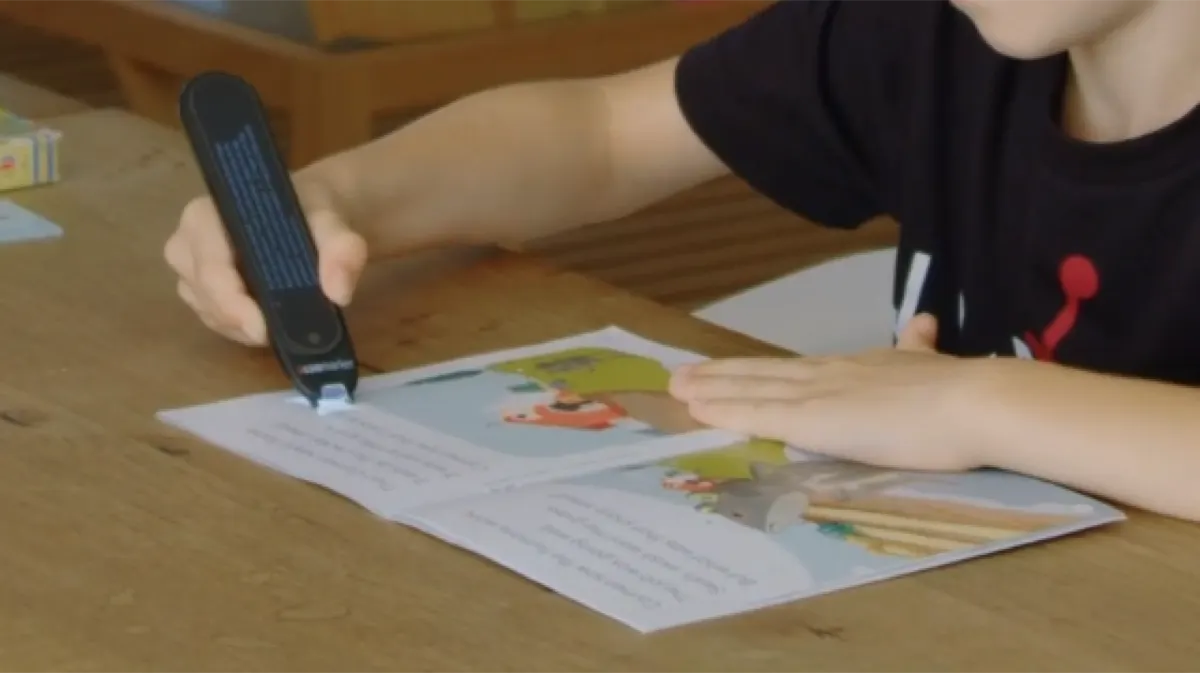
Scan speed is a function of a steady hand, not the processor. Every pen in this lineup is built to keep pace with a normal, steady left-to-right drag along a line of text — up to roughly 3,000 characters per minute in practical use. See <a href="/guides/how-pen-scanners-work/">how pen scanners work</a> for the full recognition pipeline, from optical capture to <a href="https://www.unicode.org" target="_blank" rel="noopener">Unicode</a> character mapping.
Offline vs. cloud-dependent is the real technical fork. Max, Max Bundle, and PAL run their OCR and (on Max) translation entirely on-device — no data leaves the pen. Air, Pro, and USB perform OCR on-device too, but their entire purpose is handing the recognized text to a paired device's app.
Choosing by Use Case, Not by "Best OCR" Alone
Digitizing text into a document you're actively typing: <a href="/guides/scanmarker-air/">Air</a> (wireless) or <a href="/guides/scanmarker-usb/">USB</a> (wired, budget). Fully offline reading support with no other device involved: <a href="/guides/scanmarker-max/">Max</a> or <a href="/guides/scanmarker-pal/">PAL</a>. Managed classroom deployment with existing 1:1 devices: <a href="/guides/scanmarker-pro/">Pro</a>.